PNG to PDF Converter
Convert PNG to PDF online for free, right in your browser. Batch conversion with no file size limit and no sign-up — ...
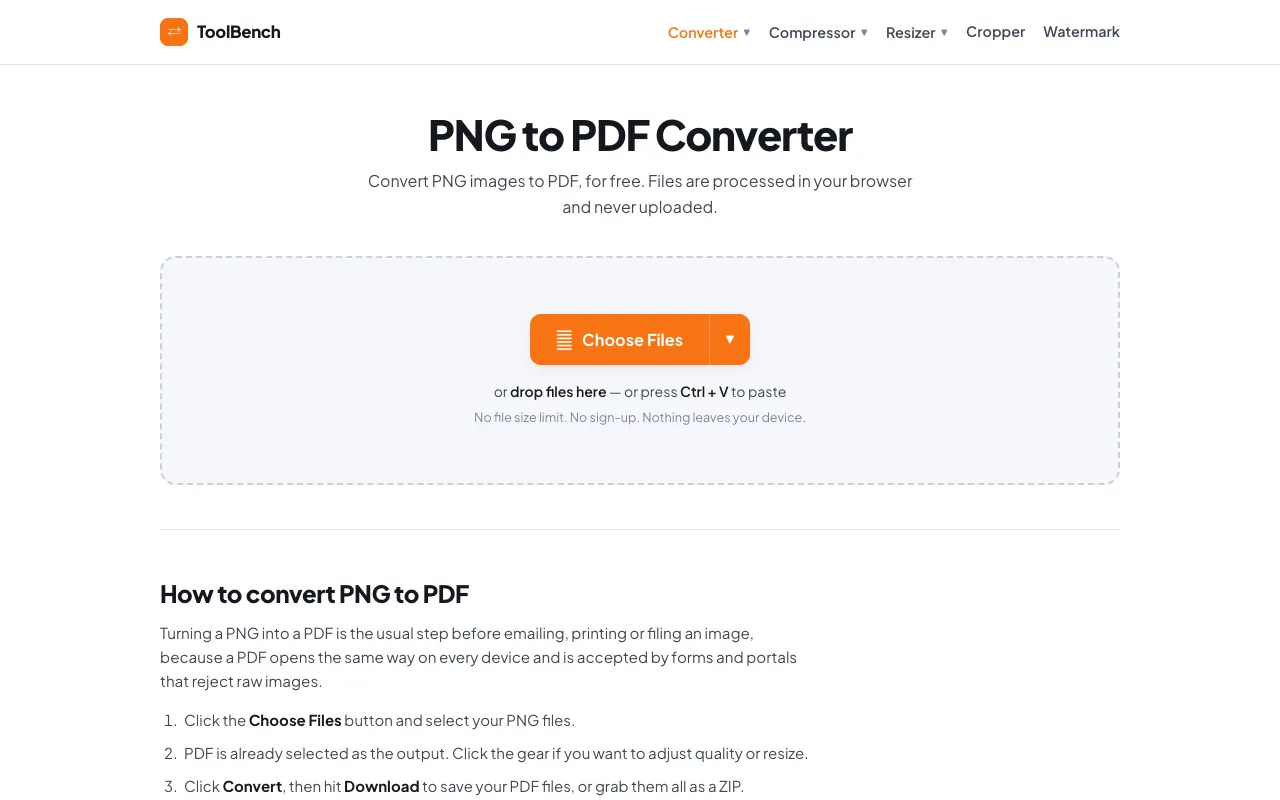
What PNG to PDF Converter does
The PNG to PDF Converter on MyToolsBench is a free, browser-based tool that transforms PNG images into PDF documents without uploading files to a server. Users can convert single or multiple images into a single PDF, with options to adjust quality and resize individual files. The output preserves image quality while replacing transparency with a clean white matte, and the resulting PDFs are ready for emailing, printing, or filing. The site emphasizes that all processing happens locally in the user's browser, ensuring privacy and eliminating file size or count limits.
How to use the MyToolsBench PNG to PDF Converter
- 1
Click the Choose Files button and select your PNG images from your device
- 2
Adjust quality or resize individual files by clicking the gear icon if needed
- 3
Click the Convert button to process your selected PNG files into a single PDF
- 4
Hit Download to save your PDF files, or grab them all as a ZIP archive
Best for
This option suits users who need to combine multiple PNG images into a single PDF document for presentations, reports, or web publishing while maintaining privacy, as all processing occurs locally in the browser without uploading files to a
Limitations
- No unit switching options available
- Results may vary depending on original image quality
- Interface includes advertisement elements on the page
PNG to PDF Converter FAQ
- Can I convert multiple PNG files into one PDF at once?
- Yes, you can add as many PNG images as you like, and they will all be converted into a single PDF document.
- Are my PNG files uploaded to the server when using this converter?
- No, all files are processed entirely in your browser and never uploaded, stored, or deleted from a server.
- Can I adjust the quality or size of the PNG images before converting to PDF?
- Yes, you can click the gear icon to adjust quality per file and resize images during the conversion process.
- What happens to transparency when PNG images are converted to PDF?
- Formats without transparency get a clean white matte instead of the black edges that most converters leave behind.
More PNG to PDF converter tools
Similar tools
Based on shared tags