Image Tools2 options compared

PNG to PDF converter

Converts PNG images to PDF documents easily online. Users can upload multiple PNG files, set page orientation, and customize image resolution before exporting as a single PDF. Helps users organize graphics into professional-looking documents for presentations, reports, or web publishing without needing any software installation. Ideal for businesses, educators, and anyone who needs to share or...
Editors’ Top PickBased on community votes
Other OptionsRanked by votes
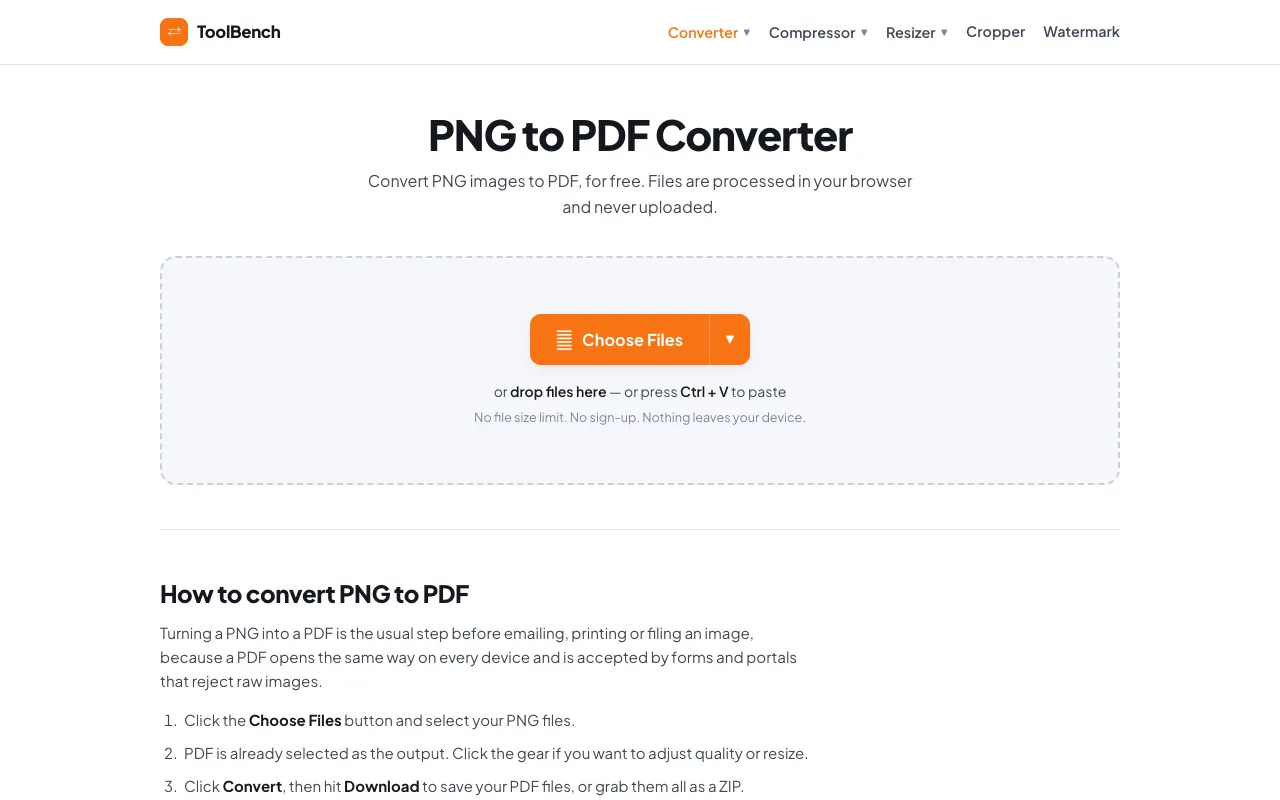
  1. Screenshot of MyToolsBench
    02
    MyToolsBench
    mytoolsbench.com

    Convert PNG to PDF online for free, right in your browser. Batch conversion with no file size limit and no sign-up — ...

Side by side

PNG to PDF converter options compared

ToolBest forStrengthsLimitations
RapidTables
rapidtables.com
Quick conversions with page setup
  • Preserves image quality
  • Supports multiple file uploads
  • Offers page orientation and size options
  • Ads on the page
  • Requires internet connection
MyToolsBench
mytoolsbench.com
Private batch conversion
  • No file size limit
  • Files processed locally
  • No sign-up required
  • Fewer page customization options
  • Advertisement present

Buyer's guide

How to choose a png to pdf converter

If you need to set page orientation, adjust margins, or choose a specific paper size, RapidTables gives you those controls in one place. If you are working with large batches of images or want to keep your files completely private without uploading them to a server, MyToolsBench processes everything in your browser and has no size restrictions.

Questions

PNG to PDF converter FAQ

Can I convert multiple PNG files at once?
Yes, both tools support uploading several PNG files and merging them into one PDF, though RapidTables offers more page layout options while MyToolsBench focuses on unlimited batch processing.
Will my image quality be affected by the conversion?
Both tools preserve the visual integrity of the original PNG, embedding the raster image into a PDF container without re-encoding the image data, so quality remains consistent.
Do I need to install any software to use these converters?
No, both are web-based and run directly in your browser; RapidTables requires an internet connection, while MyToolsBench processes files locally without uploading them to a server.
Is there a file size limit on the PNG files I can upload?
MyToolsBench advertises no file size limit, while RapidTables does not specify a limit in the provided excerpt, but may have implicit restrictions based on typical free web tools.
Can I adjust the page orientation and size when converting?
RapidTables provides options for page orientation (portrait/landscape) and paper size (Letter, Legal, A4, etc.), whereas MyToolsBench does not mention these customization features in the excerpt.
Keep Exploring

Related tools in Image Tools

View all →