PNG to JPG Converter
Convert PNG to JPG online for free, right in your browser. Batch conversion with no file size limit and no sign-up — ...
What PNG to JPG Converter does
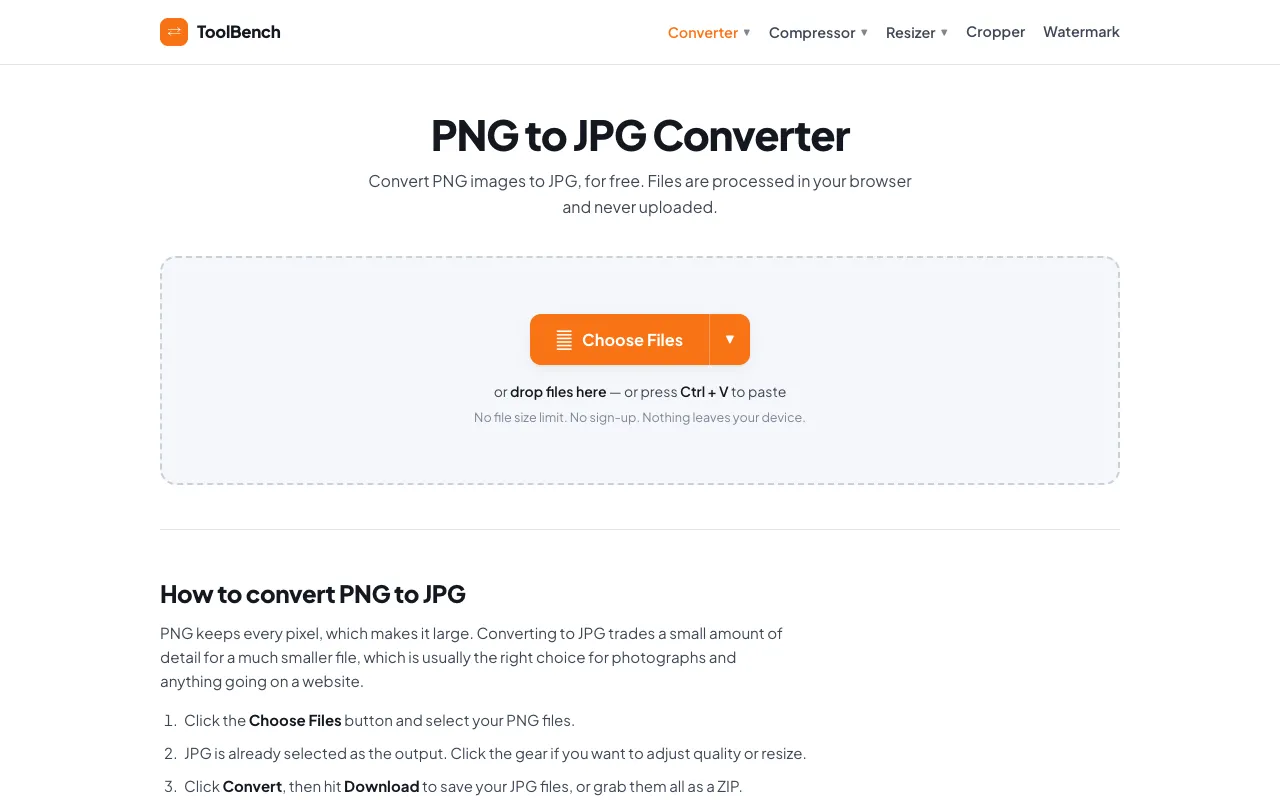
The PNG to JPG Converter on MyToolsBench transforms PNG image files into the JPG format, typically reducing file size while preserving visual quality. Users can convert individual or multiple PNG files into JPGs without creating an account or paying fees. The result is a set of JPG files ready for web use or general sharing, with the option to adjust quality settings per file. This tool provides a straightforward method for changing image formats directly in the browser, eliminating the need for desktop software. The site emphasizes that files are processed locally, meaning they remain on the user's device throughout the conversion process. This approach addresses common concerns about privacy and file security that users often have with online converters. The interface supports various input methods, allowing users to select files from their device or cloud storage services, though some cloud integrations are listed as coming soon.
How to use the MyToolsBench PNG to JPG Converter
- 1
Click the Choose Files button and select your PNG files from your device
- 2
Adjust the quality setting per file using the gear icon if desired, or keep the default settings
- 3
Click the Convert button to process your selected PNG files into JPG format
- 4
Hit the Download button to save individual JPG files or grab them all as a ZIP archive
- 5
Repeat the process with additional files using the Add More Files option for batch conversions
Best for
This option suits users who need to convert PNG files to JPG format for web use or sharing while maintaining control over image quality, particularly those concerned about privacy since files are processed entirely in the browser without up
Limitations
- Adjustment options like quality and resize are available per file but may require clicking the gear icon
- Some cloud storage integrations (Dropbox, Google Drive, OneDrive) are listed as coming soon rather than fully available
- The tool is specifically designed for PNG to JPG conversion and may not support other image format transformations
PNG to JPG Converter FAQ
- Will my PNG files lose quality when converted to JPG?
- Files are processed entirely in your browser and never uploaded, stored, or deleted from a server because they never leave your device. This means there is nothing to delete afterwards and no size or file-count limit, as conversions happen locally on your own device.
- Can I convert multiple PNG files at once?
- You can drop in as many PNG images as you like and they all come out as JPG. The tool supports batch conversion, allowing you to convert multiple files simultaneously, with the option to change the output format on any individual file if you need a mixed batch.
- What happens to transparency when converting PNG to JPG?
- Formats without transparency get a clean white matte instead of the black edges most converters leave behind. This ensures that images without transparent backgrounds display correctly in the JPG format without unsightly dark borders appearing around the edges.
- Is there a file size limit for conversions?
- There is no file size limit for conversions on this tool. The service supports batch conversion with no file size limit and no sign-up required, making it suitable for converting large numbers of files or large individual files without restrictions.
More PNG to JPG converter tools
Similar tools
Based on shared tags