Image Tools3 options compared

JPG to PNG converter

Converts JPG images to PNG format, maintaining image quality while reducing file size. Users upload their JPG files, and the converter processes them into transparent PNG format instantly online. Ideal for web designers, graphic artists, and anyone needing to optimize image files for the web or digital documents. Converts images for use on websites, social media posts, or anywhere transparency is...

Editors’ Top PickBased on community votes
Other OptionsRanked by votes
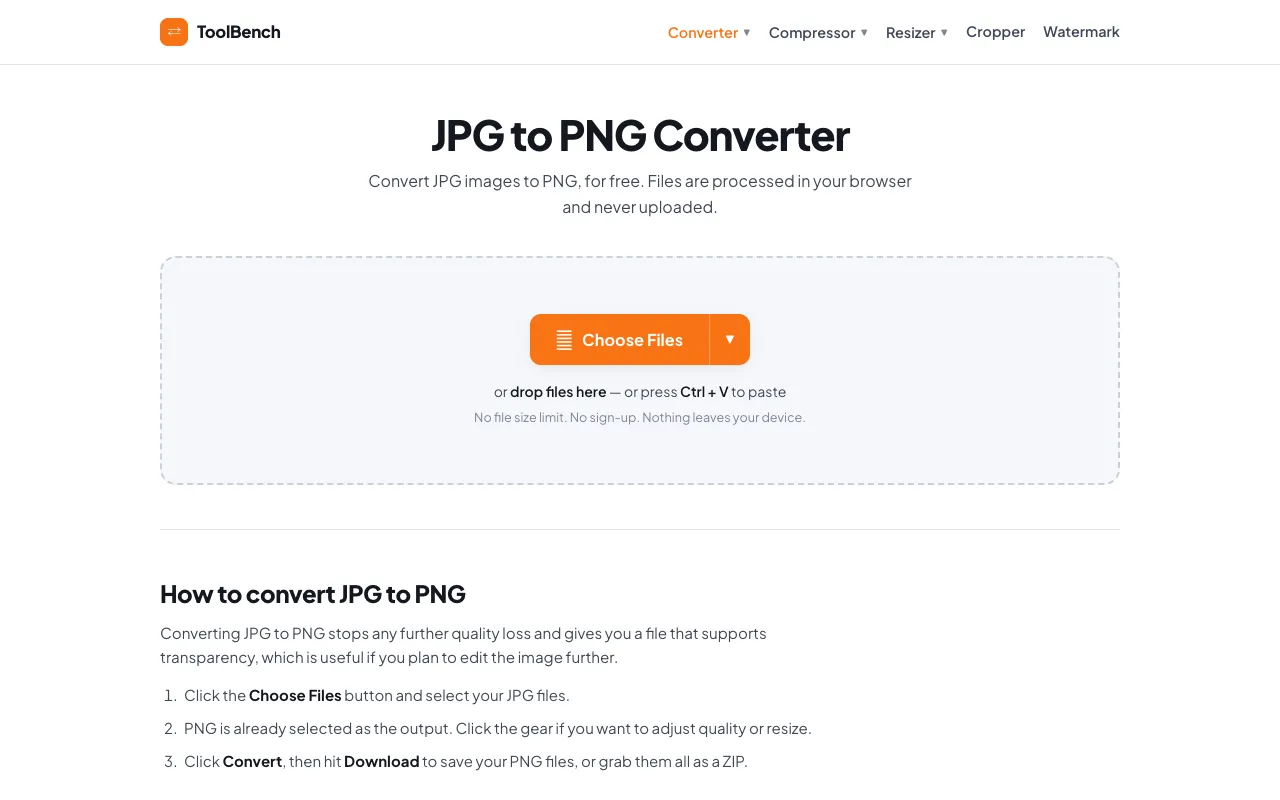
  1. Screenshot of MyToolsBench
    03
    MyToolsBench
    mytoolsbench.com

    Convert JPG to PNG online for free, right in your browser. Batch conversion with no file size limit and no sign-up — ...

Side by side

JPG to PNG converter options compared

ToolBest forStrengthsLimitations
CodeBeautify
codebeautify.org
Bulk conversion needs
  • Supports multiple JPG uploads at once
  • Straightforward browser-based processing
  • No explicit privacy guarantees mentioned
  • Interface contains many other converter links
RapidTables
rapidtables.com
Single file quick conversions
  • Simple button-driven workflow
  • Preserves transparency info from source JPG
  • Designed for one image at a time
  • Basic interface with minimal guidance
MyToolsBench
mytoolsbench.com
Privacy-conscious users
  • Files processed entirely in browser
  • No file size limits or sign-up required
  • Explicitly states files never uploaded
  • Batch tools labeled as 'SOON' for cloud services
  • Advertisement present on page

Buyer's guide

How to choose a jpg to png converter

When picking a JPG to PNG converter, consider whether you are converting one image or many, how much you value privacy, and whether you need extra editing options. If you are converting multiple files at once, CodeBeautify handles bulk uploads efficiently. If the image contains sensitive information, MyToolsBench processes everything locally in your browser without uploading to a server. For a single quick conversion, RapidTables provides a simple button-driven approach without requiring an account.

Questions

JPG to PNG converter FAQ

Will converting JPG to PNG make my image higher quality?
No, PNG is a lossless format but it cannot add detail that wasn't in the original JPG. The main benefit is supporting transparency and often smaller file size for images with large uniform areas.
Can I convert a JPG with a white background to a transparent PNG?
Converting a JPG to PNG does not automatically make the background transparent. If your JPG already has transparent areas those will be preserved, but a solid white background will remain unless you edit the image separately.
Do I need to install software to convert JPG to PNG?
No, all three tools listed are web-based and run in your browser. You upload the file, the conversion happens locally or on the site's servers, and you download the PNG result.
Is there a file size limit for these converters?
CodeBeautify and RapidTables do not mention specific size limits in the provided excerpts. MyToolsBench explicitly states there is no file size limit and files are processed entirely in your browser.
Will the PNG file support transparency after conversion?
Yes, PNG format natively supports transparency. If your original JPG contains transparent areas, those will be maintained in the output. For JPG files without transparency, the resulting PNG will have a solid background unless you edit it further.
Keep Exploring

Related tools in Image Tools

View all →