PNG to GIF Converter
Convert PNG to GIF online for free, right in your browser. Batch conversion with no file size limit and no sign-up — ...
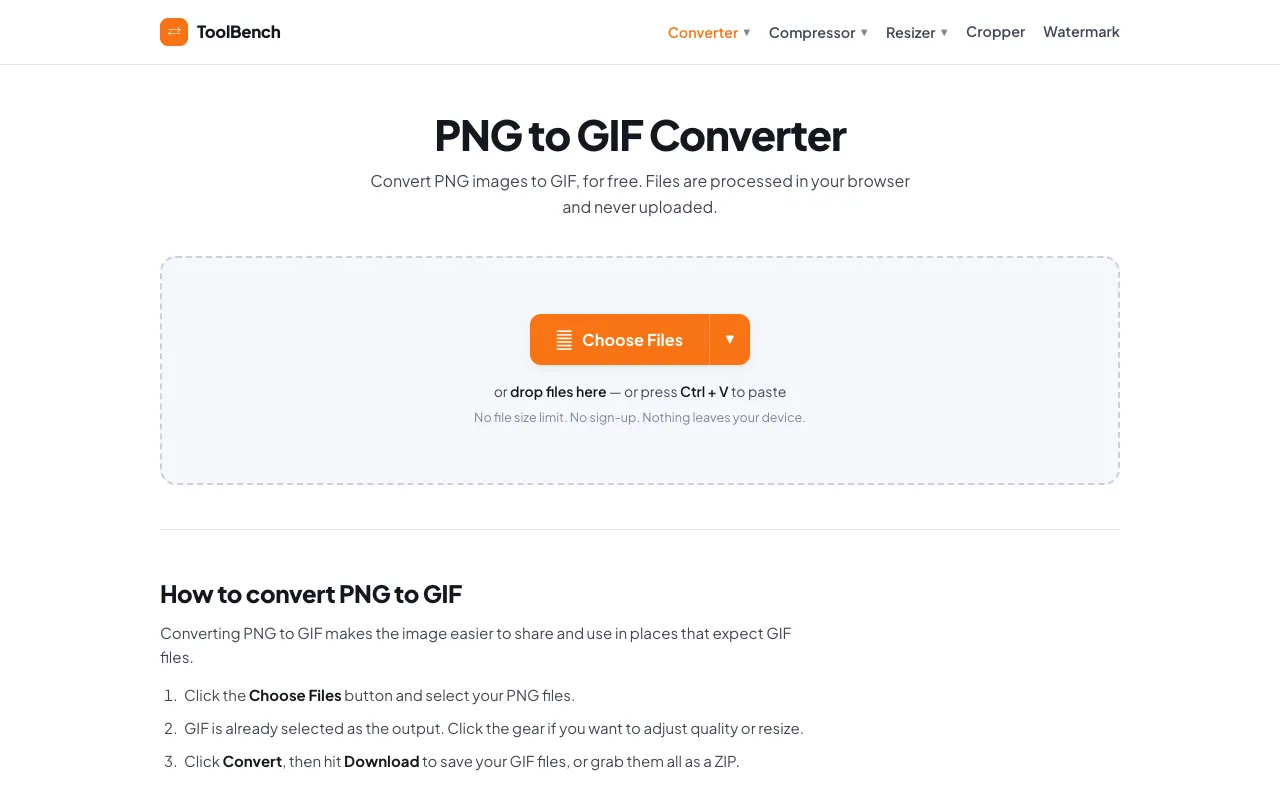
What PNG to GIF Converter does
PNG to GIF Converter is a browser-based tool that transforms static PNG images into animated or static GIFs. Users upload one or multiple PNG files and receive GIF output without leaving their device. The conversion process preserves image content while adapting it to the GIF format, which is widely supported across web platforms and social media. The result is a compressed, shareable file suitable for web use, presentations, or digital communication where GIF compatibility is required.
How to use the MyToolsBench PNG to GIF Converter
- 1
Open the PNG to GIF Converter on MyToolsBench and click Choose Files to select your PNG images from your device.
- 2
Optionally adjust quality or resize settings per file using the gear icon if you need specific output dimensions or file size.
- 3
Click the Convert button to process the files entirely within your browser.
- 4
Download individual GIFs or grab all results as a ZIP archive once conversion completes.
- 5
Repeat the process for additional batches, as there is no file size limit and no registration required.
Best for
Web designers, social media managers, and anyone who needs to convert PNG images to GIF format for sharing on platforms that expect GIF files, especially when working with multiple images at once.
Limitations
- No unit switching between measurement systems for resizing
- Quality adjustments may affect file size and visual fidelity
- Advanced GIF features like precise frame timing are not specified in the available material
PNG to GIF Converter FAQ
- Can I convert multiple PNG files at once?
- Yes, the tool supports batch conversion. You can add as many PNG images as you like, and they will all be converted to GIF format together.
- Are my files uploaded to a server during conversion?
- No, files are processed entirely in your browser and never uploaded, stored, or sent to a server, so nothing leaves your device.
- Can I adjust the quality or size of the output GIF?
- Yes, you can click the gear icon to adjust quality and resize settings per file before converting.
- What happens to images that don't have transparency when converted to GIF?
- Formats without transparency get a clean white matte instead of the black edges most converters leave behind.
More PNG to GIF converter tools
Similar tools
Based on shared tags