JPG to PNG Converter
Convert JPG to PNG online for free, right in your browser. Batch conversion with no file size limit and no sign-up — ...
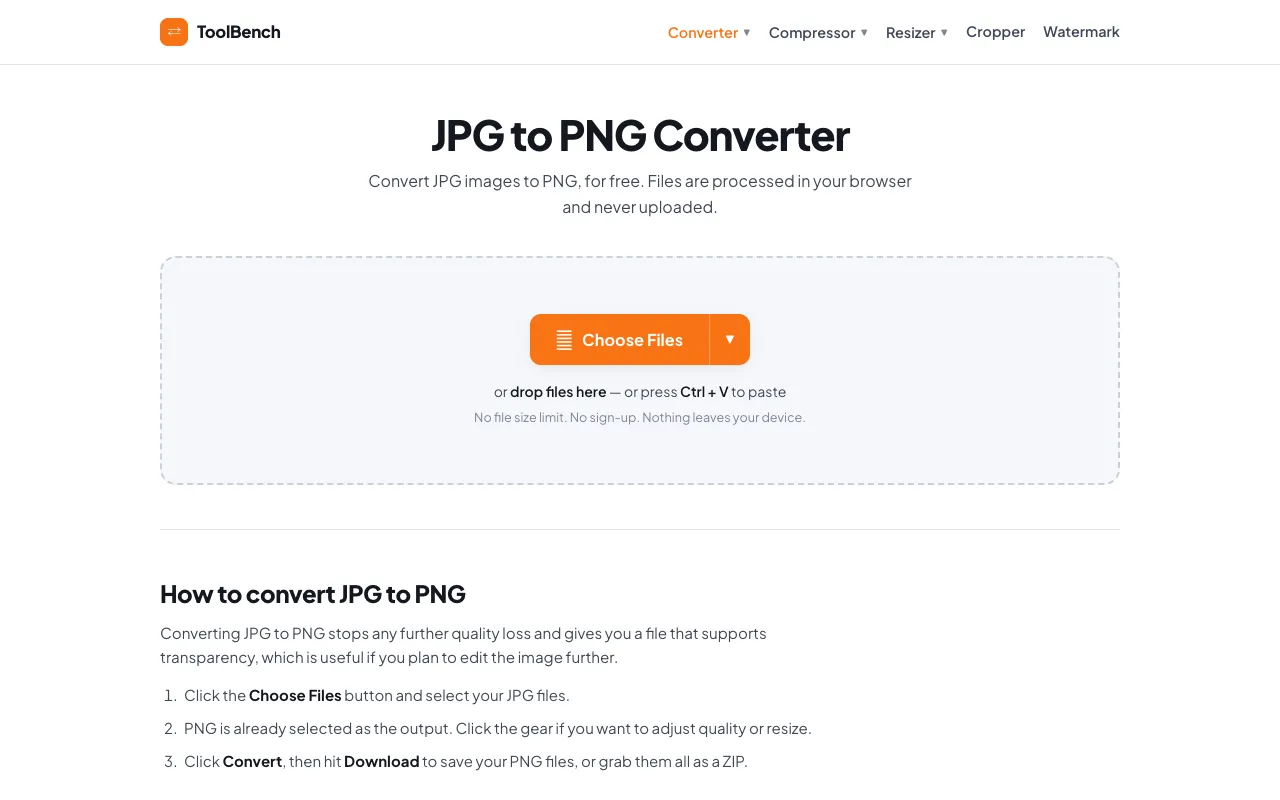
What JPG to PNG Converter does
JPG to PNG Converter on MyToolsBench converts JPG images to PNG format directly in the browser, preserving image quality while enabling transparency. Users receive a PNG file suitable for web design, graphic art, or further editing without any loss in quality. The tool processes files locally, ensuring nothing leaves the user's device. The site offers a straightforward interface for immediate conversion with options to adjust quality and resize images during the process. It supports batch conversion of multiple JPG files, outputting them as a mixed batch of PNGs or a single ZIP archive. The converter distinguishes itself by maintaining clean white matting for non-transparent formats, avoiding the black edges common with other converters. All conversions happen entirely within the browser, emphasizing privacy and convenience.
How to use the MyToolsBench JPG to PNG Converter
- 1
Click the Choose Files button to select JPG images from your device
- 2
Adjust quality or resize settings using the gear icon if desired
- 3
Click the Convert button to process the files
- 4
Download individual PNG files or grab all results as a ZIP archive
Best for
Web designers and graphic artists who need to convert JPG images to PNG format for web optimization, transparency support, or further editing without uploading files to a server.
Limitations
- No unit switching for dimensions
- Quality adjustment is per-file only
- No sign-up required but limited to image conversion tasks
JPG to PNG Converter FAQ
- Can I convert multiple JPG files at once?
- Yes, the tool supports batch conversion. You can add as many JPG images as you like, and they will all be processed together into PNG format, with the option to download them individually or as a combined ZIP file.
- Are my uploaded files kept private?
- Yes, all conversions are processed entirely in your browser. Files are never uploaded, stored, or sent to a server, ensuring complete privacy and no size or file-count limits.
- What happens if my JPG doesn't have transparency?
- The converter applies a clean white matte background to formats without transparency, avoiding the black edges that many other converters leave behind.
- Can I adjust the quality or size of the output PNG?
- Yes, you can click the gear icon to adjust quality and resize settings per file before converting. This allows you to optimize the PNG file size and dimensions as needed.
More JPG to PNG converter tools
Similar tools
Based on shared tags