JPG to PDF Converter
Convert JPG to PDF online for free, right in your browser. Batch conversion with no file size limit and no sign-up — ...
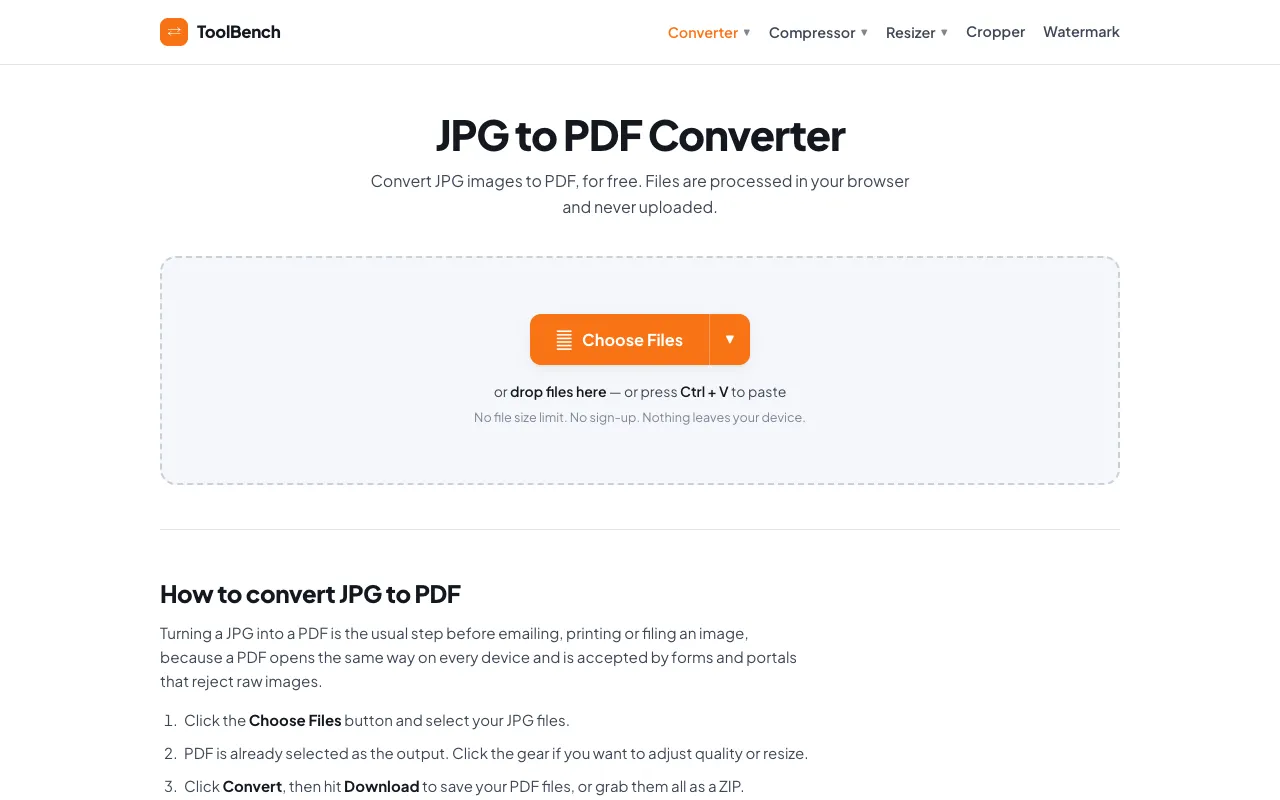
What JPG to PDF Converter does
JPG to PDF Converter on MyToolsBench converts image files into PDF documents directly in the user's browser. It accepts JPG files from a device or cloud storage, allowing multiple images to be combined into a single PDF or individual PDFs per file. The output preserves image quality and applies a clean white matte to formats without transparency, avoiding the black edges common with other converters. Users receive a downloadable PDF or a ZIP archive containing all converted files.
How to use the MyToolsBench JPG to PDF Converter
- 1
Click the Choose Files button to select JPG images from your device or cloud storage
- 2
Adjust quality settings per file or resize images using the gear icon if desired
- 3
Click the Convert button to process the files entirely within your browser
- 4
Download the resulting PDF files or grab them all as a ZIP archive
Best for
This option suits users who need to combine multiple JPG images into a single PDF or separate PDFs without uploading sensitive files to external servers, valuing privacy and unlimited file sizes.
Limitations
- The page includes an advertisement section
- Output quality adjustments are manual per file rather than automatic
- Cloud storage integration (Dropbox, Google Drive, OneDrive) is listed as SOON, not currently available
JPG to PDF Converter FAQ
- Can I convert multiple JPG files at once?
- Yes, the tool supports batch conversion, allowing users to add multiple JPG images and convert them all at once into a single PDF or individual files.
- Are my JPG files uploaded to the server?
- No, files are processed entirely in the browser and never uploaded, stored, or deleted from a server because they never leave the user's device.
- Can I adjust the quality or size of the output PDF?
- Yes, users can click the gear icon to adjust quality and resize individual files before conversion.
- What happens if my JPG image has transparency?
- Formats without transparency get a clean white matte instead of the black edges most converters leave behind, ensuring a consistent appearance.
More JPG to PDF converter tools
Similar tools
Based on shared tags