JPG to BMP Converter
Convert JPG to BMP online for free, right in your browser. Batch conversion with no file size limit and no sign-up — ...
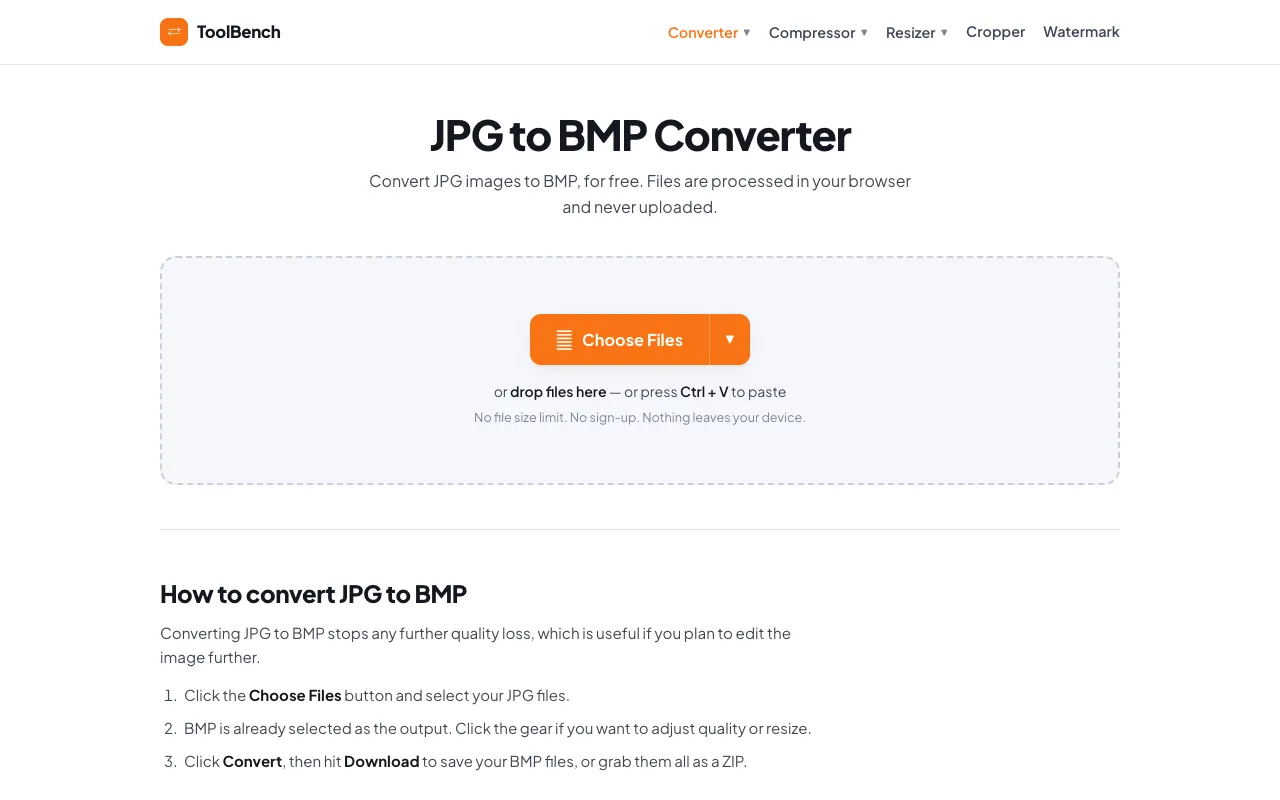
What JPG to BMP Converter does
JPG to BMP Converter is a free, browser-based tool that transforms JPG images into BMP format without requiring software installation or account creation. Users upload a JPG file and receive a downloadable BMP version that preserves the original visual quality. The service emphasizes privacy by processing files locally within the browser, ensuring images never leave the user's device. This makes it suitable for quick format changes where data security is a concern, offering a simple solution for converting images for compatibility with applications that require BMP files.
How to use the MyToolsBench JPG to BMP Converter
- 1
Upload the JPG file you want to convert using the file selector
- 2
Wait for the tool to process the conversion locally in your browser
- 3
Download the resulting BMP file to your device
- 4
Optionally repeat the process for additional images since batch conversion is supported
Best for
This option suits users who need to convert JPG images to BMP format quickly and privately, especially those working with sensitive files who prefer processing to remain on their local device.
Limitations
- No information about specific output quality settings or resolution options
- No details about supported color depths or BMP format variants
- No explicit mention of maximum file size limits despite claims of 'no file size limit'
JPG to BMP Converter FAQ
- Is my uploaded JPG image kept private and secure?
- Yes, the tool processes files locally within your browser and does not upload images to a server, ensuring your images remain private and secure during conversion.
- Can I convert multiple JPG files at once?
- Yes, the tool supports batch conversion, allowing you to convert multiple JPG files to BMP format in a single session without file size limits.
- Do I need to install any software or create an account to use this converter?
- No, JPG to BMP Converter runs directly in your web browser and requires no software installation or account creation to function.
- Will the converted BMP file maintain the same visual quality as the original JPG?
- The converter aims to preserve the original visual quality of your JPG image when converting to BMP format, though specific quality settings are not detailed in the available information.
More JPG to BMP converter tools
Similar tools
Based on shared tags