GIF to PNG Converter
Convert GIF to PNG online for free, right in your browser. Batch conversion with no file size limit and no sign-up — ...
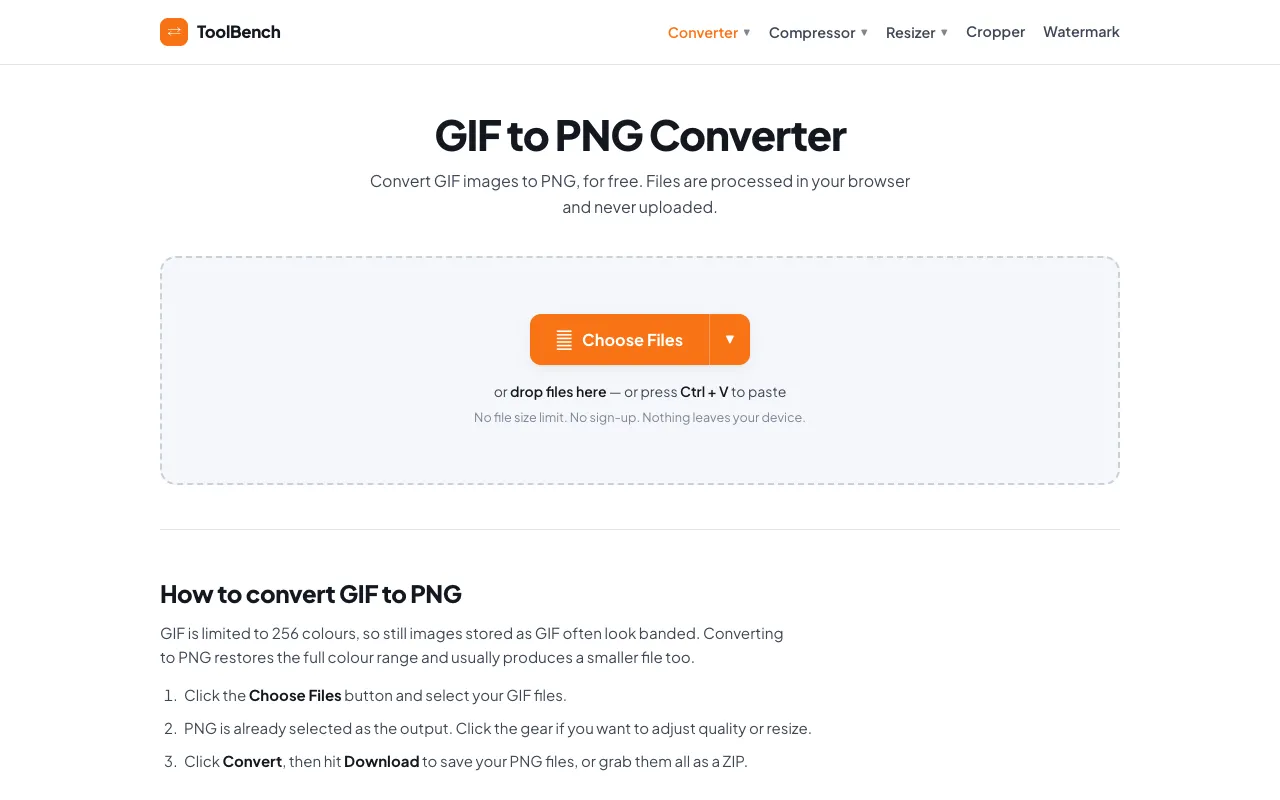
What GIF to PNG Converter does
GIF to PNG Converter on MyToolsBench converts animated GIF files into static PNG images directly in the browser. Users upload a GIF and receive a higher-resolution still image that preserves the full colour range, often resulting in a smaller file size than the original GIF. The output is a static PNG, ideal for designers and developers who need a non-animated version of a GIF without losing visual detail.
How to use the MyToolsBench GIF to PNG Converter
- 1
Click the Choose Files button and select your GIF files from your device or cloud storage
- 2
Adjust quality or resize settings per file using the gear icon if needed
- 3
Click the Convert button to process the files entirely in your browser
- 4
Hit Download to save individual PNGs or grab them all as a ZIP archive
Best for
Graphic designers, web developers, and anyone who needs to extract a high-quality still image from an animated GIF without uploading files to a server.
Limitations
- No unit switching for dimensions
- Quality adjustments are per-file only
- Results depend on the original GIF's colour depth
GIF to PNG Converter FAQ
- Will my GIF animation be preserved after conversion?
- Files are processed locally in your browser and never uploaded to a server, so nothing is stored or deleted afterwards.
- Can I convert multiple GIFs at once?
- You can adjust the quality and resize settings for each individual file within the same batch.
More GIF to PNG converter tools
Similar tools
Based on shared tags