GIF to JPG Converter
Convert GIF to JPG online for free, right in your browser. Batch conversion with no file size limit and no sign-up — ...
What GIF to JPG Converter does
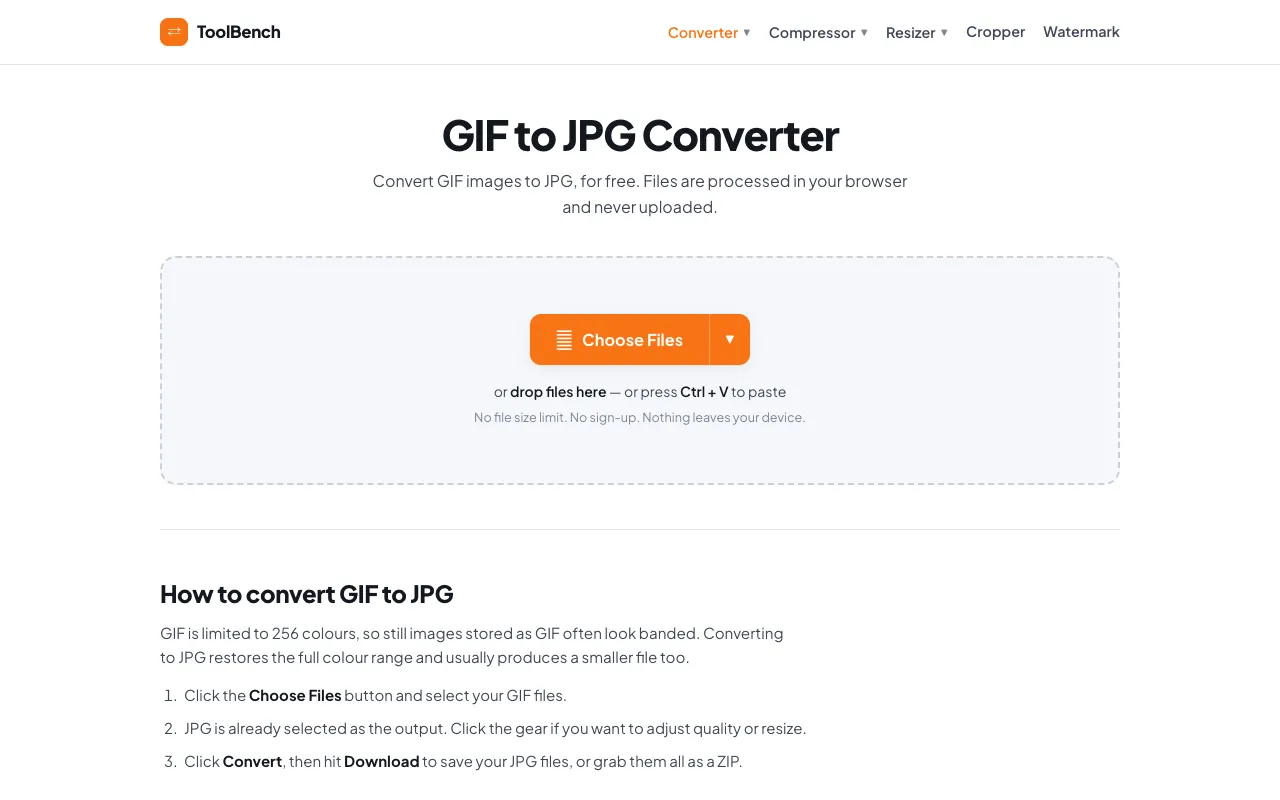
The GIF to JPG Converter on MyToolsBench converts animated or static GIF images into JPG format directly within the user's browser. This process reduces file size while preserving image quality, making it suitable for web designers and social media users who need smaller, more compatible image files. The tool supports batch conversion with no file size limit, allowing users to add multiple GIFs and process them together. A distinctive feature of this site's version is its strong emphasis on privacy: files are processed entirely in the browser and never uploaded to a server, ensuring that nothing leaves the user's device. Additionally, the interface includes options to adjust quality and resize images, and it handles formats without transparency by applying a clean white matte instead of the black edges common with other converters.
How to use the MyToolsBench GIF to JPG Converter
- 1
Click the Choose Files button and select your GIF files from your device or cloud storage
- 2
Adjust quality or resize settings using the gear icon if desired
- 3
Click the Convert button to process the files
- 4
Download individual JPG files or grab all results as a ZIP archive
Best for
This option suits web designers, social media users, and anyone needing to reduce GIF file size while gaining the broader compatibility and smaller footprint of JPG format, especially those concerned about privacy since files stay on their
Limitations
- No unit switching for dimensions
- Quality adjustments are estimates
- Results depend on the original GIF's colour complexity
GIF to JPG Converter FAQ
- Are my GIF files uploaded to the server when I use this converter?
- No, files are processed entirely in your browser and never uploaded, stored, or sent to a server, so nothing leaves your device.
- Can I convert multiple GIF files at once?
- Yes, the tool supports batch conversion with no file size limit, allowing you to add as many GIF images as you like and convert them together.
- What happens if my GIF has transparency when converted to JPG?
- Formats without transparency get a clean white matte instead of the black edges most converters leave behind, ensuring a consistent background.
- Is there a limit on the number of files I can convert?
- There is no file size limit and no sign-up required; you can add multiple GIF images and convert them all at once.
More GIF to JPG converter tools
Similar tools
Based on shared tags