01

Converts GIF files to JPG format, reducing file size while preserving image quality. Users upload GIF images, select output settings, and download converted JPG files quickly and easily. Ideal for web designers, social media users, and anyone looking to reduce the storage space of their images without losing quality.

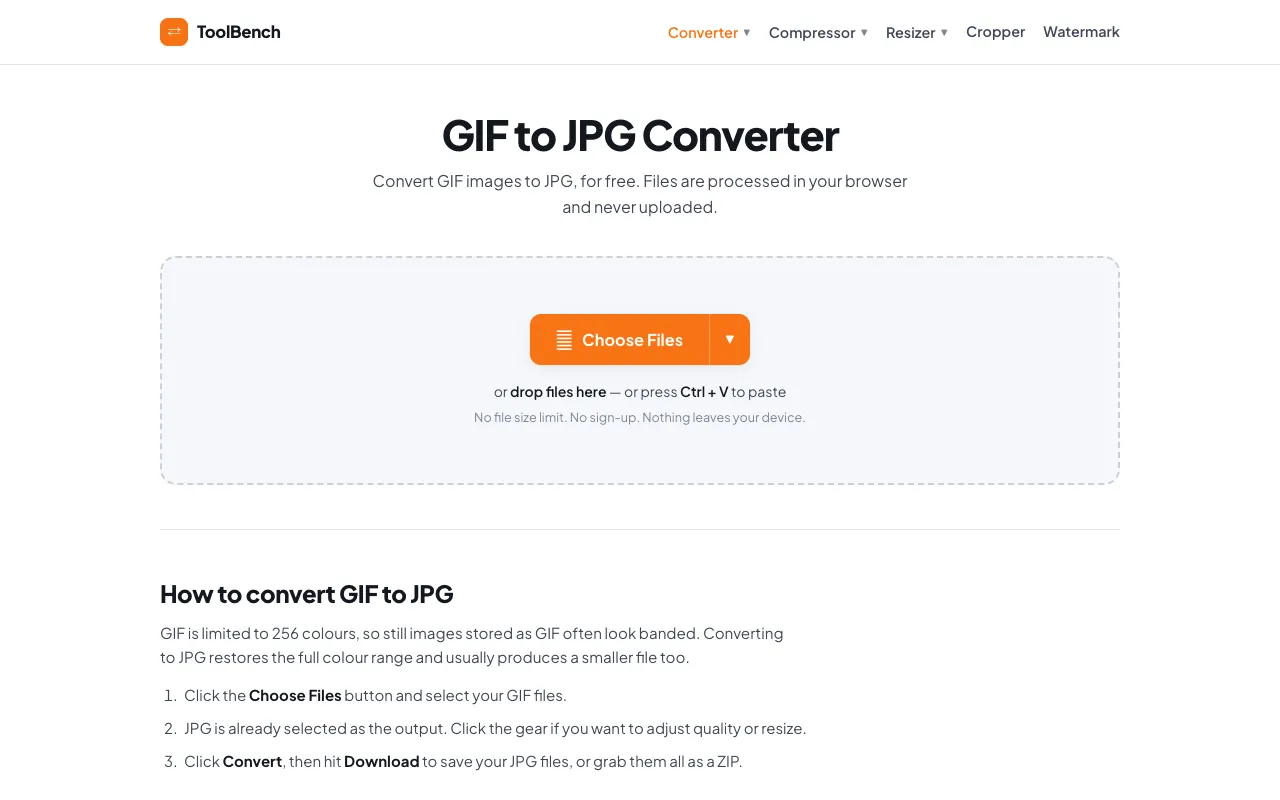
Convert GIF to JPG online for free, right in your browser. Batch conversion with no file size limit and no sign-up — ...
Side by side
| Tool | Best for | Strengths | Limitations |
|---|---|---|---|
| RapidTables rapidtables.com | Quick one-off GIF to JPG conversion |
|
|
| CodeBeautify codebeautify.org | Selective frame extraction from animations |
|
|
| MyToolsBench mytoolsbench.com | Batch conversion without uploading files |
|
|
Buyer's guide
When picking a GIF to JPG converter, think about whether you need to keep specific frames from an animation or just want the whole file converted quickly. If you are converting a single image and don't mind a few ads on the page, RapidTables gets the job done fastest. If you have multiple GIFs to convert or are privacy-conscious and want to ensure no files leave your computer, MyToolsBench is the safer bet because it processes everything in your browser.
Questions