Compress Image
Free image compression tool. Upload images, preview results, download individually, or export all as a ZIP. 100% loca...
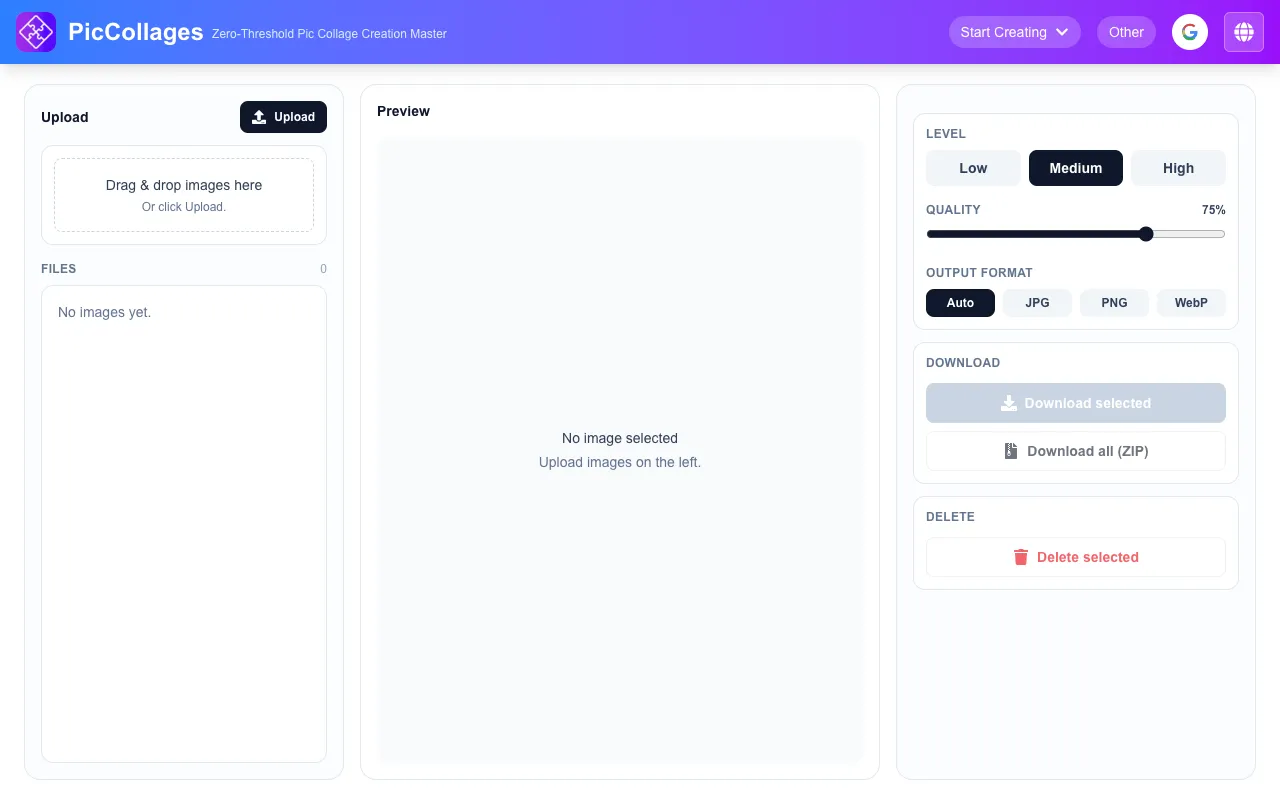
What Compress Image does
Compress Image is a free online tool hosted on Pic Collages that reduces file sizes for JPG, PNG, SVG, and GIF formats while preserving visual quality. Users upload images and receive compressed outputs in JPG, PNG, or WEBP formats, suitable for websites, emails, and social media. The service provides batch processing capabilities, allowing multiple images to be compressed simultaneously, with the option to download individual files or export all results as a single ZIP archive. The platform emphasizes privacy by processing all operations locally within the browser, ensuring that uploaded photos are never sent to external servers. Additional benefits highlighted on the site include faster page load times, storage space savings, and unlimited free use without requiring sign-up or displaying watermarks.
How to use the Pic Collage Compress Image
- 1
Upload images by clicking upload or dragging multiple files into the editor
- 2
Adjust compression strength and quality level using the provided settings, previewing each result and file size in real time
- 3
Select desired output format (JPG, PNG, or WEBP) for the compressed images
- 4
Download individual compressed files or export all results as a single ZIP archive
- 5
Access compressed images directly from the browser without any uploads to servers
Best for
Web designers, social media managers, and anyone needing to reduce image file sizes for faster loading, storage savings, or improved SEO without compromising visual quality.
Limitations
- No unit switching between measurement systems
- Results are estimates based on selected compression strength
- Interface is part of a larger collage creation suite
Compress Image FAQ
- Can I compress multiple images at once?
- Yes, the tool supports batch compression, allowing you to upload and process multiple images simultaneously, with the option to download them individually or as a combined ZIP file.
- Are my uploaded images stored or shared with third parties?
- No, the compression process runs entirely locally within your browser. Your photos are never uploaded to any server, ensuring 100% privacy.
- What output formats are available for the compressed images?
- You can export compressed images in JPG, PNG, or WEBP formats, which are suitable for websites, emails, and social media use.
- Is there a limit on the number of images I can compress or the file size?
- The tool is free and unlimited with no sign-up required, and there are no watermarks on the output files, though specific file size limits are not detailed in the available material.
More Compress Image tools
- 01Free Image Editorfreeimageeditor.io
Reduce image file size with format and quality controls. Check the real encoded bytes before downloading JPEG, PNG or...
- 02ImageToolsProimagetoolspro.in
Compress Image from ImageToolsPro.
- 03Let's Resize Itletsresizeit.com
Compress JPG, PNG, and WebP images online for free. Reduce image file size, target 100KB, 200KB, 500KB or a custom si...
- 04iLoveIMGiloveimg.com
Compresses JPG, PNG, SVG, and GIF files while preserving quality.
Similar tools
Based on shared tags