Compress Image
Compress Image from ImageToolsPro.
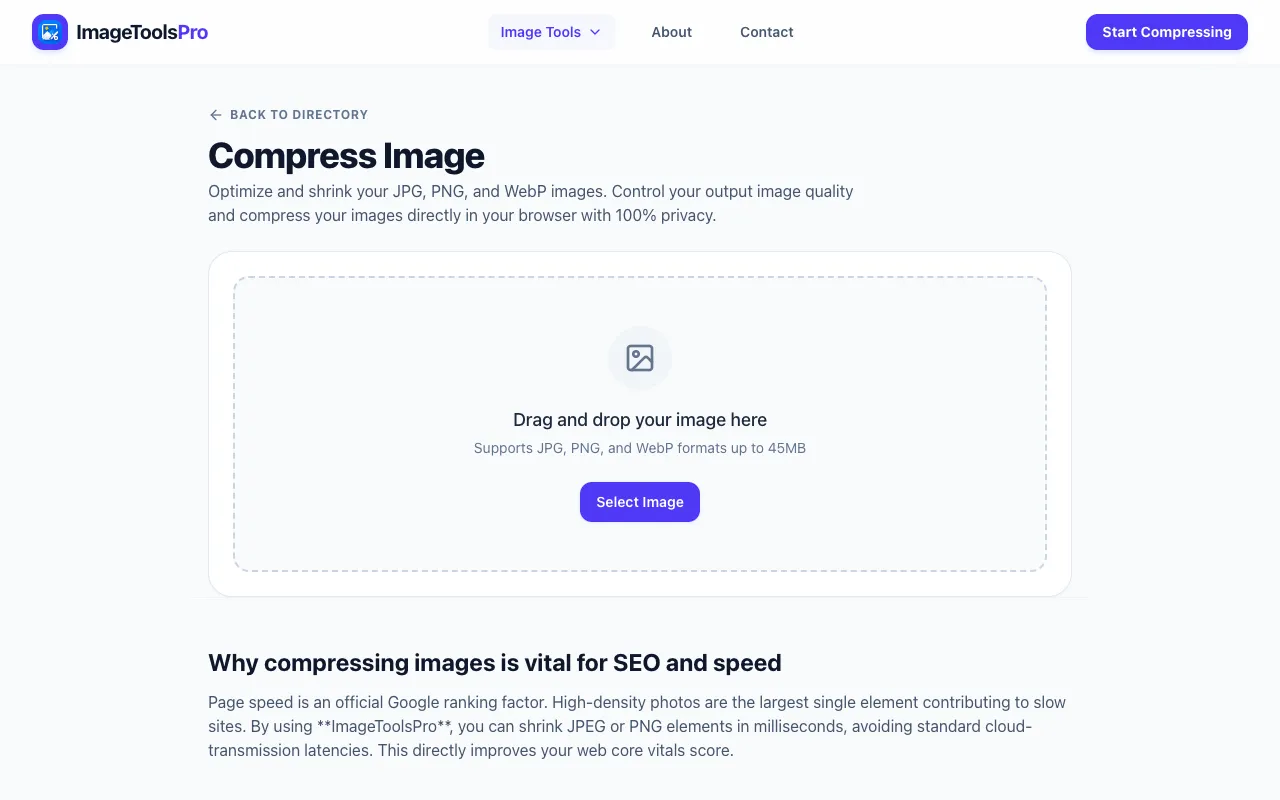
What Compress Image does
Compress Image from ImageToolsPro is an online utility that reduces the file size of JPG, PNG, SVG, and GIF formats while maintaining visual quality. Users upload an image and receive a compressed version that preserves clarity, making it suitable for web design, social media, and storage management. The service supports multiple file types in a single workflow, allowing batch processing of image collections without requiring software installation.
How to use the ImageToolsPro Compress Image
- 1
Upload an image file from your device to the Compress Image interface
- 2
Select desired compression level or quality settings if prompted
- 3
Preview the compressed result before finalizing
- 4
Download the optimized file or save multiple images as a ZIP archive
- 5
Repeat for additional images as needed
Best for
Web designers, social media managers, and anyone with large image collections who need to reduce file size while maintaining acceptable visual quality for online use.
Limitations
- No explicit file size limits mentioned in the available material
- Compression results may vary depending on original image content
- Advanced features like format conversion or editing tools are not described in the provided notes
Compress Image FAQ
- Can I compress multiple images at once with Compress Image from ImageToolsPro?
- The tool supports batch processing of image collections, allowing users to upload and compress several files together, with options to download individual results or export all as a ZIP archive.
- Does Compress Image from ImageToolsPro support SVG files?
- Yes, the tool compresses SVG files along with JPG, PNG, and GIF formats, using advanced algorithms to reduce file size while preserving visual quality.
- Will compressing an image reduce its dimensions or resolution?
- The service is designed to preserve image clarity while reducing file size, suggesting that original dimensions and resolution are maintained unless otherwise specified in the interface options.
- Is there a cost to use Compress Image from ImageToolsPro?
- The tool is listed as a free online utility in The Free Tools Directory, with no pricing information indicated in the available notes, suggesting basic compression features are accessible without charge.
More Compress Image tools
- 01Free Image Editorfreeimageeditor.io
Reduce image file size with format and quality controls. Check the real encoded bytes before downloading JPEG, PNG or...
- 02Let's Resize Itletsresizeit.com
Compress JPG, PNG, and WebP images online for free. Reduce image file size, target 100KB, 200KB, 500KB or a custom si...
- 03Pic Collagepiccollages.com
Free image compression tool. Upload images, preview results, download individually, or export all as a ZIP. 100% loca...
- 04iLoveIMGiloveimg.com
Compresses JPG, PNG, SVG, and GIF files while preserving quality.
Similar tools
Based on shared tags