BMP to JPG Converter
Convert BMP to JPG online for free, right in your browser. Batch conversion with no file size limit and no sign-up — ...
What BMP to JPG Converter does
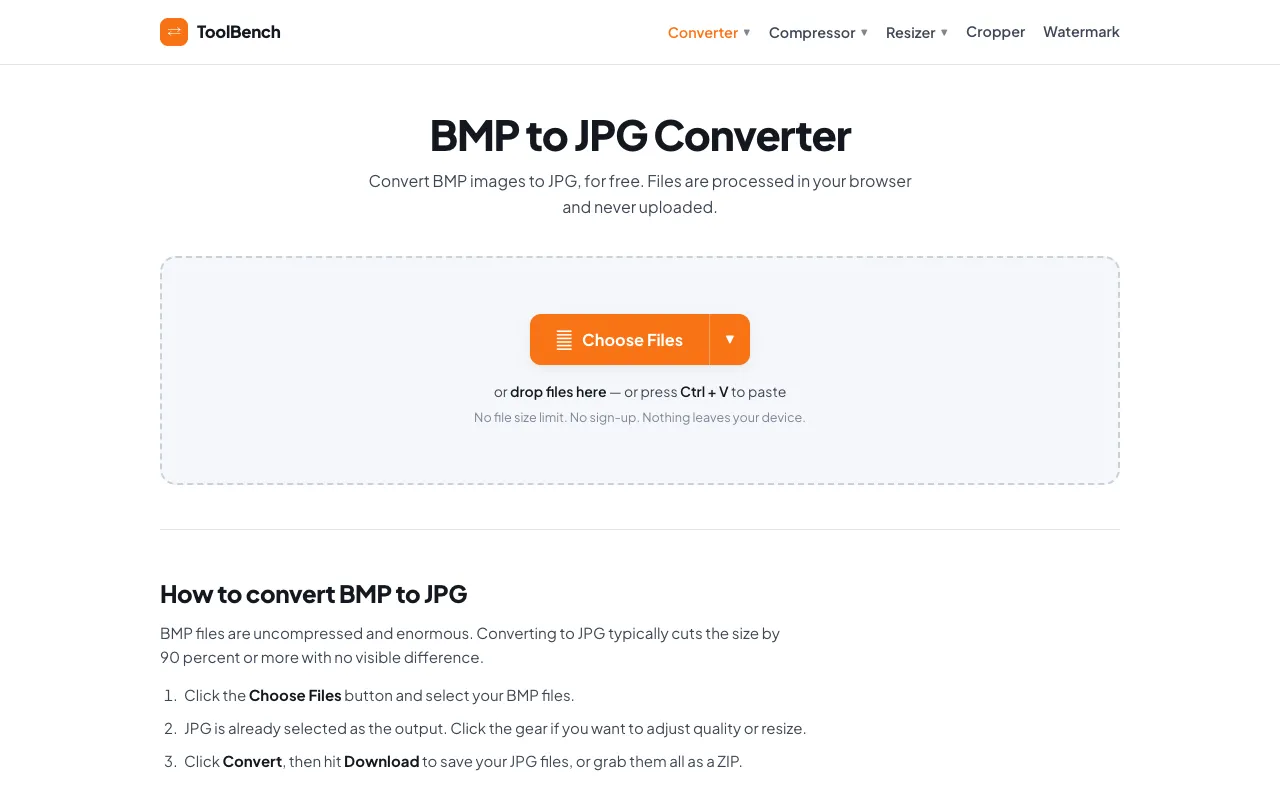
The BMP to JPG Converter on MyToolsBench is a free online service that transforms bitmap images into JPG format directly in the browser. Users upload a BMP file and can adjust output settings such as image quality before processing. The result is a downloadable JPG file, with no registration required. The site emphasizes that files are processed locally and never uploaded to a server, keeping the conversion private. This makes it a straightforward option for anyone needing to convert BMP files to JPG without installing software or paying fees.
How to use the MyToolsBench BMP to JPG Converter
- 1
Upload a BMP image file using the file selector on the converter page
- 2
Adjust the desired JPG quality setting if prompted
- 3
Click the convert button to process the image in the cloud
- 4
Download the resulting JPG file to your device
- 5
Repeat for additional files if batch conversion is needed
Best for
Ideal for users who need to convert BMP files to JPG format quickly and privately without creating an account or paying fees.
Limitations
- Processing occurs in the cloud rather than locally on the user's device
- No information is provided about maximum file size or daily conversion limits
- Output quality depends on the quality setting selected during conversion
BMP to JPG Converter FAQ
- Is the BMP to JPG conversion on MyToolsBench free to use?
- Yes, the converter is free and does not require sign-up or payment to convert BMP files to JPG format.
- Are uploaded BMP files kept private on MyToolsBench?
- The site states that files are processed locally and never uploaded to a server, suggesting user privacy is maintained during conversion.
- Can I convert multiple BMP files at once using MyToolsBench?
- The tool supports batch conversion, allowing users to process several BMP files in sequence without file size limits.
- What JPG quality options are available in the MyToolsBench converter?
- Users can adjust the JPG quality setting before conversion to control the output file size and image detail.
More BMP to JPG converter tools
Similar tools
Based on shared tags