5 tools
Calculates speed, distance, and time using a straightforward online interface. Users input two of the three variables—speed, distance, or time—and the tool automatically determines the unknown value. This utility helps users find average speeds by providing accurate conversion capabilities between different units of measurement, ensuring reliable results for various travel planning needs. Individuals involved in logistics, academic study, or personal travel planning benefit from this resource. Students can verify concepts learned in physics classes, while professionals can estimate travel times and optimal routes without manual calculations. Anyone needing to quickly determine the relationship between how fast something moves and how far it travels finds this calculator helpful for immediate, precise answers.
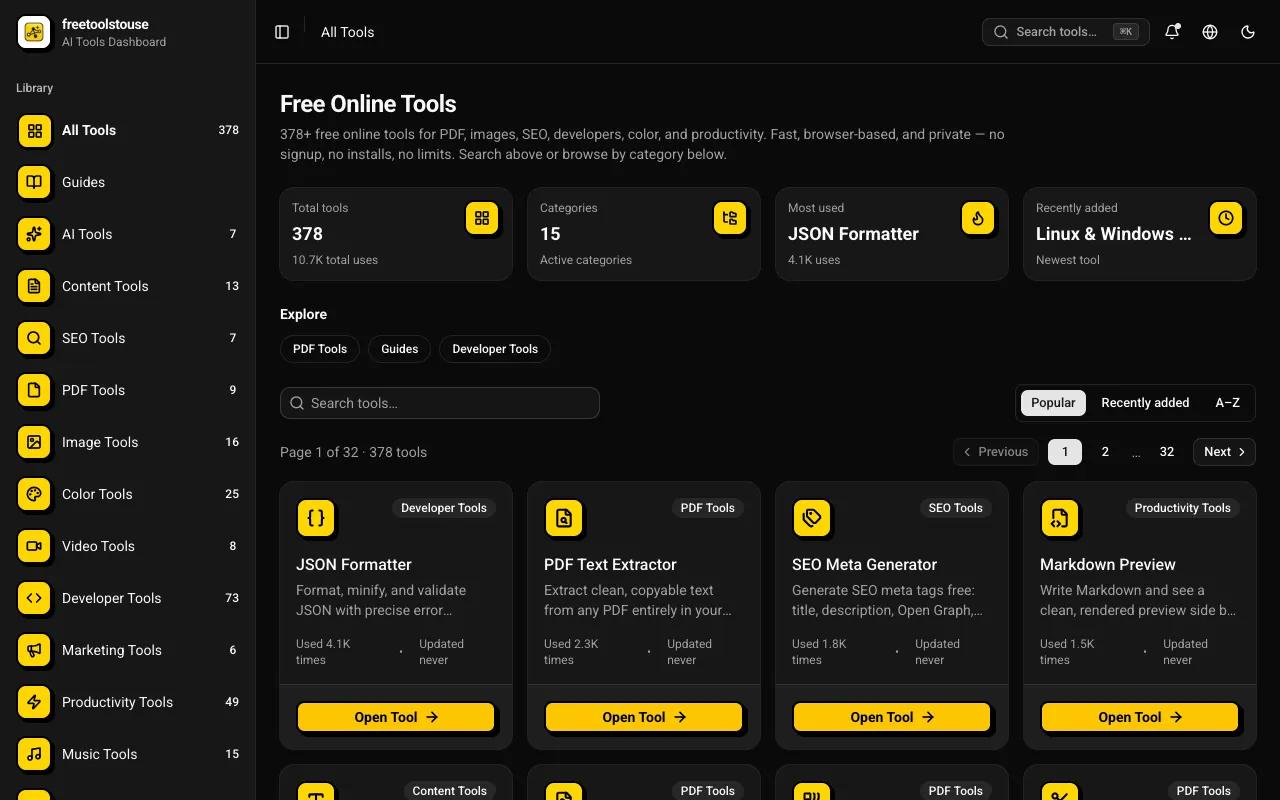
A comprehensive collection of 180+ free online utilities accessible directly through the browser without any signup requirements. The suite covers multiple domains including PDF document manipulation, image processing, developer-oriented utilities, financial calculations, SEO optimization tools, and scientific calculators designed to assist with various technical and practical needs in both personal and professional contexts. The platform provides essential tools for PDF merging and splitting, JSON formatting and validation, DNS lookups, EMI calculations and other financial calculators, BMI and health metric computation, text processing, and numerous additional utilities suited for everyday and professional applications. All operations execute entirely within the browser environment, completely eliminating the need for account creation, software installation, or any subscription expenses.
Converts colors between RGB, Hex, CMYK, and other formats for web and print design. Users can easily switch color representations to meet specific needs in digital and print projects. Web designers, graphic artists, and anyone involved in color selection for projects will find this tool invaluable for ensuring consistent and accurate color application across different mediums.
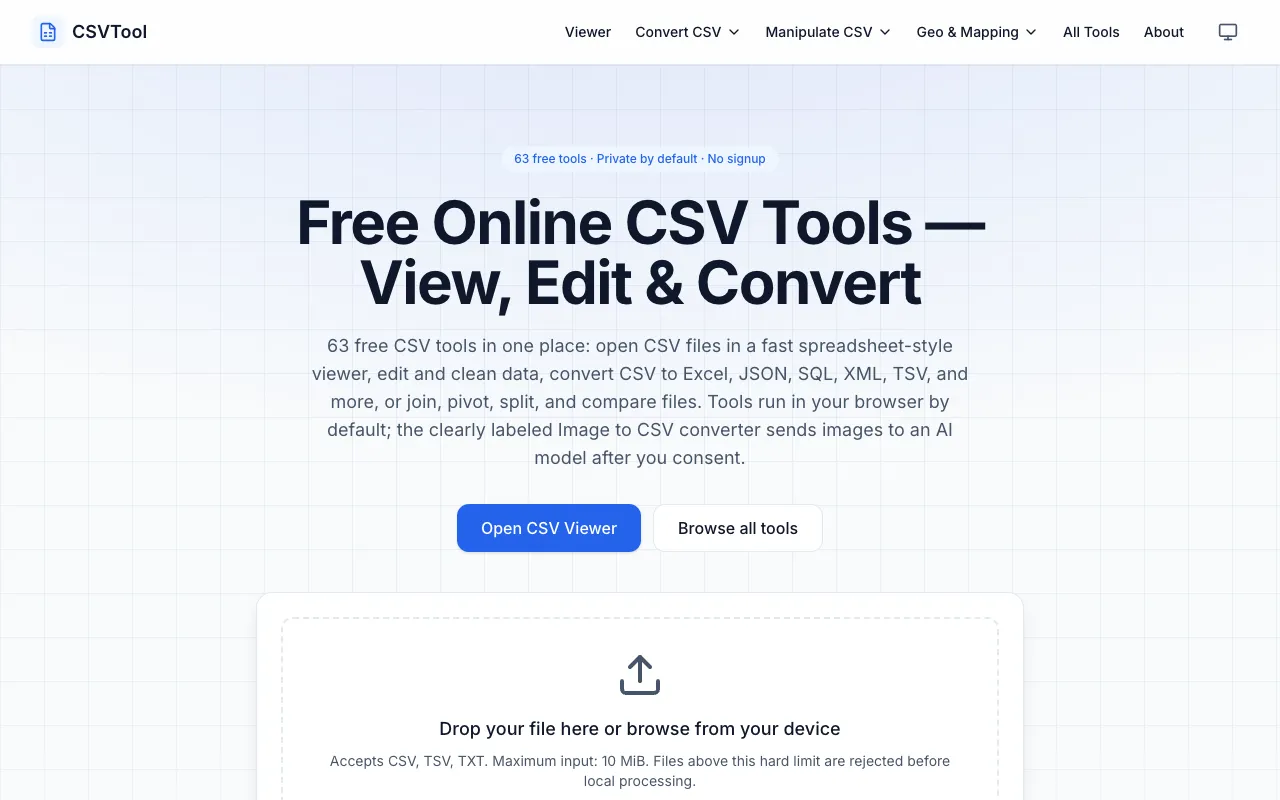
CSVTool is a comprehensive, browser-based suite of 63 free utilities designed for working with CSV files. It provides essential tools including a CSV viewer, editor, and converters that transform CSV data into multiple formats including Excel, JSON, and SQL. Beyond basic conversion, the suite includes advanced data manipulation capabilities such as joining multiple files, pivoting data, splitting records, and comparing datasets. All processing happens entirely within your browser with complete privacy—no account signup is required and your data never leaves your device. The extensive collection covers the entire workflow of CSV operations, from simple viewing and editing to complex transformations and comparative analysis.
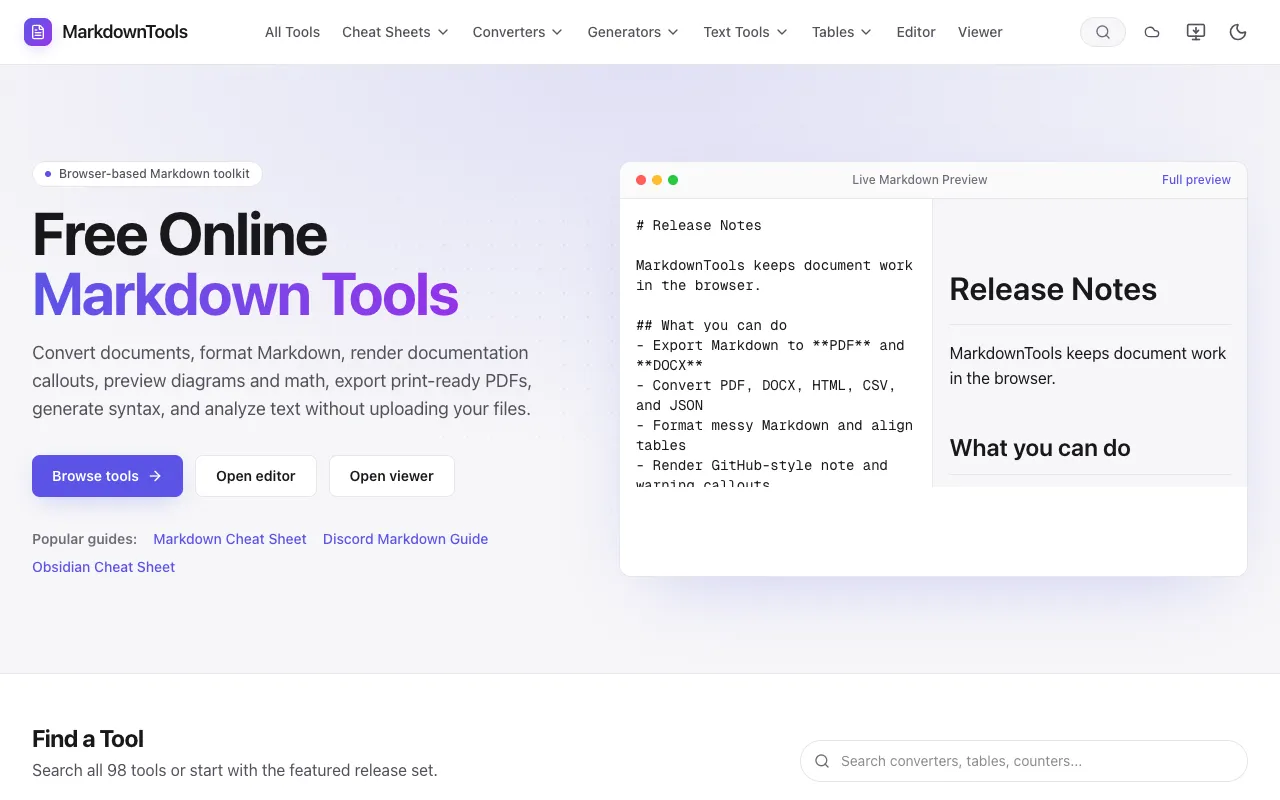
Markdown Tools is a free, browser-based Markdown editor for writing, editing, and previewing Markdown content. The platform requires no signup or installation—everything runs directly in your browser. It includes a comprehensive cheat sheet for quick syntax reference and a table generator that simplifies creating properly formatted Markdown tables. The editor provides a streamlined workflow for Markdown users of all skill levels. The toolkit supports converting Markdown documents to multiple document formats including PDF, DOCX, HTML, CSV, and JSON. This flexibility allows users to transform their Markdown content into formats suitable for sharing, collaborating, printing, or integrating with other applications, services, and workflows.