WebP to JPG Converter
Convert WebP to JPG online for free, right in your browser. Batch conversion with no file size limit and no sign-up —...
What WebP to JPG Converter does
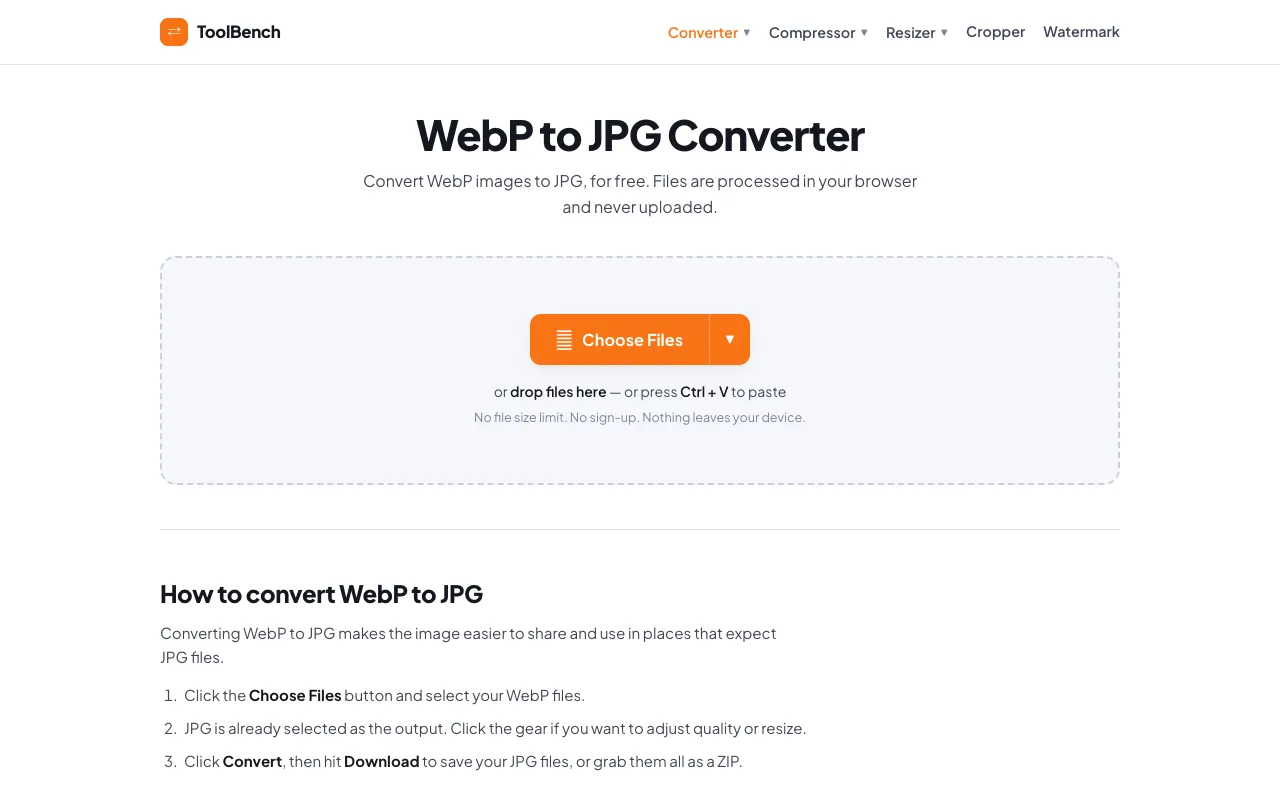
The WebP to JPG Converter on MyToolsBench transforms WebP images into the universally compatible JPG format. Users gain a straightforward way to make WebP files work in older browsers, legacy software, and social platforms that do not support the modern format. The service handles everything locally, so no files ever leave the user's device. It supports batch conversion with no file size limits and requires no sign-up or account creation to get started. The output preserves image quality while removing the transparency that many target formats cannot display, replacing it with a clean white matte instead of the black edges common with other converters. Additional image tools like compression and resizing are available on the same platform, all running entirely within the browser. The interface is designed for quick file drops or pasting from the clipboard, making the conversion process accessible without technical expertise.
How to use the MyToolsBench WebP to JPG Converter
- 1
Click the Choose Files button or drag WebP images onto the converter area
- 2
Adjust quality settings or resize options using the gear icon if needed
- 3
Click the Convert button to process the files
- 4
Download individual JPG files or grab them all as a single ZIP archive
Best for
Developers and content creators who need to quickly convert multiple WebP files to JPG without uploading sensitive images to a server, especially when working with large batches or files with transparency that must be preserved as a white m
Limitations
- No unit switching for dimensions
- Quality adjustments are per-file only, not applied globally to the entire batch
- Some source features like transparency are replaced with a white matte rather than preserved
WebP to JPG Converter FAQ
- Do I need to install any software to convert WebP to JPG?
- No, the converter runs entirely in your browser. You can drop files or paste from your clipboard without installing anything or creating an account.
- Are my WebP files uploaded to a server when I use this tool?
- No, all processing happens locally on your device. Files are never sent to or stored on MyToolsBench servers, so nothing is uploaded or deleted afterwards.
- Can I convert multiple WebP files at once?
- Yes, the tool supports batch conversion. You can add as many WebP images as you like, and they will all be processed together into JPG files.
- What happens to transparency when converting WebP to JPG?
- Formats without transparency get a clean white matte instead of the black edges most converters leave behind, ensuring the image looks correct in JPG viewers.
More WebP to JPG Converter tools
Similar tools
Based on shared tags