01

01
Inventive HQ
inventivehq.com
Convert WebP images to JPG format for universal compatibility — batch processing supported
WebP images offer excellent compression but often lack support across older browsers, legacy software, and specific social media platforms. The WebP to JPG Converter bridges this gap by transforming modern image files into the universally recognized JPG format. Developers and content creators can quickly adapt their visual assets for environments where WebP is not yet fully integrated, ensuring...
Convert WebP images to JPG format for universal compatibility — batch processing supported
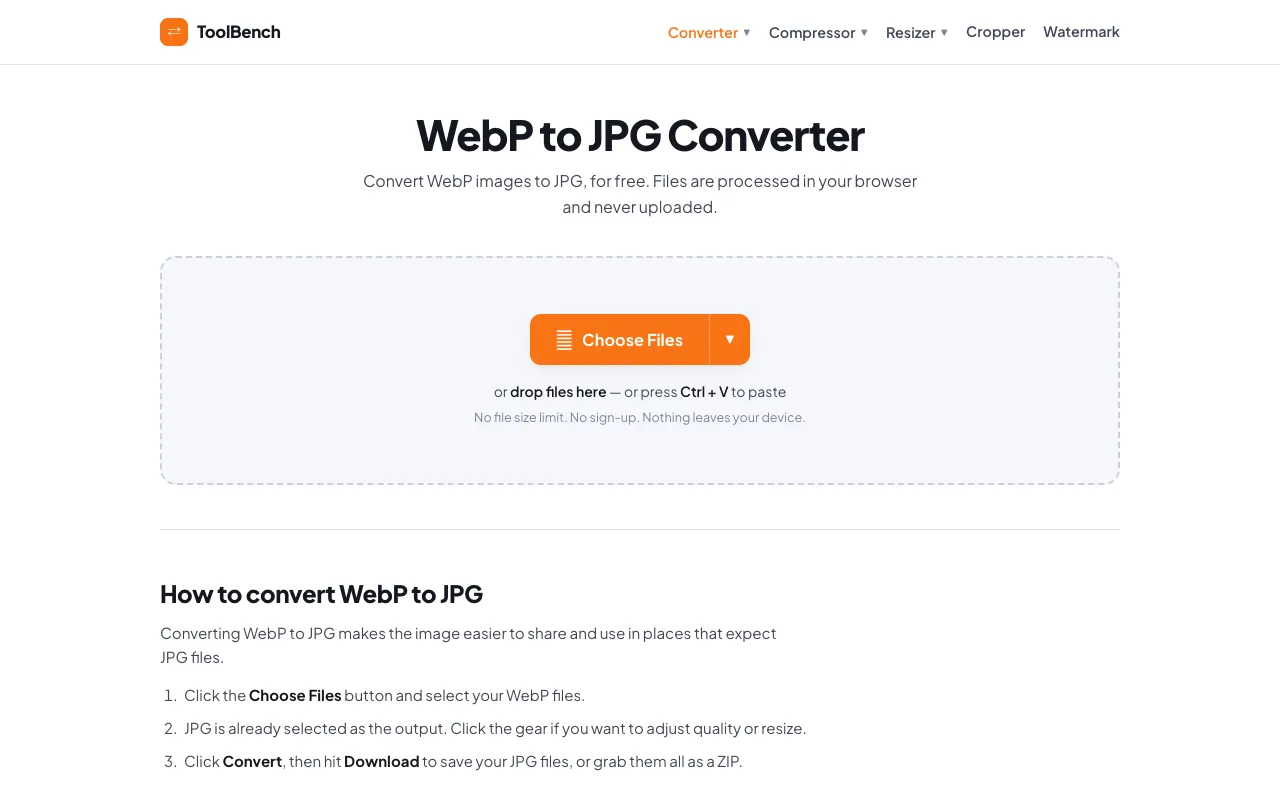
Convert WebP to JPG online for free, right in your browser. Batch conversion with no file size limit and no sign-up —...
Side by side
| Tool | Best for | Strengths | Limitations |
|---|---|---|---|
| Inventive HQ inventivehq.com | Batch conversion on Inventive HQ |
|
|
| MyToolsBench mytoolsbench.com | Privacy-first local conversion |
|
|
Buyer's guide
When picking a WebP to JPG converter, the main things that matter are whether the tool handles your file volume (single or batch) and whether you need to keep your images private. If you are converting sensitive or many files at once, look for a tool that processes everything locally in your browser. If you just need a quick one-off conversion and don't mind a few ads on the page, a simpler site may be faster to start with.
Questions