JPG to WebP Converter
Convert JPG to WebP online for free, right in your browser. Batch conversion with no file size limit and no sign-up —...
What JPG to WebP Converter does
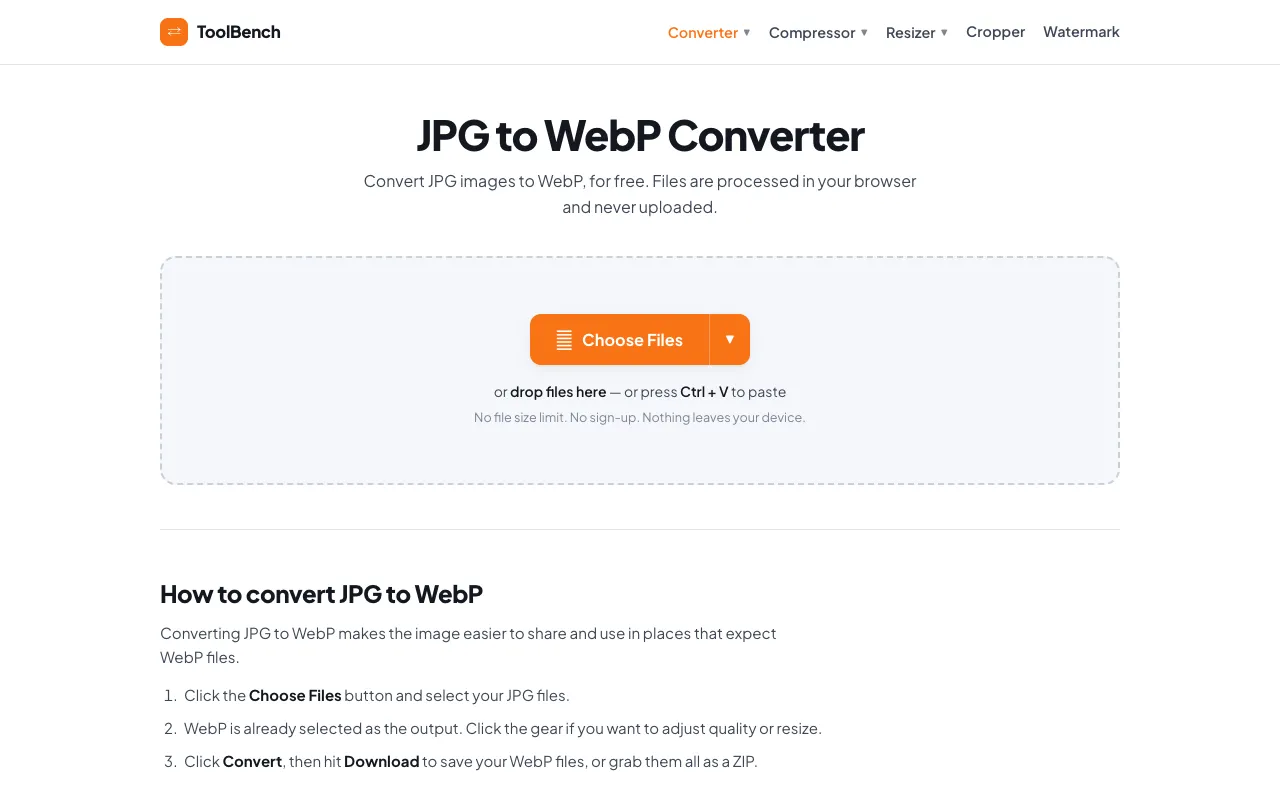
JPG to WebP Converter is a free, browser-based tool that transforms JPEG images into the modern WebP format. Users can convert individual or multiple files without creating an account or paying fees. The primary output is a set of WebP files that are significantly smaller than the original JPEGs while maintaining visual quality, making them ready for use on high-performance websites. The service supports batch processing, allowing users to add as many images as needed, and offers individual file adjustments for quality and resizing.
How to use the MyToolsBench JPG to WebP Converter
- 1
Click the Choose Files button to select JPG images from your device
- 2
Optionally adjust quality settings or resize individual files using the gear icon
- 3
Click the Convert button to process the selected files
- 4
Download the converted WebP files individually or as a compressed ZIP archive
Best for
Developers and web designers who need to reduce image file sizes for faster website loading times without sacrificing visual quality, particularly those working with multiple images who value privacy and offline processing.
Limitations
- No explicit file size limit mentioned, but very large batches may affect browser performance
- Some source features like Dropbox, Google Drive, and OneDrive integration are listed as "SOON" and not currently available
- Quality adjustment and resizing options are available per file but may require manual configuration for optimal results
JPG to WebP Converter FAQ
- Do I need to install any software to use the JPG to WebP Converter?
- No, the converter runs entirely in your browser and requires no installation or sign-up to function.
- Are my uploaded images stored or sent to a server?
- No, files are processed locally in your browser and never uploaded, stored, or deleted from a server because they never leave your device.
- Can I convert multiple JPG files at once?
- Yes, you can add as many JPG images as you like, and they will all be converted to WebP format in a batch process.
- What options are available for adjusting the output WebP files?
- You can adjust the quality per file and resize images during conversion. Formats without transparency receive a clean white matte instead of black edges.
More JPG to WebP Converter tools
Similar tools
Based on shared tags