01

01
Inventive HQ
inventivehq.com
Convert JPG images to WebP format for superior web compression — smaller files, same quality
Transforming JPEG images into the modern WebP format allows developers and web designers to significantly reduce file sizes without compromising visual integrity. By leveraging advanced compression algorithms, this converter streamlines the process of preparing assets for high-performance websites. Smaller image files directly contribute to faster page load times and improved core web vitals,...
Convert JPG images to WebP format for superior web compression — smaller files, same quality
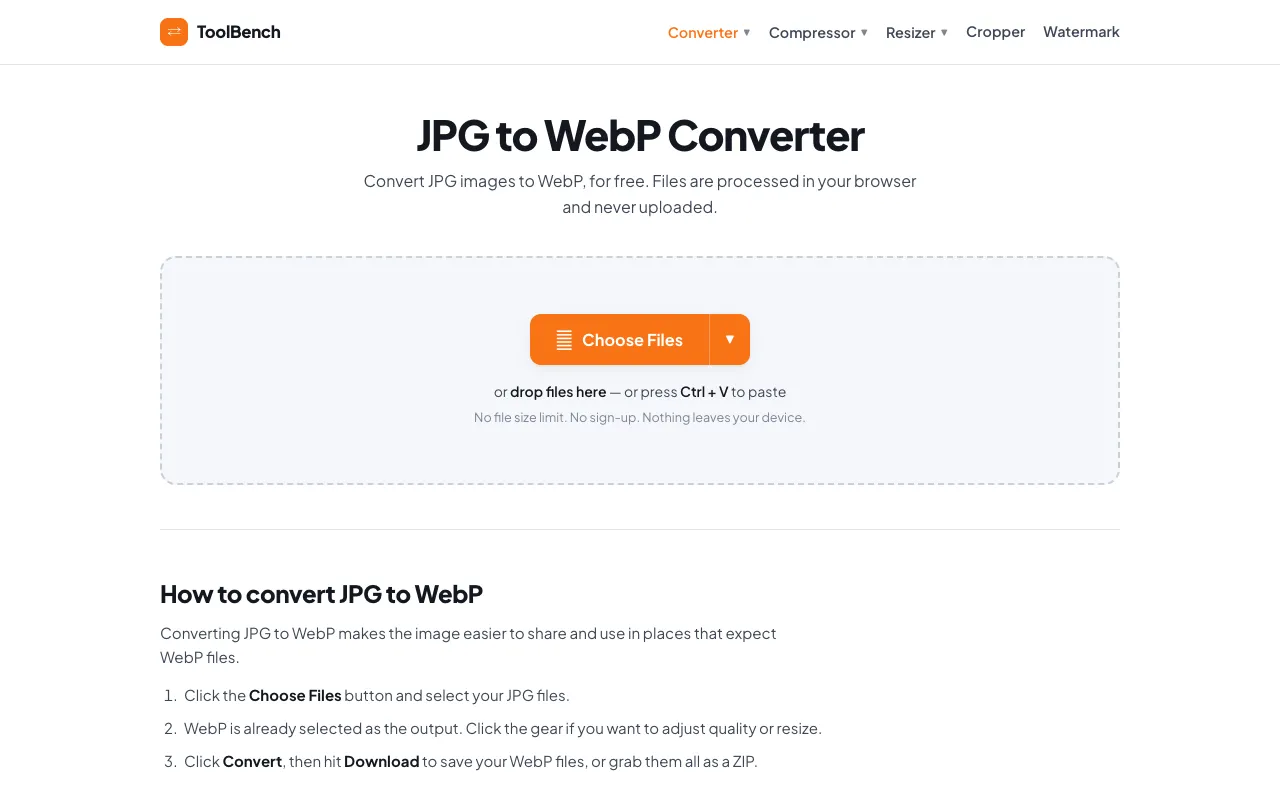
Convert JPG to WebP online for free, right in your browser. Batch conversion with no file size limit and no sign-up —...
Side by side
| Tool | Best for | Strengths | Limitations |
|---|---|---|---|
| Inventive HQ inventivehq.com | Quick single-file conversion |
|
|
| MyToolsBench mytoolsbench.com | Batch conversion and privacy |
|
|
Buyer's guide
If you are converting a single image quickly and don't care about extra features, Inventive HQ offers a straightforward approach. If you need to convert multiple files, want to keep your images private since they stay on your device, or need to adjust quality or resize options, MyToolsBench handles batch conversion with no file size limit and processes everything locally.
Questions