3 tools
Converting images into professional PDF documents becomes a seamless process with this versatile web-based converter. It allows users to combine multiple photos or graphics into a single, organized file directly from their browser. Whether working on a desktop or using a mobile device like an iPhone or Android, the interface adapts to ensure a smooth experience for gathering visual assets into a portable format. Developers and creative professionals often need to bundle screenshots, technical diagrams, or project documentation into a standardized document for sharing or archiving. By streamlining the conversion process, it eliminates the need for complex software or manual layout adjustments. The resulting PDFs maintain the clarity of the original images while offering the broad compatibility and structured layout inherent to the PDF standard.
Edits HTML code in real-time, offering syntax highlighting, auto-completion, and error checking to help users create and maintain web pages efficiently. Perfect for developers, designers, and anyone looking to write or modify HTML content without leaving their browser. Ideal for professionals working on websites or students learning web development, it streamlines the editing process, ensuring accurate code with minimal effort.
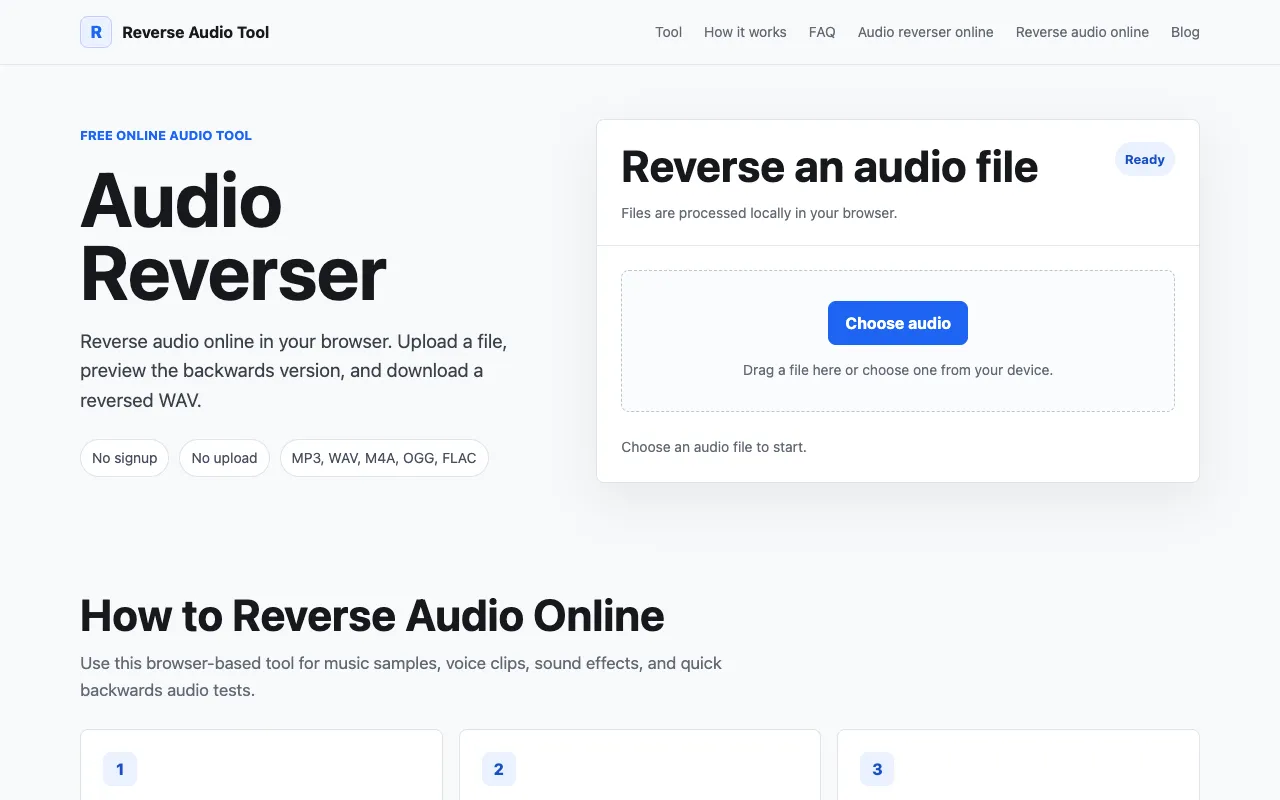
Reverse Audio Tool provides a straightforward way to reverse any audio file directly in your browser. Simply upload your audio file, and the tool instantly processes it and lets you listen to the reversed version. The entire process happens in your browser without requiring any account creation or long processing times. Download your reversed audio file immediately after processing is complete. The tool supports common audio formats and maintains quality throughout the reversal process. Since processing occurs entirely within your browser, your audio files are never permanently stored on external servers.