01

01
Inventive HQ
inventivehq.com
Convert photos to PDF on iPhone, Android, or desktop. Mobile-optimized tool for combining images into PDF documents.
Converting images into professional PDF documents becomes a seamless process with this versatile web-based converter. It allows users to combine multiple photos or graphics into a single, organized file directly from their browser. Whether working on a desktop or using a mobile device like an iPhone or Android, the interface adapts to ensure a smooth experience for gathering visual assets into a...
Convert photos to PDF on iPhone, Android, or desktop. Mobile-optimized tool for combining images into PDF documents.

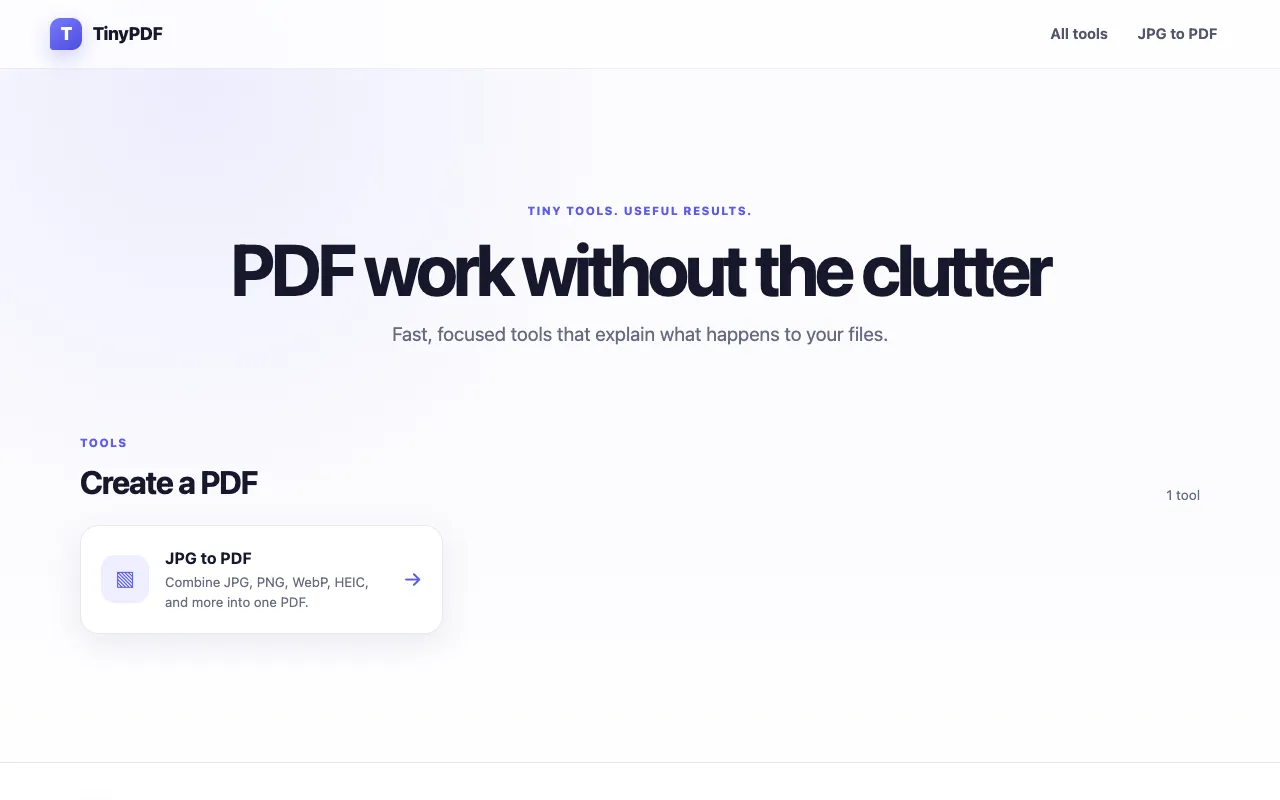
Combine multiple image files into a single PDF document with support for JPG, PNG, WebP, HEIC and other common image ...
Side by side
| Tool | Best for | Strengths | Limitations |
|---|---|---|---|
| Inventive HQ inventivehq.com | Mobile users needing quick PDF conversion |
|
|
| RapidTables rapidtables.com | Users needing custom page sizes and margins |
|
|
| TinyPDF tinypdf.org | Professional users needing watermark-free PDFs |
|
|
Buyer's guide
When picking an image to PDF converter, consider whether you are working primarily from a mobile device or desktop, and whether you need support for specific image formats like HEIC. If you need custom page layouts, margins, or sizes, look for tools that offer those options. For professional sharing, prioritize converters that guarantee no watermarks on the final PDF.
Questions