Audio Reverser
Reverse Audio Tool provides a straightforward way to reverse any audio file directly in your browser. Simply upload y...
What Audio Reverser does
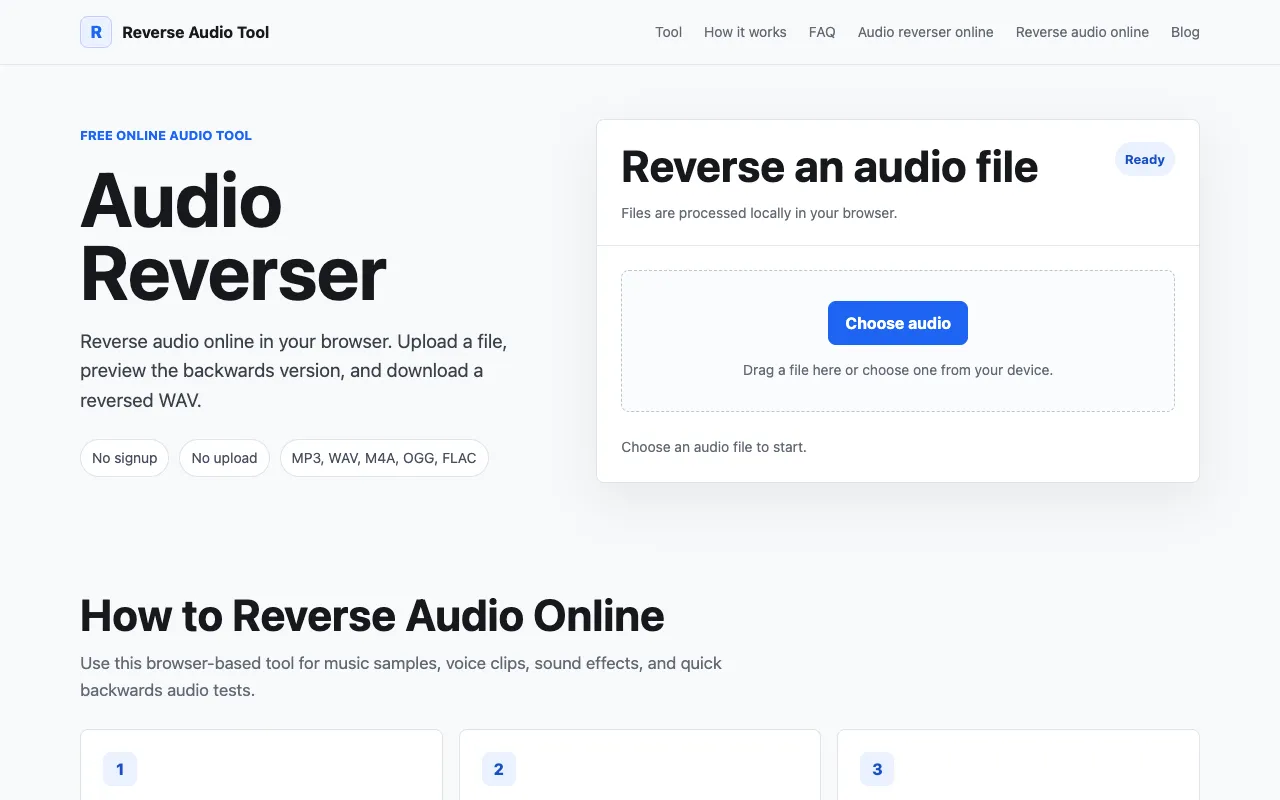
Reverse Audio Tool provides a straightforward way to reverse any audio file directly in your browser. Simply upload your audio file, and the tool instantly processes it and lets you listen to the reversed version. The entire process happens in your browser without requiring any account creation or long processing times. Download your reversed audio file immediately after processing is complete. The tool supports common audio formats and maintains quality throughout the reversal process. Since processing occurs entirely within your browser, your audio files are never permanently stored on external servers. This makes it a practical solution for quick sound edits, music samples, voice clips, sound effects, and backwards audio tests without privacy concerns or subscription fees.
How to use the Reverse Audio Tool Audio Reverser
- 1
Choose a file and upload an MP3, WAV, M4A, OGG, or FLAC audio file from your device
- 2
Preview the backwards audio by listening to the original and reversed versions directly in the page
- 3
Download the reversed audio file as a WAV for editing or conversion
- 4
Use the tool for music samples, voice clips, sound effects, and quick backwards audio tests
- 5
Note that files are processed locally in your browser and stay on your device
Best for
Ideal for musicians, sound designers, and content creators who need to quickly reverse audio files locally without uploading to external servers or creating accounts.
Limitations
- No unit switching or format conversion options beyond supported browser formats
- Results are estimates based on browser audio decoding capabilities
- No advanced editing features like trimming, fading, or layering after reversal
Audio Reverser FAQ
- Can I reverse protected or DRM-locked audio files?
- No, the tool only accepts common browser-supported formats like MP3, WAV, M4A, OGG, and FLAC. Files with DRM protection cannot be decoded by the browser and will not upload or process.
- Does the reversed audio maintain the original quality?
- Yes, the tool processes audio locally in your browser and maintains quality throughout the reversal process. The decoded audio samples are simply played in reverse order without compression or quality loss during processing.
- What happens to my audio file after I download the reversed version?
- Your audio file stays on your device. The page decodes and changes the playback order locally instead of uploading it to external servers, so your files are never permanently stored outside your control.
- Can I use the reversed audio in other editing software?
- Yes, you can download the reversed audio as a WAV file for use in other editing or conversion software. The WAV format is widely compatible with most audio programs.
Similar tools
Based on shared tags