What Text Cleaner does
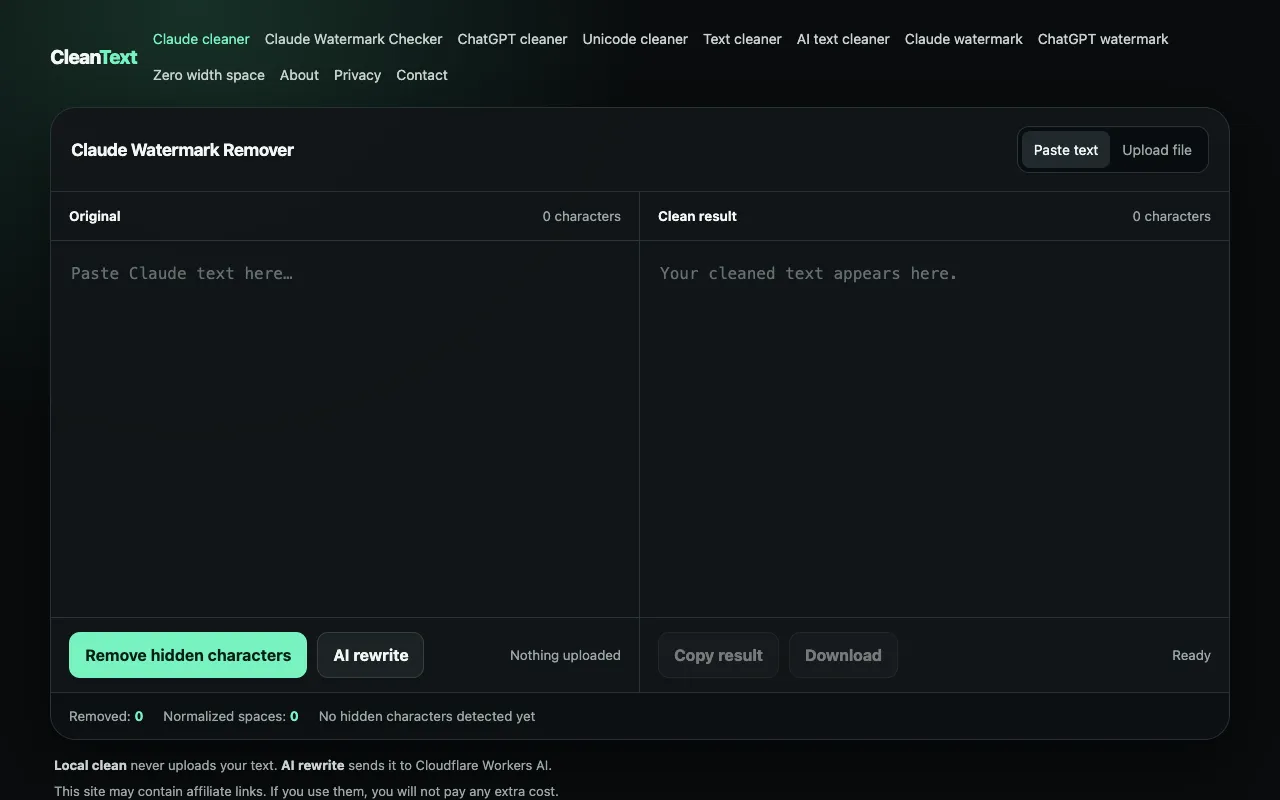
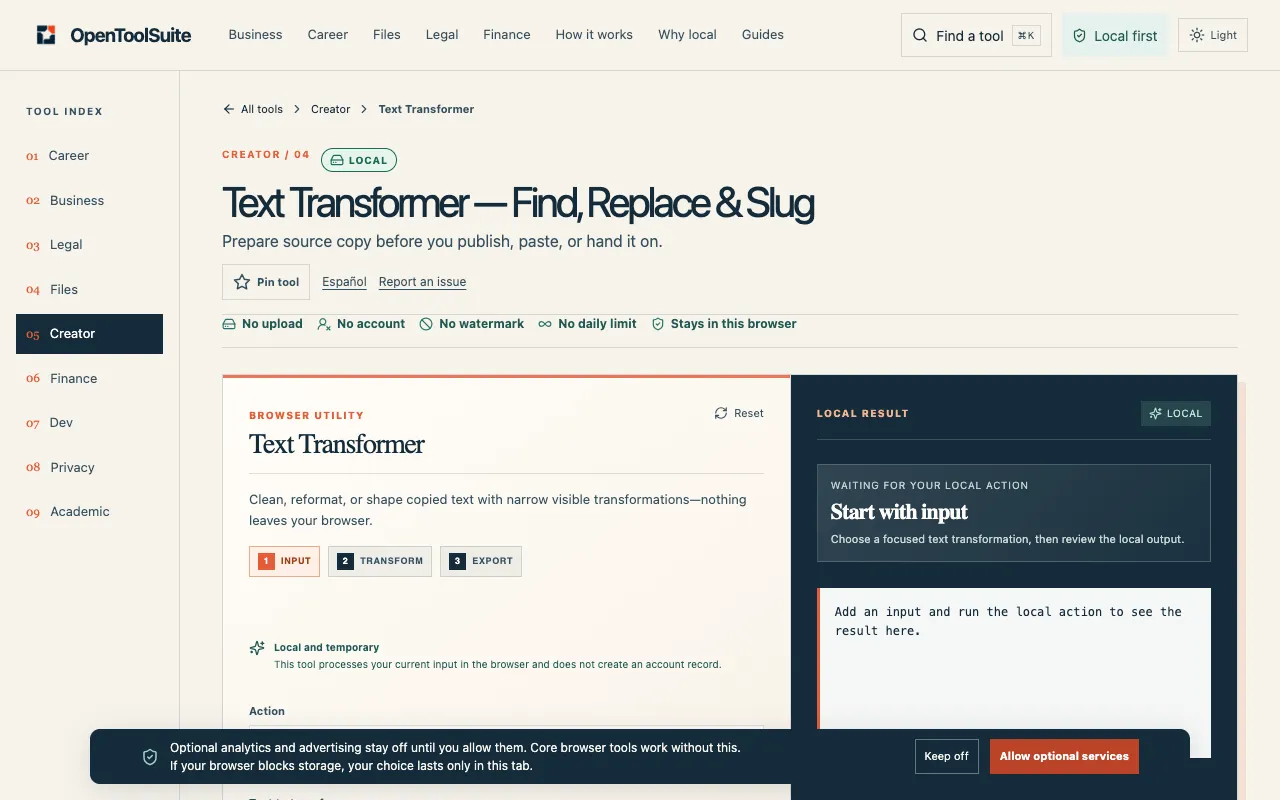
Text Cleaner is a straightforward web utility for removing unwanted characters, symbols, and formatting from raw text strings. Users paste or type content into the input field, and the tool processes the data to strip extraneous elements like extra line breaks, non-standard characters, and invisible whitespace, producing clean output ready for copying or downloading. The service handles tasks such as removing special characters, adjusting case, eliminating HTML tags, and managing whitespace, making it suitable for developers, writers, and students working with large volumes of varied text. The resulting purified text can be easily transferred to other applications or saved as a file. While the core function focuses on text purification, the interface includes options for loading content via URL or file upload, providing flexibility for different workflows. The tool is designed to save time when preparing text data for analysis, formatting, or platform-specific requirements, offering a no-install solution accessible from any device with a browser.
How to use the CodeBeautify Text Cleaner
- 1
Paste or type the raw text string into the Input Text field on the Text Cleaner page
- 2
Select desired cleaning options such as removing special characters, converting case, or trimming whitespace
- 3
Click the Clean Text button to process the input and generate purified output
- 4
Use the Copy To Clipboard or Download buttons to save the cleaned result
- 5
For advanced workflows, load external URLs or upload files directly through the interface
Best for
Writers, developers, and students who need to quickly strip formatting and unwanted characters from large volumes of text without installing software or writing scripts.
Limitations
- Interface includes advertisements on the page
- Output size and character counts reset with each new input
- Advanced features like stemming and lemmatization are listed but may require additional configuration
Text Cleaner FAQ
- Can Text Cleaner remove HTML tags and URLs from pasted content?
- Yes, the tool includes options to remove HTML tags, web URLs, email addresses, and hashtags, making it suitable for cleaning raw text extracted from web pages or documents.
- Is there a limit to how much text I can clean at once?
- The interface displays character counts for both input and output, but the material does not specify a hard character limit; very large texts may process more slowly depending on browser performance.
- Can I load text from a URL or file instead of pasting it manually?
- Yes, the tool provides Load URL and File upload buttons that allow users to input text content from external sources without manual copying and pasting.
- Does the cleaned text preserve line breaks and paragraph structure?
- The tool can trim whitespace and remove extra line breaks, but users seeking to preserve specific formatting should review the output carefully, as cleaning options may strip or alter original line breaks depending on selections.