Photo Stamp Generator
Photo Stamp Maker converts photos, logos, and portraits into vintage rubber-stamp PNG images with an authentic worn a...
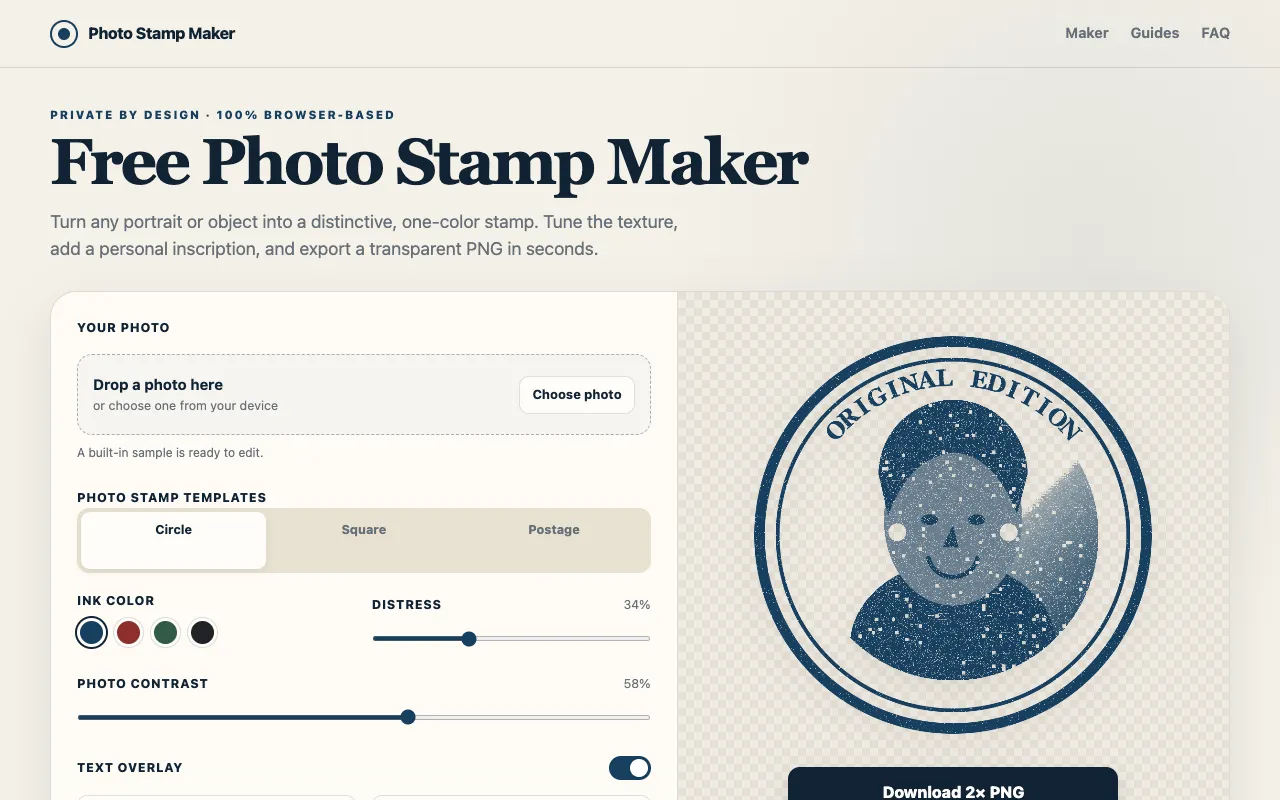
What Photo Stamp Generator does
Photo Stamp Maker converts photos, logos, and portraits into vintage rubber-stamp PNG images with an authentic worn and used appearance. The tool provides adjustable settings for ink color, contrast, and wear effects, allowing users to create realistic-looking stamp designs from their original images. All image processing happens directly in your web browser locally without requiring user account creation or uploading files to external servers, ensuring your images remain private.
How to use the Photo Stamp Maker Photo Stamp Generator
- 1
Upload or drag your photo, logo, or portrait onto the site
- 2
Adjust ink color, contrast, and wear effect settings to customize the stamp look
- 3
Preview the rendered stamp design in real time
- 4
Download the resulting PNG file to your device
Best for
Ideal for creators needing signature effects, branding stamps, or decorative vintage imagery without design software.
Limitations
- No unit switching or format export options beyond PNG
- Results depend on the quality and content of the original image
- Processing occurs client-side; very large files may load slowly
Photo Stamp Generator FAQ
- Can I use Photo Stamp Maker on a mobile device?
- Yes, the tool runs entirely in the browser and works on both desktop and mobile devices without requiring an app download.
- Does the tool store my uploaded images on a server?
- No, all image processing happens locally in your browser; files are not uploaded to external servers, keeping your content private.
- What file formats does Photo Stamp Maker accept as input?
- The tool accepts photos, logos, and portraits; specific supported formats are not listed, but common image types are typically compatible.
- Can I adjust the stamp size before downloading?
- The interface provides adjustable settings for ink color, contrast, and wear effects, but explicit size controls are not mentioned in the available material.
Similar tools
Based on shared tags