01

Generates custom favicons for websites using various image formats and resolutions, facilitating easy integration into HTML projects. Users can upload their images or choose from pre-designed templates to create a favicon that matches their brand. Developers, marketers, and designers looking to enhance website visual appeal and ensure cross-browser compatibility will find this tool invaluable. It...

Generates favicons from text or emoji — PNG, SVG, Apple Touch Icon, and HTML output.
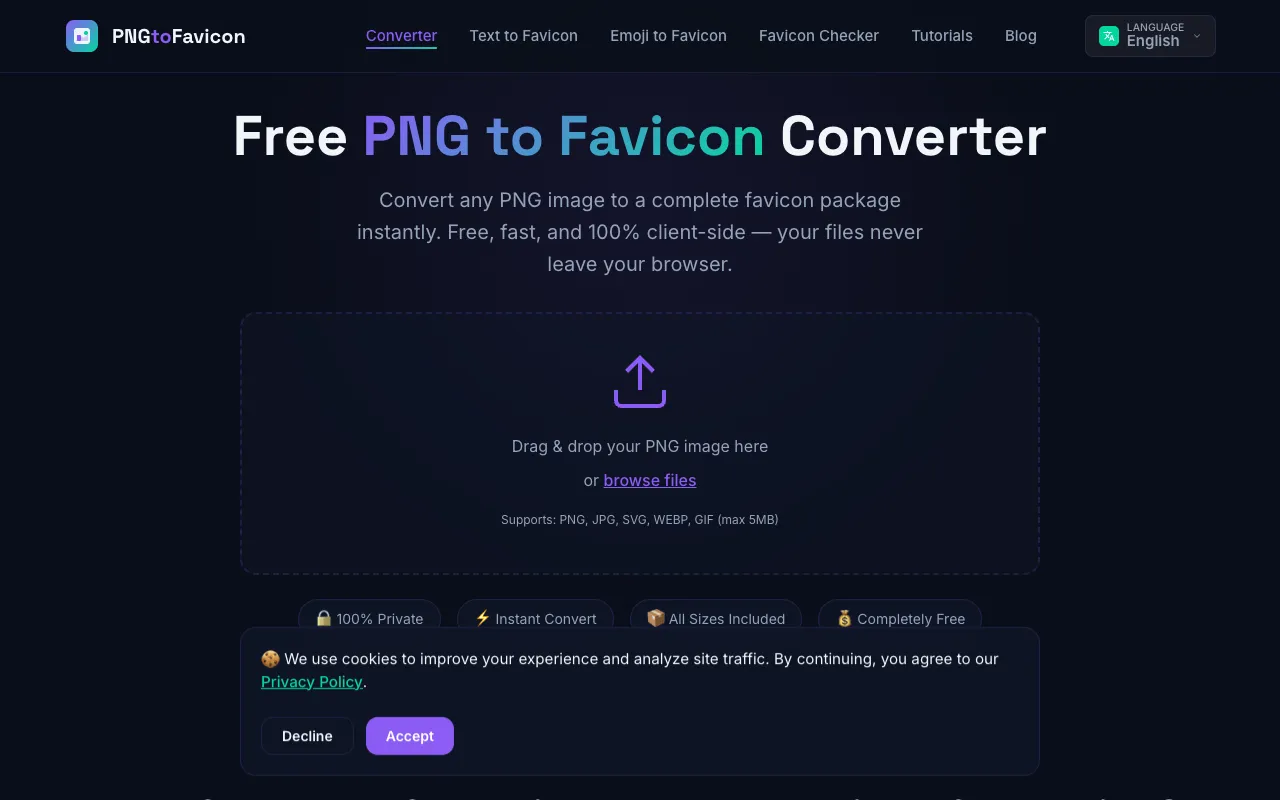
PNG to Favicon is a free online favicon generator that converts images into complete favicon packages for modern webs...
Side by side
| Tool | Best for | Strengths | Limitations |
|---|---|---|---|
| CodeBeautify codebeautify.org | Developers needing many icon sizes |
|
|
| DevBolt devbolt.dev | Quick text or emoji favicons |
|
|
| PNG to Favicon pngtofavicon.com | Privacy-conscious users |
|
|
Buyer's guide
When picking a favicon generator, first decide what you're starting with: an image file, text/emoji, or need specific size coverage. If you have a logo image and want the most size options including Apple Touch and Android icons, CodeBeautify gives you the broadest preset list. If privacy matters most because you're working with brand assets, PNGtoFavicon processes everything locally in your browser with no uploads. For a simple text or emoji favicon without uploading any files, DevBolt keeps everything on your device and still outputs the HTML you need.
Questions