HEIC to JPG
Convert HEIC to JPG or PNG free, right in your browser: iPhone photos are decoded on your device and never uploaded. ...
What HEIC to JPG does
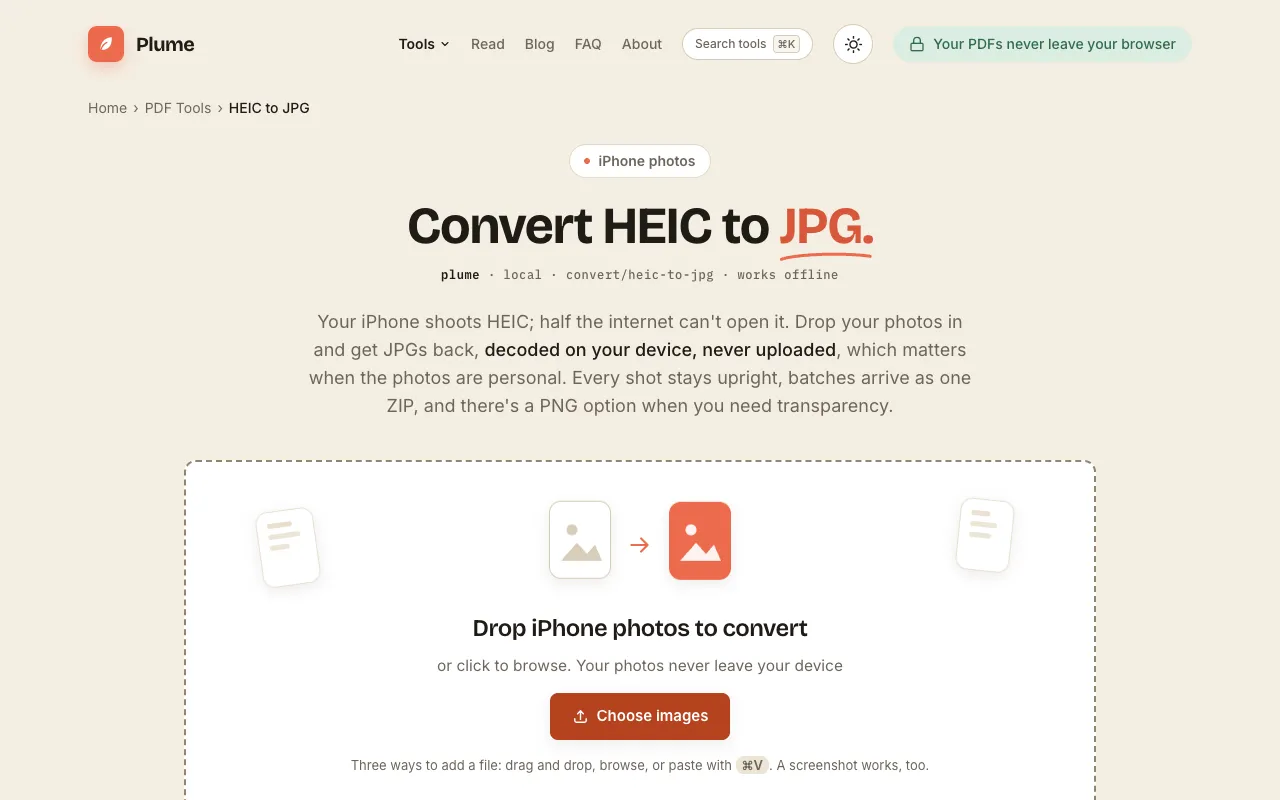
Plume's HEIC to JPG converter lets you turn Apple's high-efficiency photos into universally viewable JPEGs without leaving your browser. The service processes files entirely on your device, so your images never upload to a server, which is ideal for personal or sensitive photos. You can choose between JPG for smaller photo files or PNG for graphics and transparency, and batch conversions deliver all results as a single ZIP archive. The tool preserves camera orientation, ensuring photos stay upright after conversion, and requires no account or payment to use.
How to use the PlumeDocs HEIC to JPG
- 1
Drop iPhone HEIC or HEIF photos onto the page or click to browse and select files
- 2
Choose JPG for smaller photo files or PNG for graphics and transparency
- 3
Click Convert to process the images decoded entirely on your device
- 4
Download individual files or a single ZIP archive containing all converted images
- 5
Open the JPG or PNG files on Windows, Android, or any website upload form
Best for
iPhone users who need to share or upload photos to non-Apple devices or websites without losing image quality or orientation.
Limitations
- No explicit file size limit mentioned, very large batches may take longer to process
- Only converts HEIC/HEIF to JPG or PNG; does not support other image format conversions
- Browser-dependent performance; very old devices may experience slower conversion times
HEIC to JPG FAQ
- Why won’t my HEIC photos open on Windows or the web?
- HEIC is Apple’s default photo format since iOS 11 and uses HEVC compression that many non-Apple apps, websites, and older systems don’t support. Converting to JPG gives you a file that opens and uploads anywhere.
- Will I lose photo quality when converting HEIC to JPG?
- The tool maintains image quality while making files compatible with a wider range of devices and software. JPG is the universal fallback that just works everywhere, balancing quality and file size.
- Are my photos uploaded to the server when I use this converter?
- No, photos are decoded and re-encoded entirely on your device. Your images never leave your computer or phone, which matters when the photos are personal or sensitive.
- Can I convert multiple HEIC photos at once?
- Yes, the tool supports batch conversion. All converted images arrive as a single ZIP file, making it easy to download and share multiple photos at once.
More HEIC to JPG tools
- 01Ezgifezgif.com
Converts Apple HEIC photos to standard JPG.
- 02Free Image Editorfreeimageeditor.io
Convert an iPhone HEIC photo to JPG on your device. Keep the orientation and dimensions, set the quality and download...
- 03OpenToolSuiteopentoolsuite.com
Convert iPhone HEIC photos to JPG or PNG locally and download compatible copies, including an optional ZIP, without a...
Similar tools
Based on shared tags