HEIC to JPG
Convert iPhone HEIC photos to JPG or PNG locally and download compatible copies, including an optional ZIP, without a...
What HEIC to JPG does
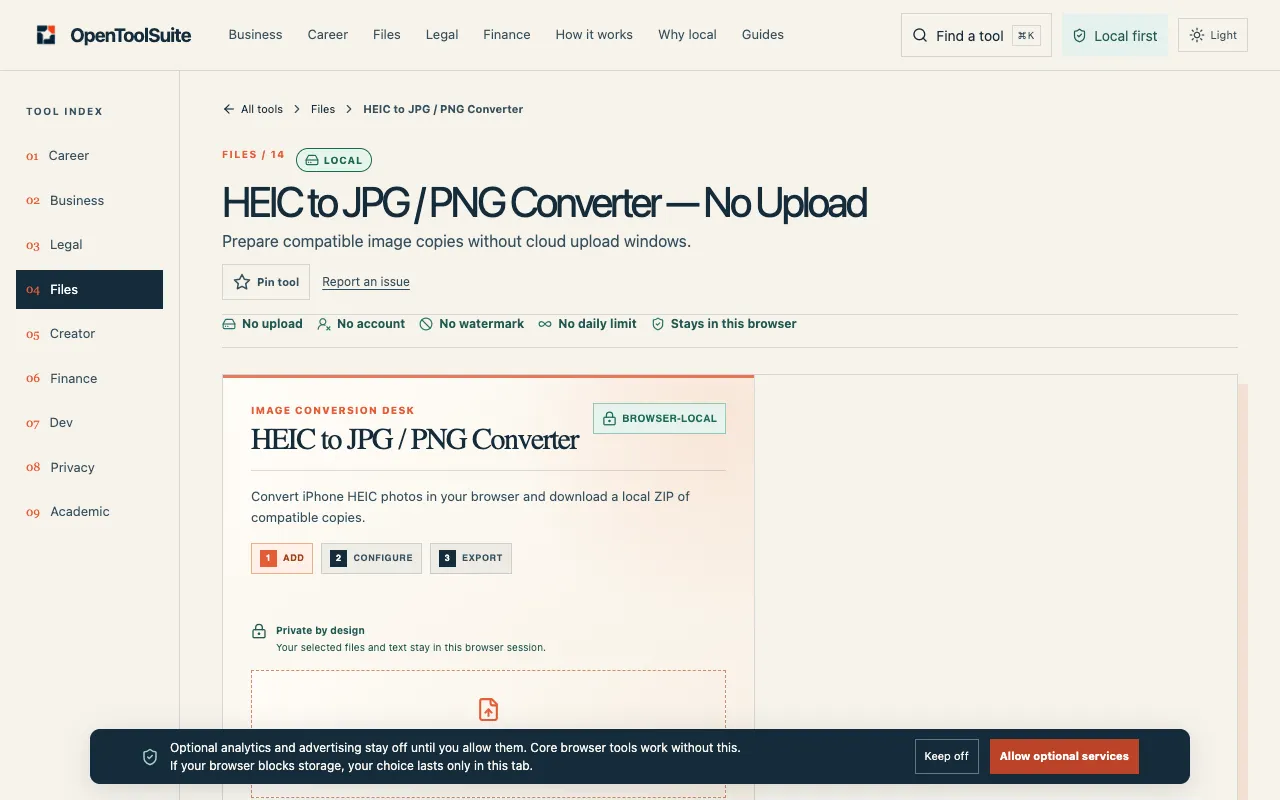
HEIC to JPG / PNG Converter on OpenToolSuite converts Apple HEIC photos to standard JPG or PNG format directly in the user's browser. It produces compatible image copies that work across devices and software, with the option to download a ZIP archive. The tool emphasizes local processing, allowing users to inspect the result before sharing or moving to another task.
How to use the OpenToolSuite HEIC to JPG
- 1
Choose the HEIC file you want to convert from your device.
- 2
Confirm the visible list of options, such as output format or quality settings.
- 3
Start the local conversion action within the current browser session.
- 4
Download the resulting JPG or PNG file, or the optional ZIP archive.
- 5
Inspect the downloaded copy before sharing or using it in other workflows.
Best for
iPhone or Apple device users who need standard JPG or PNG files for compatibility with non-Apple platforms, software, or workflows, and who prefer a local, no-upload conversion process.
Limitations
- Results depend on the source file and selected options; no guaranteed quality scaling beyond originals.
- No explicit unit or dimension switching mentioned in the available material.
- Functionality is limited to the current browser session; files are not stored or processed on external servers.
HEIC to JPG FAQ
- Does HEIC to JPG / PNG Converter upload files to the cloud?
- No. Selected files stay in the current browser session and are not uploaded to OpenToolSuite servers.
- Can I convert multiple HEIC files at once?
- The tool supports an optional ZIP download, which suggests batch processing is available, though individual file selection is required before starting.
- What output formats does the converter produce?
- The converter produces JPG or PNG format copies, maintaining compatibility with a wider range of devices and software.
- How do I know if the converted file is suitable before sharing it?
- Users are instructed to inspect the live result and the downloaded copy before sharing, publishing, or filing it, comparing it against the original source.
More HEIC to JPG tools
- 01Ezgifezgif.com
Converts Apple HEIC photos to standard JPG.
- 02Free Image Editorfreeimageeditor.io
Convert an iPhone HEIC photo to JPG on your device. Keep the orientation and dimensions, set the quality and download...
- 03PlumeDocsplumedocs.com
Convert HEIC to JPG or PNG free, right in your browser: iPhone photos are decoded on your device and never uploaded. ...
Similar tools
Based on shared tags