01

Converts Apple HEIC photos to standard JPG format using an online converter. Users upload their HEIC files, and the tool processes them into JPEGs, maintaining image quality while making the files compatible with a wider range of devices and software. Helps users who prefer or require standard JPG file formats, especially those working on Windows computers or sharing images across platforms that...
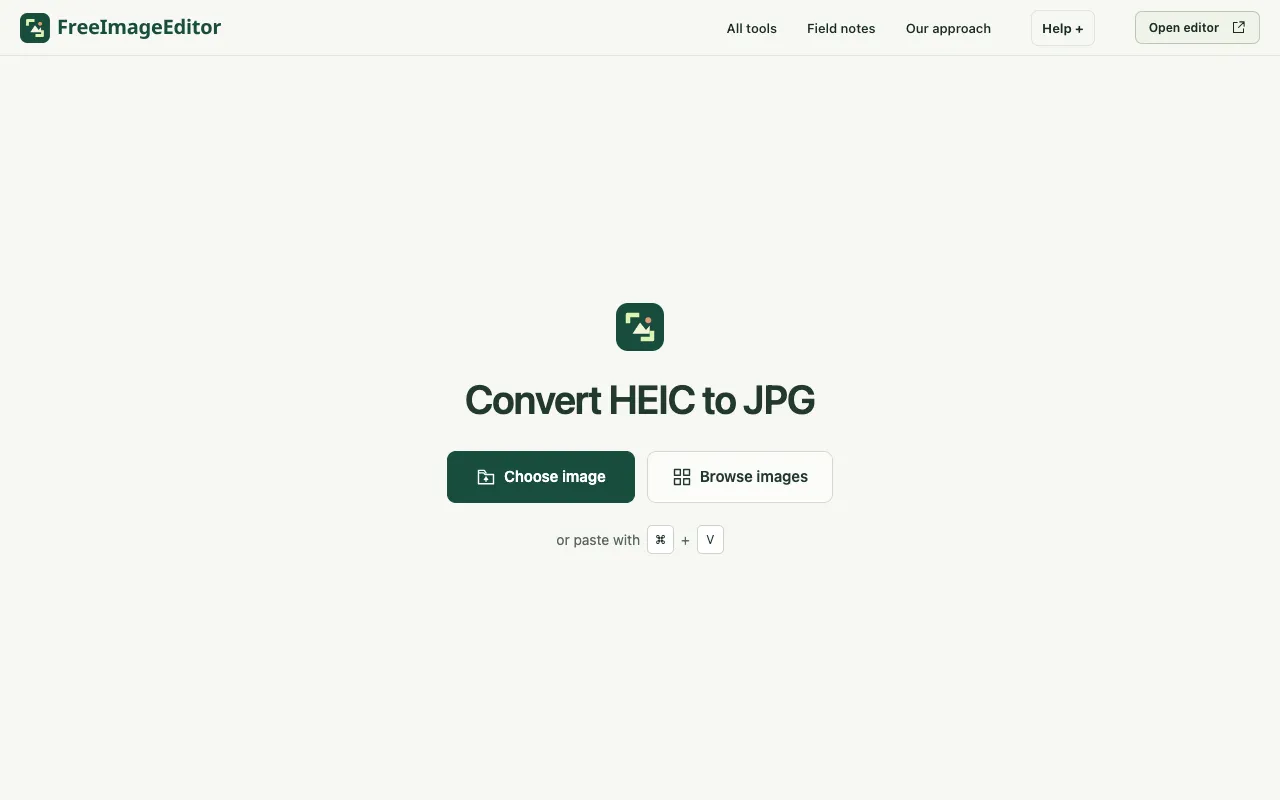
Convert an iPhone HEIC photo to JPG on your device. Keep the orientation and dimensions, set the quality and download...
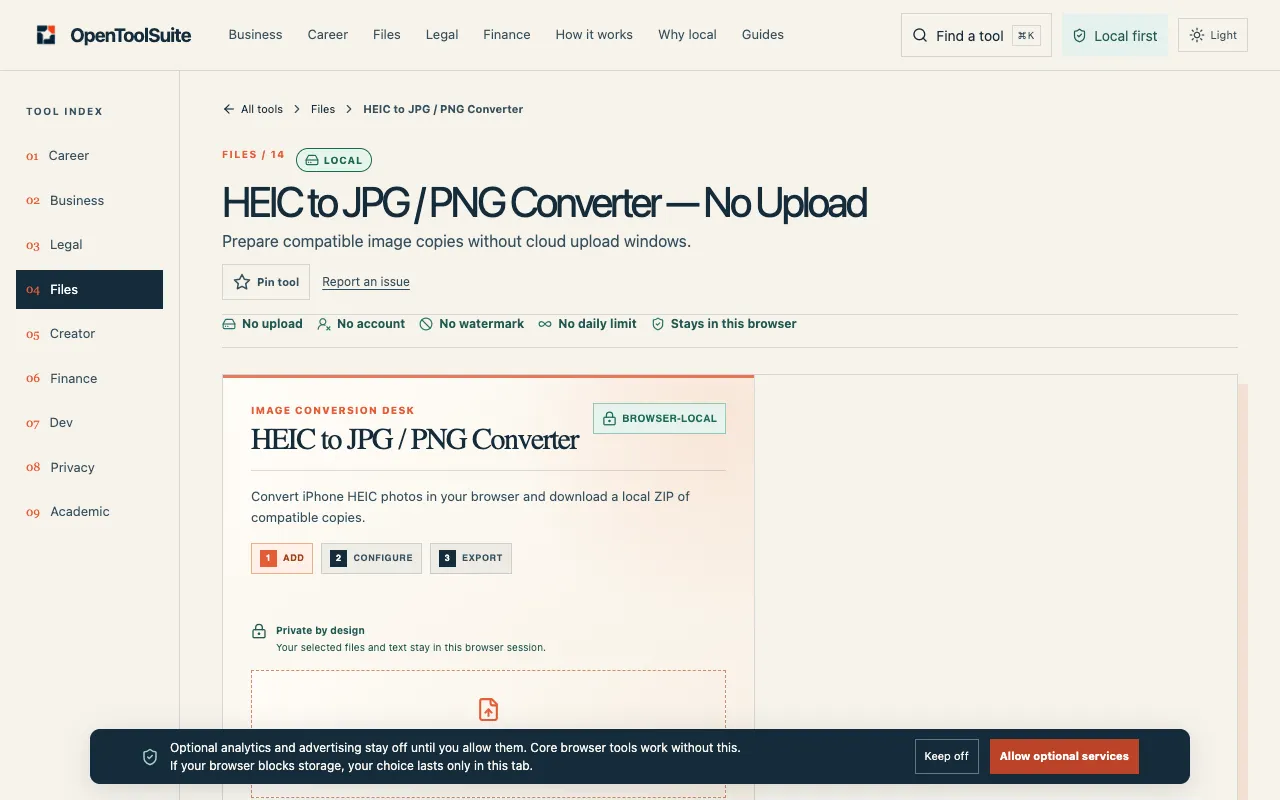
Convert iPhone HEIC photos to JPG or PNG locally and download compatible copies, including an optional ZIP, without a...
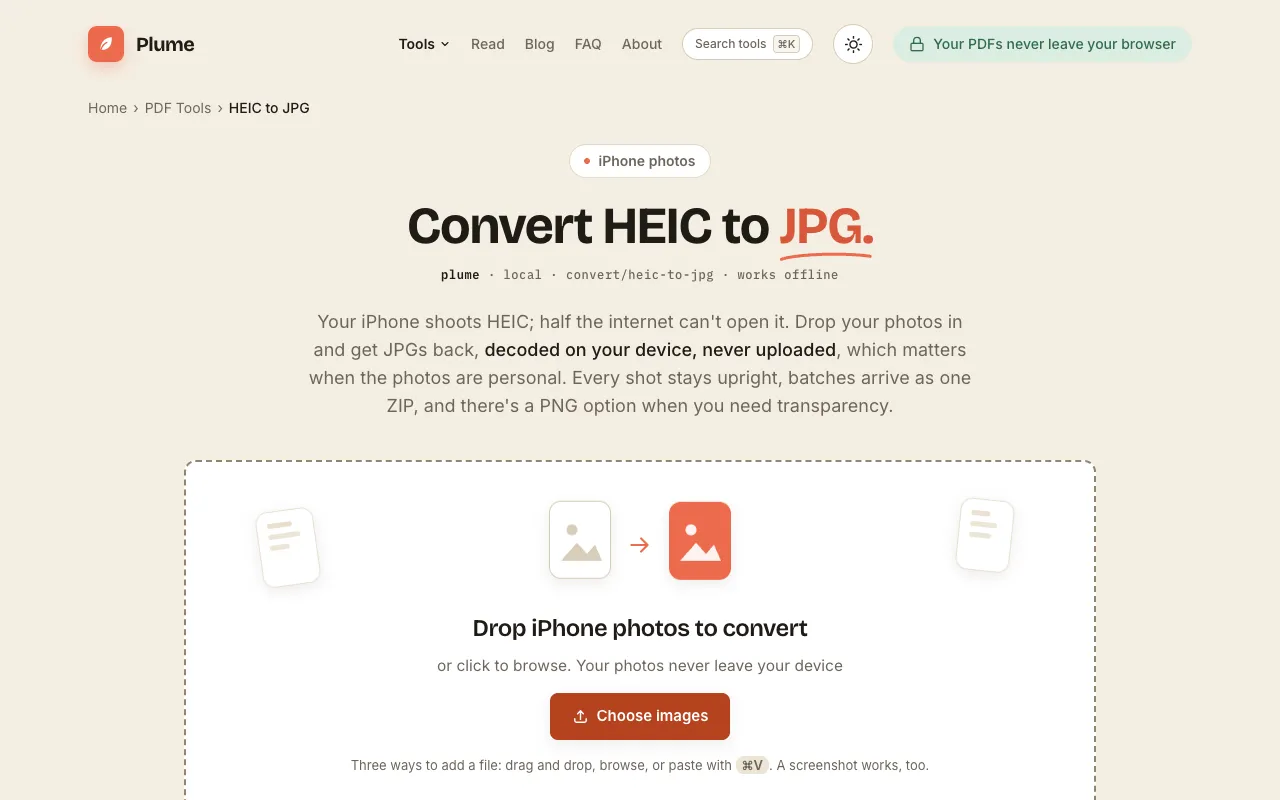
Convert HEIC to JPG or PNG free, right in your browser: iPhone photos are decoded on your device and never uploaded. ...
Side by side
| Tool | Best for | Strengths | Limitations |
|---|---|---|---|
| Ezgif ezgif.com | Batch conversions up to 200MB |
|
|
| Free Image Editor freeimageeditor.io | Quick single-file conversion |
|
|
| OpenToolSuite opentoolsuite.com | Local conversion with optional ZIP |
|
|
| PlumeDocs plumedocs.com | Private conversion without uploads |
|
|
Buyer's guide
When picking a HEIC-to-JPG tool, decide whether you are comfortable uploading your photos to a server or need them processed locally on your device. If you have multiple files or large images, look for batch support and file size limits; if privacy is the priority, choose a tool that decodes HEIC on your device and never sends it elsewhere.
Questions