Crop Image
Free online image cropper. Drag & drop to crop with presets or custom ratio, rotate & flip, pick preset sizes...
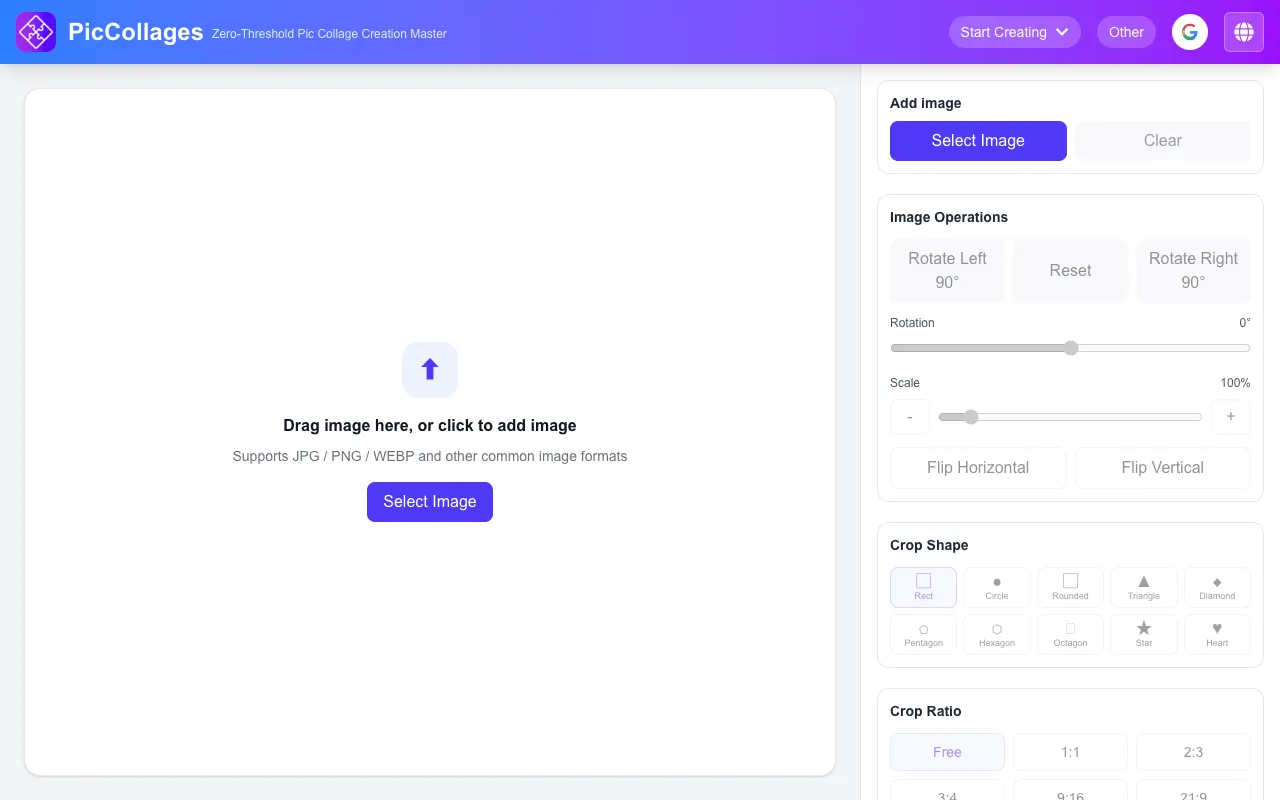
What Crop Image does
PicCollages' Online Image Cropper is a browser-based tool that lets users resize and reframe photos without installing software. By uploading an image, users can crop it using preset ratios, custom pixel dimensions, or visual selection, then rotate, flip, and export the result as JPG, PNG, or WEBP. The service emphasizes that all processing happens locally in the browser, keeping photos private and requiring no registration or watermarks.
How to use the Pic Collage Crop Image
- 1
Upload an image by clicking the upload button or dragging and dropping it into the editor
- 2
Adjust the crop area by dragging the crop box, selecting a preset ratio like 1:1 or 3:4, or entering custom pixel dimensions
- 3
Choose the export format (JPG, PNG, or WEBP) and hit download to save the cropped image
- 4
Note that the entire process runs locally in your browser, so your photos are never uploaded to any server
Best for
Casual users who need a quick, watermark-free way to resize photos for social media or other purposes without creating an account or installing software.
Limitations
- No unit switching between inches, centimeters, and pixels
- Results depend on the original image resolution and desired dimensions
- Advanced editing features beyond cropping, rotating, and flipping are not available
Crop Image FAQ
- Do I need to create an account to use the PicCollages cropper?
- No, the tool is free to use with no registration required and no watermarks on exported images.
- Where are my images processed when I use this cropper?
- All crop image operations run locally in your browser, so your photos are never uploaded to any server.
- What image formats does the PicCollages cropper support?
- The tool supports JPG, PNG, WEBP and other common image formats for uploading and exporting.
- Can I crop an image to specific pixel dimensions rather than a ratio?
- Yes, you can enter custom pixel dimensions to crop image precisely, in addition to choosing preset ratios like 1:1 or 3:4.
More Crop Image tools
- 01Ezgifezgif.com
Crops images and GIFs with autocrop support.
- 02Free Image Editorfreeimageeditor.io
Remove unwanted edges from JPEG, PNG and WebP images. Use a crop ratio or exact coordinates, then export locally.
- 03iLoveIMGiloveimg.com
Crops JPG, PNG, or GIF images using a visual editor or pixel coordinates.
Similar tools
Based on shared tags