Compress JPG
Reduce JPG file size in your browser. Set a target size in KB or MB, adjust quality, resize and strip metadata — your...
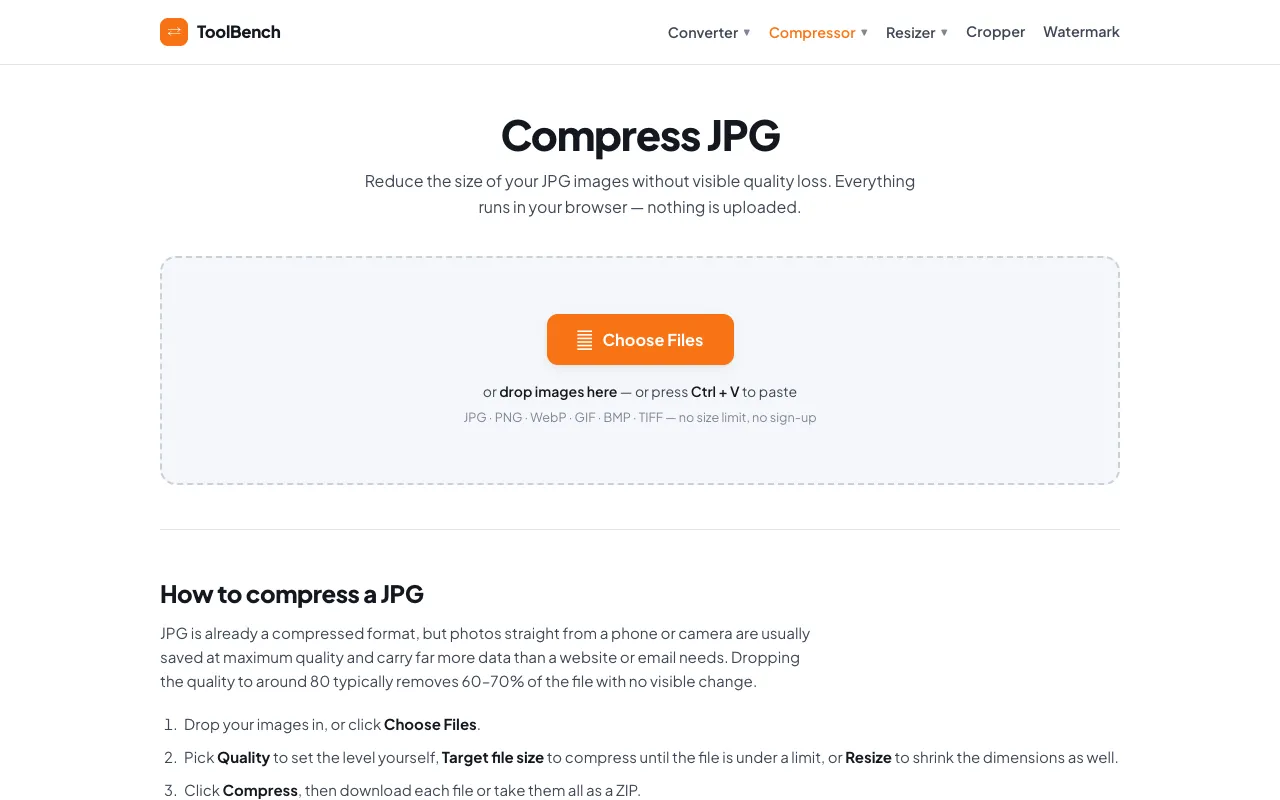
What Compress JPG does
Compress JPG is a browser-based image compression tool hosted on MyToolsBench. It allows users to upload JPEG images and reduce file size using an optimized algorithm that preserves visual quality. The service supports setting target sizes in kilobytes or megabytes, adjusting quality settings, resizing images, and stripping metadata. All processing occurs locally within the user's browser, ensuring that uploaded files never leave their device, which addresses common privacy concerns associated with online tools.
How to use the MyToolsBench Compress JPG
- 1
Upload a JPG file to the Compress JPG interface on MyToolsBench
- 2
Set a target file size in KB or MB and adjust the quality slider as needed
- 3
Optionally resize the image dimensions or strip embedded metadata
- 4
Download the compressed JPG file once processing is complete
Best for
Bloggers, web designers, and anyone needing to reduce JPEG file size for faster website loading or lower storage usage while maintaining acceptable image quality.
Limitations
- No unit switching between KB and MB during adjustment
- Results may vary depending on the original image content
- Processing is limited to the capabilities of the user's browser
Compress JPG FAQ
- Is my uploaded image stored or shared after compression?
- No, Compress JPG processes all files locally in your browser; the images never leave your device.
- Can I resize my image as well as compress it?
- Yes, the tool includes options to adjust image dimensions alongside quality and size settings.
- What file formats does Compress JPG support?
- The tool specifically handles JPEG and JPG image files.
- How does the quality adjustment affect the final file size?
- Adjusting the quality slider allows you to balance between file size reduction and visual fidelity, with lower settings producing smaller files.
More Compress JPG tools
Similar tools
Based on shared tags