Compress GIF
Reduce GIF file size in your browser. Set a target size in KB or MB, adjust quality, resize and strip metadata — your...
What Compress GIF does
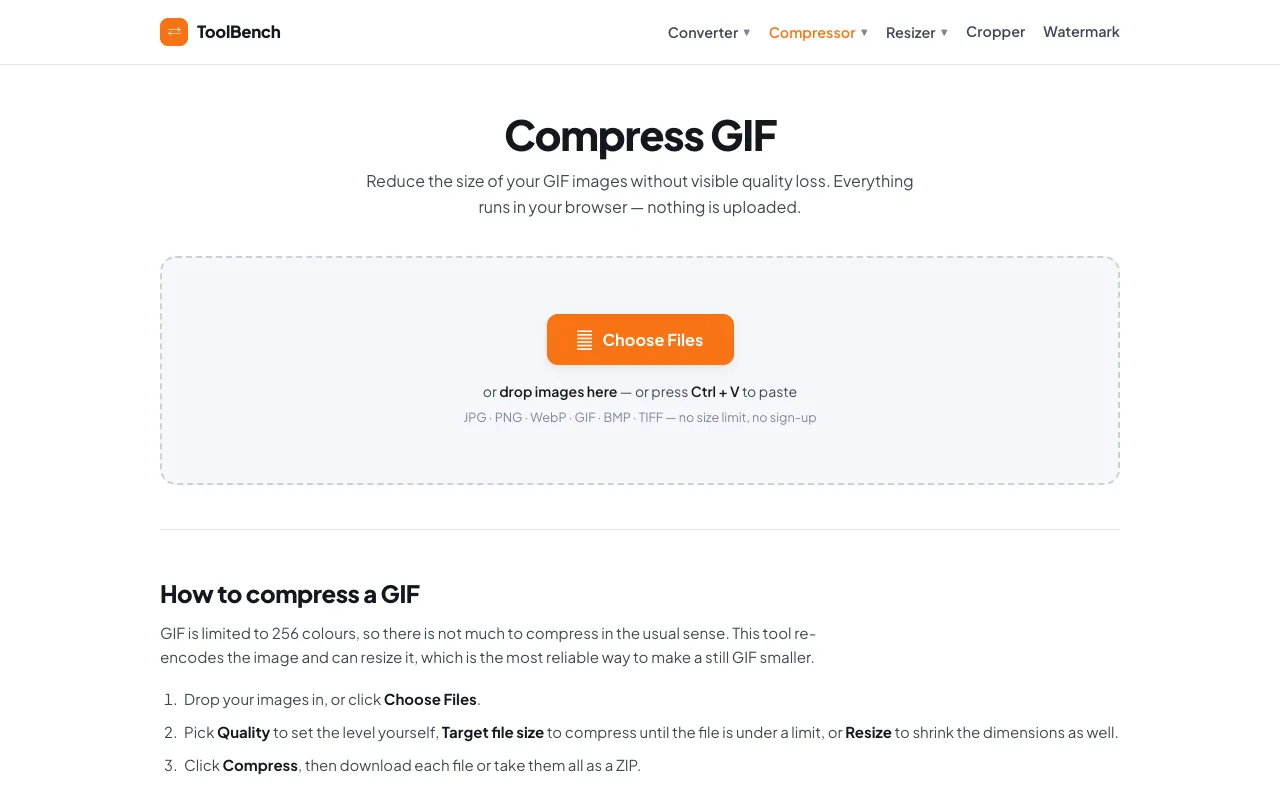
Compress GIF reduces animated or still GIF file size by optimizing frames, resizing dimensions, and stripping metadata. Users upload a GIF and can set a target size in kilobytes or megabytes, adjust quality levels, or resize the image to achieve a leaner file that loads faster. The result is a compressed GIF ready for download, suitable for web use where file weight matters.
How to use the MyToolsBench Compress GIF
- 1
Drop or choose a GIF file from your device
- 2
Select Quality, Target file size, or Resize options to set compression preferences
- 3
Click Compress to process the GIF in your browser
- 4
Download the result individually or as a ZIP archive
Best for
This option suits anyone needing to shrink GIFs for web sharing or email without uploading files to a server, thanks to local processing and no size limits.
Limitations
- GIF format is limited to 256 colours, so compression gains are modest
- Still images may be better converted to PNG or WebP for smaller size
- Animation quality depends on the chosen quality and resize settings
Compress GIF FAQ
- Does the tool keep my GIF animated after compression?
- Yes, the tool re-encodes the GIF while preserving animation, but reducing colour depth and resizing may affect smoothness depending on the settings chosen.
- Can I set a specific file size limit for the output?
- Yes, you can enter a target file size in KB or MB, and the tool will adjust quality automatically to stay under that limit.
- Is my GIF uploaded to the server for processing?
- No, everything runs in your browser; files are never sent to or stored on the server, so there is no size cap or queue.
- What happens if my GIF is a still image rather than an animation?
- The tool notes that still GIFs can often be converted to PNG or WebP for a smaller, better-looking file, as GIFs are limited to 256 colours.
More Compress GIF tools
Similar tools
Based on shared tags