ASCII Art Generator
Converts images, video files, webcam input, and screen captures into ASCII, halftone, and dither art with interactive...
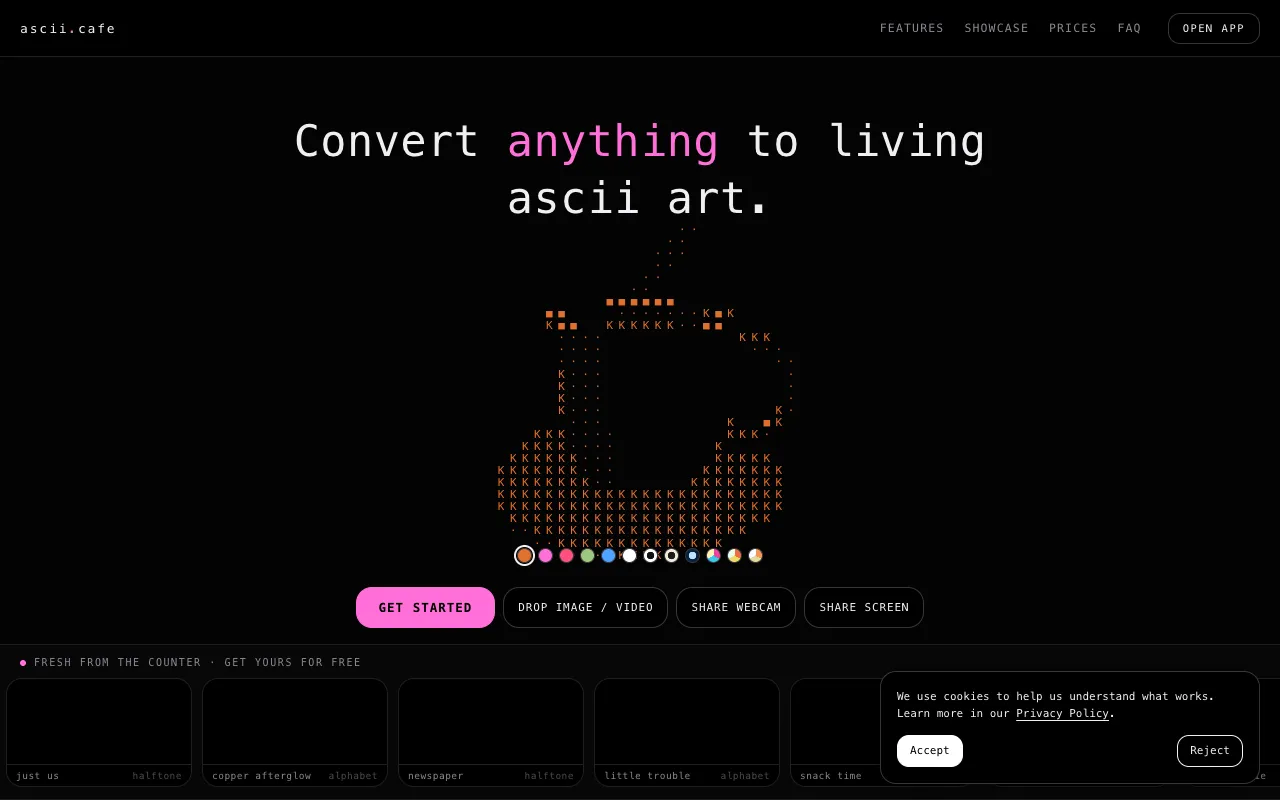
What ASCII Art Generator does
The ASCII Art Generator at ASCII Cafe converts both plain text and images into retro ASCII art formats. For text, users can stylize input using over 200 decorative fonts. For images, the tool processes graphics, video files, webcam input, or screen captures into detailed ASCII, halftone, or dither art. The result is a customizable ASCII representation that can be fine-tuned through interactive browser-based editing.
How to use the ASCII Cafe ASCII Art Generator
- 1
Upload or paste text into the generator to select from over 200 decorative fonts
- 2
Upload an image, video file, or provide webcam/screen capture input to convert into ASCII art
- 3
Adjust character sets, color palettes, and animation speed using the interactive browser-based editor
- 4
Export the final ASCII artwork as a PNG file for sharing or saving
Best for
Creative users who want to convert personal photos, screenshots, or text into unique ASCII art with real-time customization options and browser-based editing.
Limitations
- No unit switching between measurement systems
- Results are estimates dependent on chosen character set and palette
- Interface is specialized for ASCII conversion rather than general image editing
ASCII Art Generator FAQ
- Can I use my webcam feed directly with the ASCII Art Generator?
- Yes, the tool supports live webcam input that can be converted into ASCII art in real time with adjustable character sets and color palettes.
- What file formats can I export my ASCII art as?
- The editor includes PNG exports for the generated ASCII artwork, allowing you to save and share the results.
- How many decorative fonts are available for text-to-ASCII conversion?
- Over 200 decorative fonts are available for stylizing text input into ASCII art formats.
- Can I adjust the color palette of the generated ASCII art?
- Yes, users can adjust color palettes through the interactive browser-based editor to customize the artistic output of their ASCII representations.
More ASCII Art Generator tools
Similar tools
Based on shared tags