Web Tools Suite
WebFixKit is a free web-based platform offering a diverse collection of utilities for developers, designers, marketer...
What Web Tools Suite does
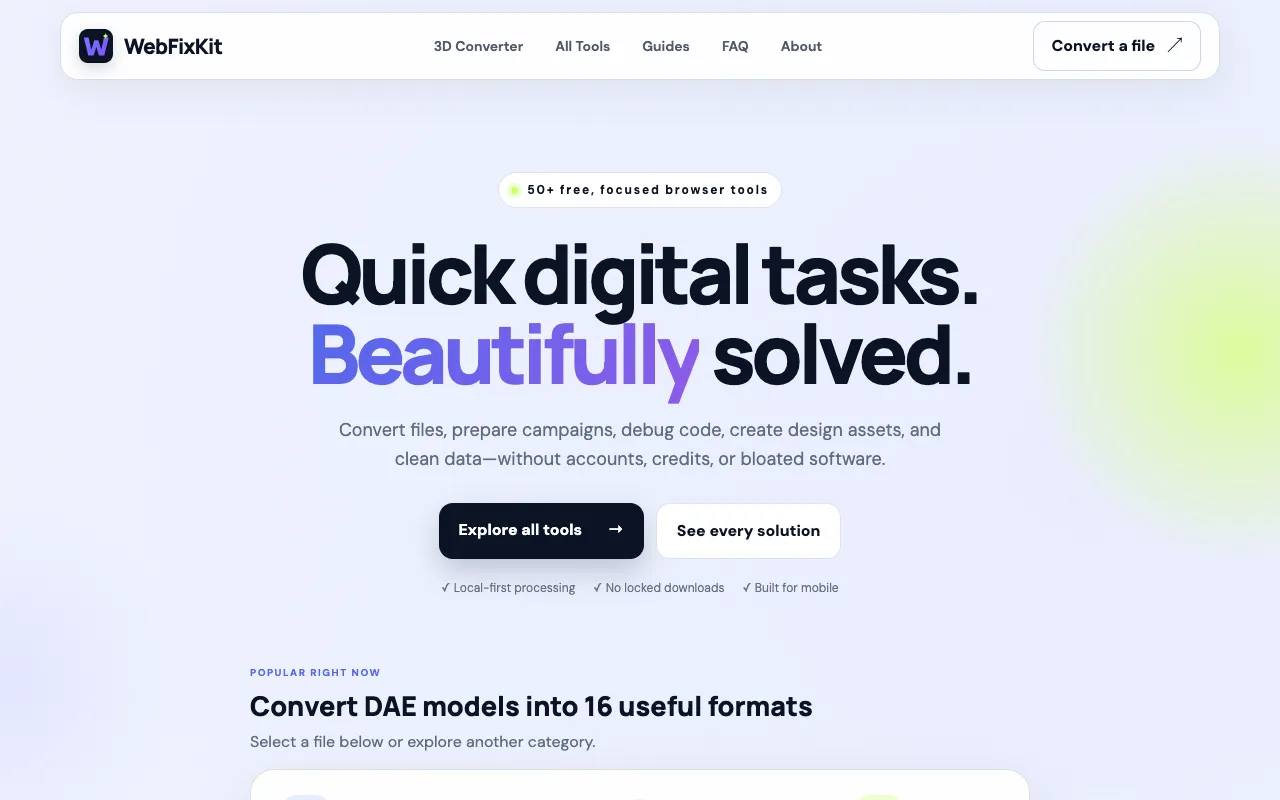
WebFixKit is a free web-based platform offering a diverse collection of utilities for developers, designers, marketers, and content creators. The suite covers PDF manipulation, image editing, text processing, financial calculations, mathematical computations, and developer utilities. Users can convert files, prepare marketing campaigns, debug code, create design assets, and clean data without accounts, credits, or bloated software. All tools run locally in the browser, keeping files private and secure. The platform organizes 111 tools into clear categories, supporting workflows across web development, graphic design, digital marketing, and creative industries. Every tool is built for mobile use and emphasizes local-first processing, meaning conversions and edits happen entirely within the user's browser tab. Nothing is uploaded to external servers, and there are no paid, demo, or locked converters. The interface presents each tool with a clean, focused design that guides users through the task without distraction. Popular utilities include file format converters, UTM parameter builders, SEO analysis tools, and 3D model conversion options, each labeled with supported source and target formats and size limits where applicable. The site’s directory structure makes it easy to jump between related tools, whether the user needs to resize an image, validate JSON, or calculate financial figures. This layout distinguishes WebFixKit from other tool suites that require account creation, impose file size caps, or hide conversion limits behind paywalls.
How to use the WebFixKit Web Tools Suite
- 1
Select the desired tool from the WebFixKit directory or use the search bar to find a specific utility
- 2
Upload or input the file, text, or data you wish to process using the tool's interface
- 3
Adjust any optional settings or parameters presented on the tool's page
- 4
Initiate the processing action and wait for the local browser-based conversion or edit to complete
- 5
Download the resulting file or copy the output text directly from the page
Best for
Ideal for freelancers, small business owners, and hobbyists who need quick, private conversions or edits without creating accounts or paying fees.
Limitations
- No unit switching for measurement conversions
- Results may vary depending on file complexity or size
- Some advanced features found in paid software are absent
Web Tools Suite FAQ
- Do I need to create an account to use WebFixKit tools?
- No, all tools run locally in your browser and require no account, login, or registration.
- Are converted files stored or uploaded to WebFixKit servers?
- No, processing happens entirely on your device; nothing is sent to or stored on the website's servers.
- Can I convert large files, such as 3D models or PDFs, on WebFixKit?
- Yes, many tools support files up to 100 MB, but performance depends on your device and browser capabilities.
- Is WebFixKit free to use without hidden costs or trials?
- Yes, every tool is 100% free with no paid tiers, demo limits, or locked converters.
More Web Tools Suite tools
Similar tools
Based on shared tags