Image to PDF Converter
Combine multiple image files into a single PDF document with support for JPG, PNG, WebP, HEIC and other common image ...
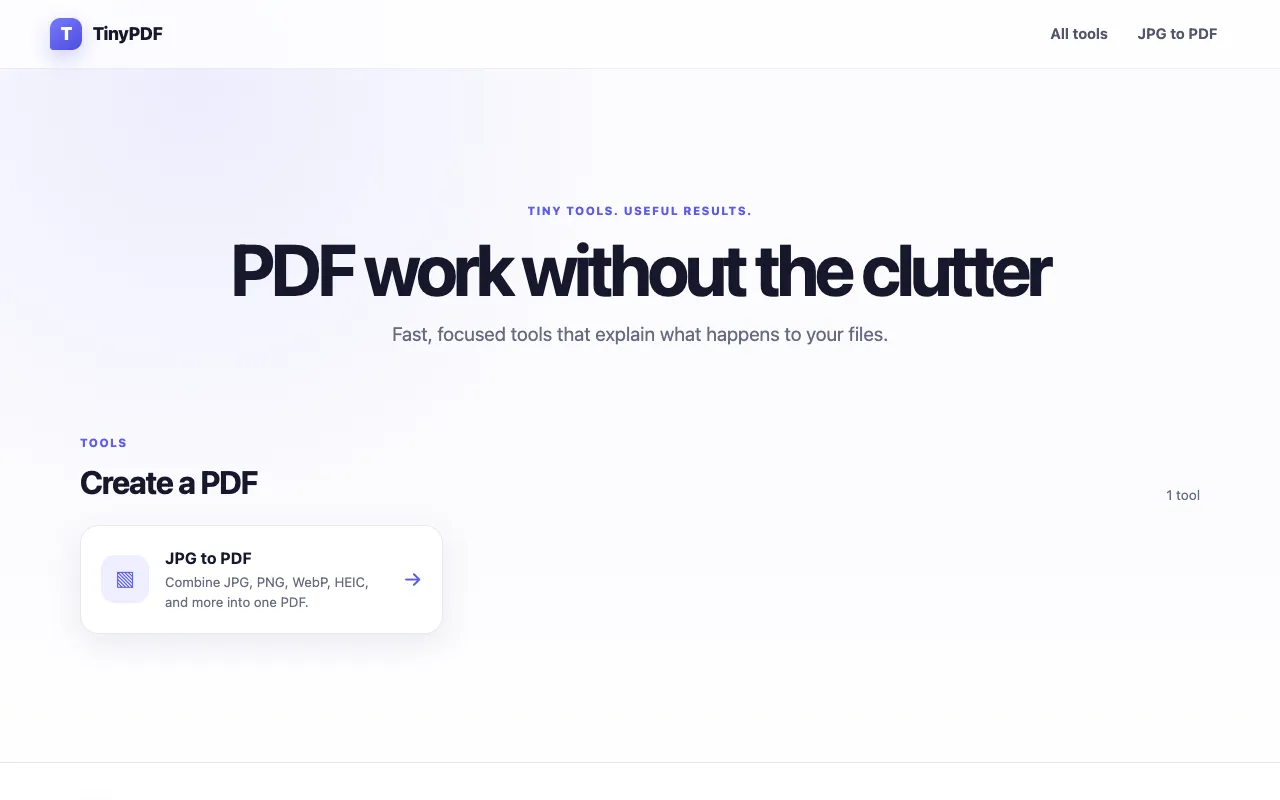
What Image to PDF Converter does
The Image to PDF Converter on TinyPDF is a web-based tool that transforms multiple image files into a single, organized PDF document. Users can upload photos or graphics in formats such as JPG, PNG, WebP, and HEIC, and the service consolidates them into a portable file that preserves full image quality. The resulting PDFs contain no watermarks, making them suitable for professional, personal, or business use. The process runs directly in the browser, requiring no account registration, and uploaded files are processed temporarily without permanent server storage. It functions across desktop and mobile devices, including iPhones, offering a straightforward way to create shareable documents from image collections.
How to use the TinyPDF Image to PDF Converter
- 1
Open the TinyPDF Image to PDF Converter page in your browser
- 2
Select the image files you want to convert from your device
- 3
Arrange the images in your preferred order if the tool allows
- 4
Initiate the conversion process to combine the images into one PDF
- 5
Download the resulting PDF file to your device
Best for
This option suits anyone who needs to quickly combine multiple images into a single, professional-looking PDF without installing software or paying fees, especially on mobile devices or shared computers.
Limitations
- No explicit file size limits mentioned in the stored notes
- Conversion quality depends on the original image resolution
- Lacks advanced PDF editing features such as page reordering or annotation tools
Image to PDF Converter FAQ
- Can I convert images from my iPhone using this tool?
- Yes, the TinyPDF Image to PDF Converter works on mobile devices including iPhones, allowing you to select photos from your gallery and convert them to PDF directly from the browser.
- Will the converted PDF have a watermark?
- No, the output PDF files contain no watermarks, making them suitable for professional, personal, or business use without any branding applied to the final document.
- Do I need to create an account to use the Image to PDF Converter?
- No account registration is required. The tool is accessible directly from the browser without signing up, and uploaded files are processed temporarily without permanent storage on the server.
- What image formats does this converter support?
- The tool supports JPG, PNG, WebP, HEIC, and other common image formats, allowing you to combine various types of photos or graphics into one PDF document.
More Image to PDF Converter tools
Similar tools
Based on shared tags