Barcode Generator
Generate QR codes and 74 barcode types: EAN, UPC, Code 128, GS1, postal, Swiss QR and more. Free PNG & SVG, spec-...
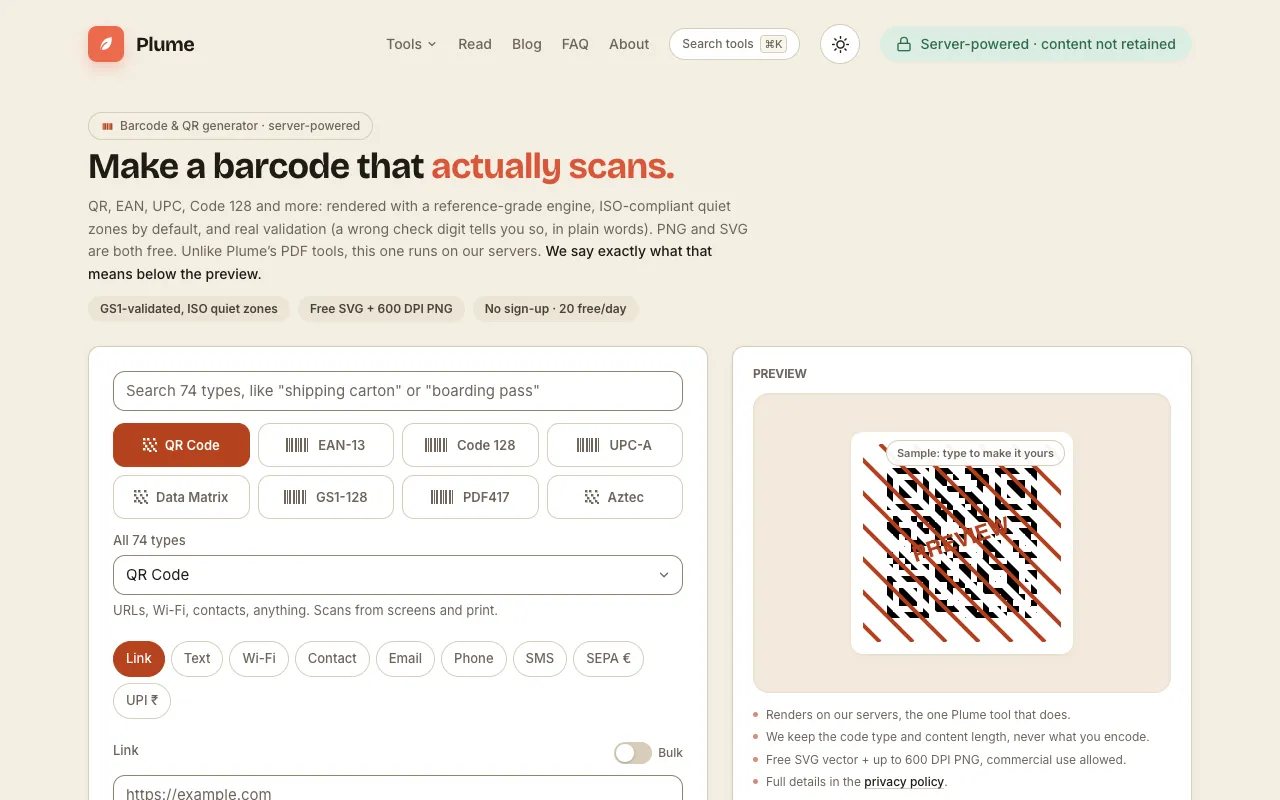
What Barcode Generator does
PlumeDocs' Barcode & QR Code Generator turns numeric or alphanumeric input into printable barcodes and QR codes. Users type their data into the interface and receive an image file—PNG or SVG—that can be used for inventory, product labels, or shipping. The tool supports over 70 symbologies, including EAN-13, UPC-A, Code 128, GS1, and postal codes, with free downloads and built-in validation that flags errors like a wrong check digit in plain language.
How to use the PlumeDocs Barcode Generator
- 1
Open the Barcode & QR Code Generator on PlumeDocs
- 2
Enter your numeric or alphanumeric data into the input field
- 3
Select the desired barcode type from the list of 74 supported symbologies
- 4
View the generated preview and download the image as PNG or SVG
- 5
Use the real validation feedback to correct any check-digit errors before printing
Best for
Developers, warehouse staff, and small business owners who need reliable, spec-compliant barcodes for inventory, product labeling, or shipping without paying for software or creating an account.
Limitations
- 20 free downloads per day before requiring a sign-up
- No unit switching between metric and imperial measurements
- Results depend on the symbology selected; some rare types may have limited formatting options
Barcode Generator FAQ
- Can I generate barcodes for commercial product packaging?
- Yes, PlumeDocs supports GS1-validated barcodes with ISO-compliant quiet zones, making the output suitable for retail packaging and inventory systems.
- What happens if I enter an invalid check digit?
- The tool provides real validation feedback in plain words, telling you exactly which digit is wrong so you can correct it before downloading.
- Are the downloaded files truly free, or is there a hidden cost?
- PNG and SVG downloads are free, with a limit of 20 per day; no sign-up is required for basic use, though additional features may require an account.
- Which barcode types are best for shipping labels?
- USPS Intelligent Mail, POSTNET, PLANET, and Royal Mail 4-State are available; select the symbology that matches your carrier's requirements for accurate scanning.
More Barcode Generator tools
- 0110015 Tools10015.io
Generates standard barcodes (Code 128, EAN-13, UPC-A, and others) from numeric or alphanumeric input.
- 02Ezgifezgif.com
Generates QR codes and standard barcodes.
- 03OpenToolSuiteopentoolsuite.com
Generate a barcode PNG locally. Encode ASCII Code 128 or check EAN-13 and UPC-A digits, review the payload and scan-t...
Similar tools
Based on shared tags