Barcode Generator
Generate a barcode PNG locally. Encode ASCII Code 128 or check EAN-13 and UPC-A digits, review the payload and scan-t...
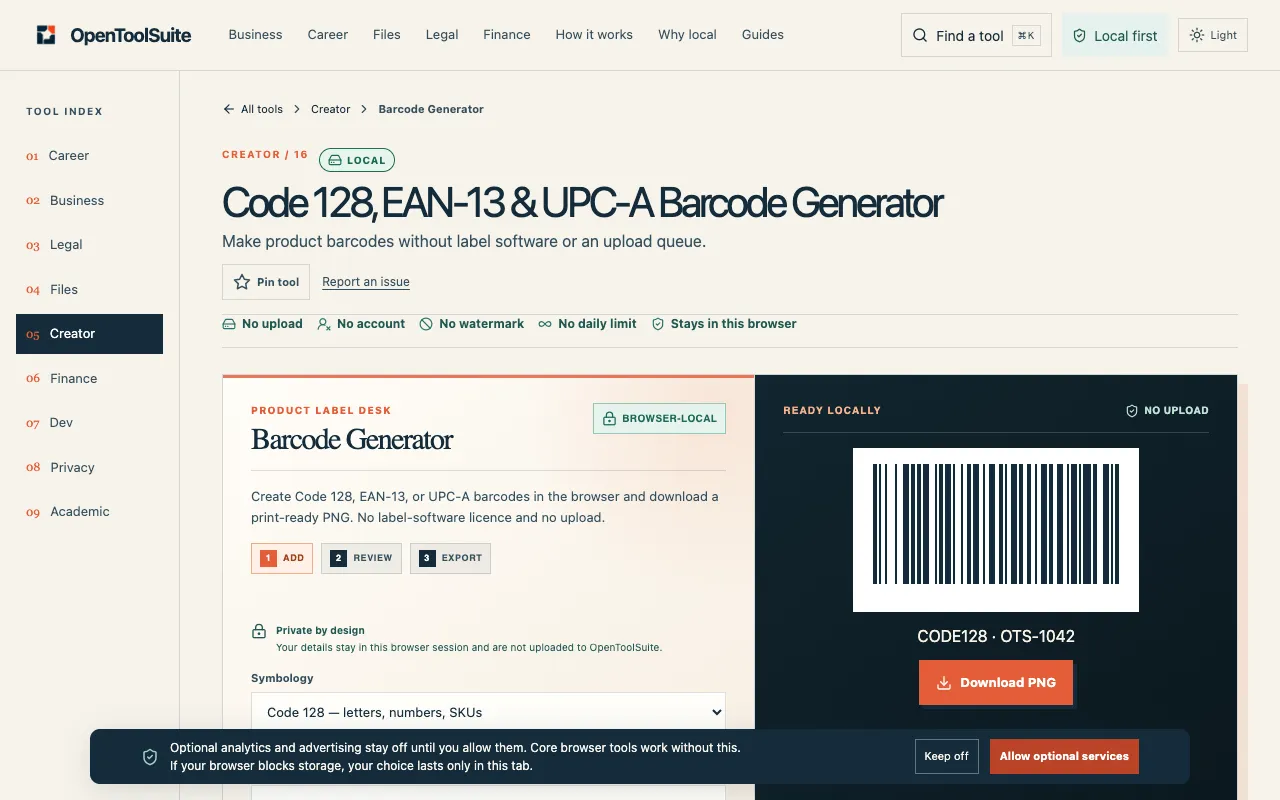
What Barcode Generator does
The Barcode Generator on OpenToolSuite creates standard barcodes from numeric or alphanumeric input. Users enter their data, and the tool outputs a PNG image of the barcode. The interface supports multiple formats, including Code 128 for mixed-letter references and EAN-13 or UPC-A for retail digits, with built-in validation to check the encoded payload against the original input before downloading.
How to use the OpenToolSuite Barcode Generator
- 1
Choose the barcode type (Code 128 for mixed letters, EAN-13 or UPC-A for retail digits)
- 2
Enter the payload data into the input field
- 3
Review the exact value displayed beneath the preview to verify the encoded digits
- 4
Download the PNG file and scan it to compare the decoded payload with the source data
Best for
Developers and inventory managers who need to generate standard barcodes for product labeling or stock references and want to verify the encoded data before printing.
Limitations
- Results are estimates based on the input payload
- No unit switching between barcode symbologies
- Ads may appear on the page
Barcode Generator FAQ
- Can I generate a barcode for a mix of letters and numbers?
- Yes, Code 128 supports mixed-letter and numeric stock references, encoding letters, digits, and hyphens as entered.
- How does the tool handle EAN-13 check digits?
- EAN-13 accepts 12 digits and automatically calculates the thirteenth check digit, or it can validate a complete 13-digit number entered by the user.
- What happens if I enter an invalid EAN-13 number?
- The tool will indicate invalid input; for example, entering 4006381333932 results in no barcode modules generated.
- Is there a way to test the barcode before downloading?
- Yes, the interface includes a scan-test feature that allows users to compare the decoded payload with the original input before printing or exporting the label.
More Barcode Generator tools
- 0110015 Tools10015.io
Generates standard barcodes (Code 128, EAN-13, UPC-A, and others) from numeric or alphanumeric input.
- 02Ezgifezgif.com
Generates QR codes and standard barcodes.
- 03PlumeDocsplumedocs.com
Generate QR codes and 74 barcode types: EAN, UPC, Code 128, GS1, postal, Swiss QR and more. Free PNG & SVG, spec-...
Similar tools
Based on shared tags