Subtitle Translator
GeekLink Full Pro translates video subtitles and SRT files into 40+ languages with context-aware AI (Claude, GPT-4o, ...
What Subtitle Translator does
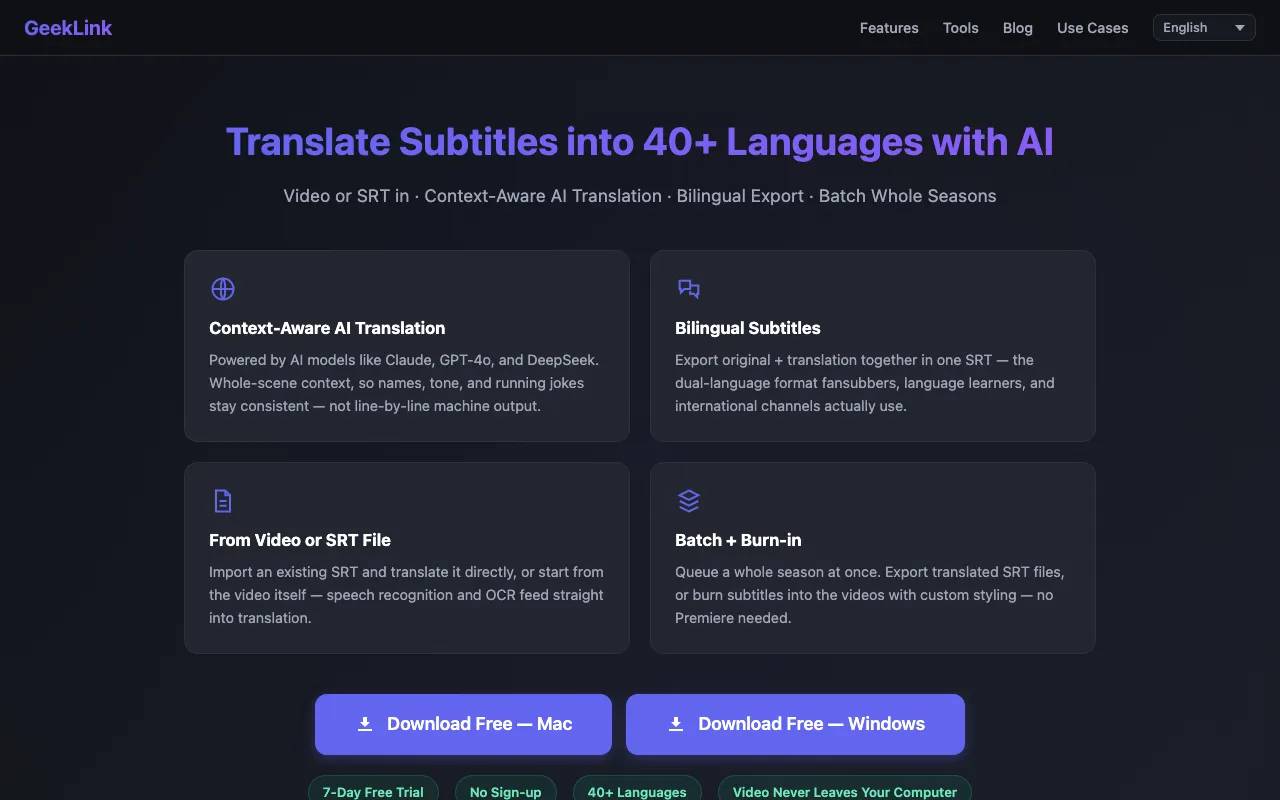
Subtitle Translator is a tool for converting subtitle files such as SRT, VTT, ASS, SSA, and SUB into over 40 languages. Users upload their files, choose a target language, and the platform translates the text while preserving the original cue timings. The result is a translated subtitle file ready for use with media players or video projects. The site also offers a bilingual export feature that places the original and translated text side-by-side in a single SRT file, which is especially useful for language learners or fansubbers. A free tier is available, with paid plans unlocking higher AI credit limits and additional workflow features like batch processing and video burning.
How to use the GeekLink Subtitle Translator
- 1
Import your subtitle file by dropping in an SRT or supported format, or upload a video for speech recognition and OCR to extract the text automatically.
- 2
Select one or two target languages and choose an AI model (Claude, GPT-4o, or DeepSeek) for the translation.
- 3
Review the output, which preserves timestamps exactly and translates only the text, then export a translated SRT, a bilingual SRT, or a video with burned-in subtitles.
- 4
For batch workflows, queue an entire season of episodes at once and export all files together.
- 5
Download the final subtitle file or video without needing to create an account for the free tier.
Best for
Language learners, fansubbers, and international channels who need accurate, context-aware translations that preserve running jokes and character names, plus the ability to export bilingual subtitles for side-by-side study.
Limitations
- Paid plans required for high-volume AI credits and batch processing
- Free tier has limited AI credits and lacks advanced workflow features
- Results depend on the selected AI model's context-awareness rather than simple line-by-line translation
Subtitle Translator FAQ
- Can I translate subtitles without uploading my video file?
- Yes, you can import an existing SRT file directly. The tool will translate the text while keeping the original cue timings intact.
- What file formats does the translator support?
- The tool supports SRT, VTT, ASS, SSA, and SUB subtitle formats, as well as video files for speech recognition and OCR extraction.
- How does bilingual export work?
- Bilingual export creates a single SRT file that contains both the original and translated text side-by-side, allowing viewers to see both languages in one file.
- Is there a limit on file size or number of files I can translate?
- The free tier includes limited AI credits; higher volumes and batch processing require a paid subscription with increased credit allowances.
More Subtitle Translator tools
Similar tools
Based on shared tags