Communication & Media3 options compared

Subtitle Translator

Subtitle Translator offers an easy-to-use tool for translating subtitle files such as SRT, VTT, ASS, SSA, and SUB. Users can upload their files, select the target language, and the platform will automatically translate the text while maintaining original cue timings. Once translated, users can download the subtitles in their preferred format, facilitating localization efforts for video content...

Editors’ Top PickBased on community votes
Other OptionsRanked by votes
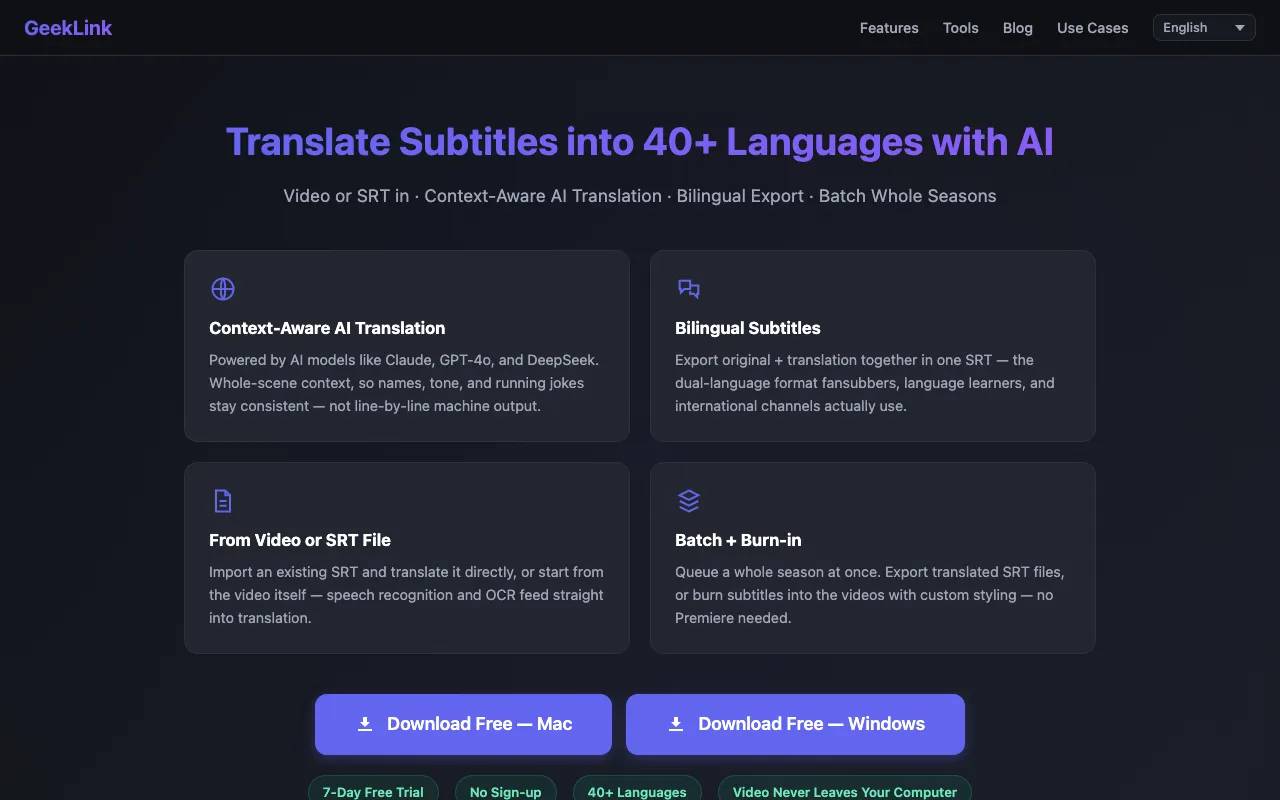
  1. Screenshot of GeekLink
    02
    GeekLink
    geeklink.dev

    GeekLink Full Pro translates video subtitles and SRT files into 40+ languages with context-aware AI (Claude, GPT-4o, ...

  2. Screenshot of Nosme
    03
    Nosme
    nosme.pro

    Subtitle Translator offers an easy-to-use tool for translating subtitle files such as SRT, VTT, ASS, SSA, and SUB. Us...

Side by side

Subtitle Translator options compared

ToolBest forStrengthsLimitations
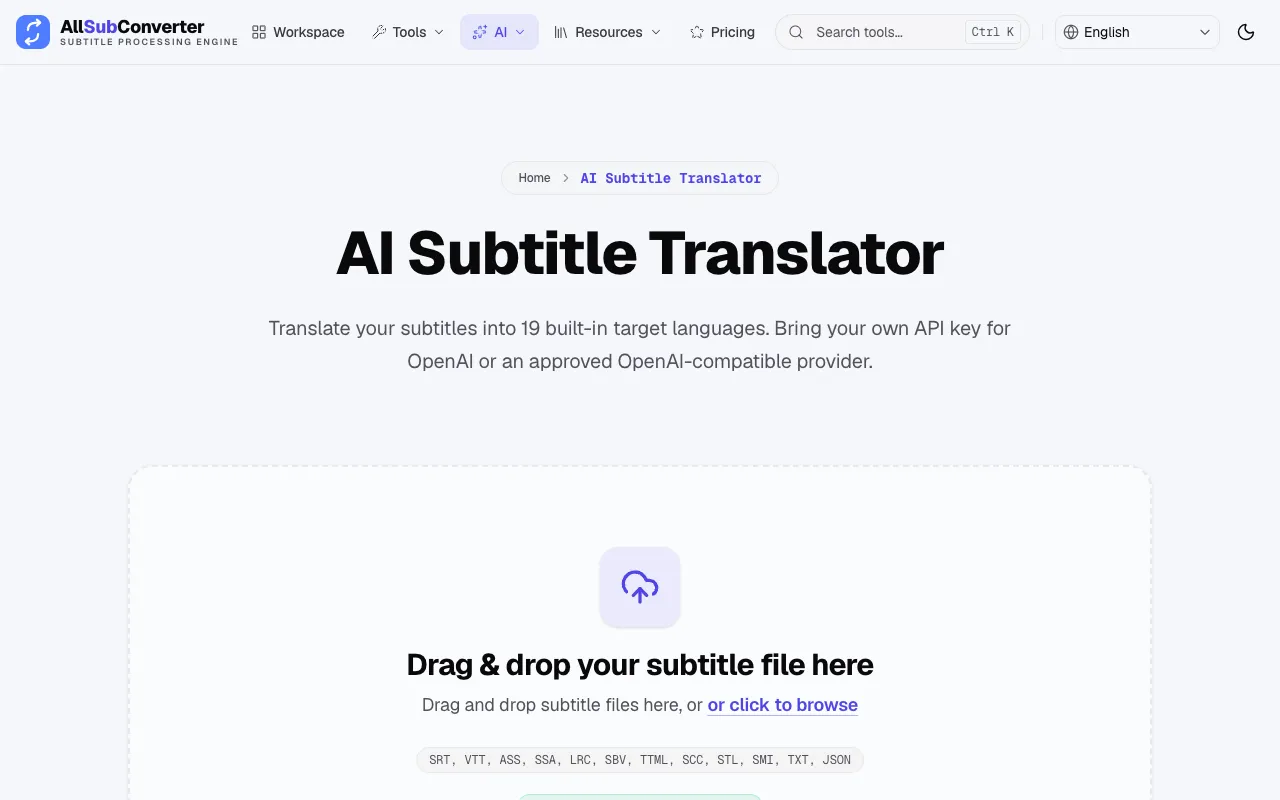
AllSubConverter
allsubconverter.com
Casual users needing 19 languages
  • Browser-based, no account needed
  • 19 built-in target languages
  • Preserves timing and subtitle structure
  • Only 19 fixed languages
  • API key required for full AI translation
GeekLink
geeklink.dev
Power users needing 40+ languages
  • 40+ languages with Claude/GPT-4o
  • Bilingual export format
  • Batch whole seasons
  • Requires trial sign-up for full access
  • Local software download needed
Nosme
nosme.pro
Basic SRT/VTT translation
  • Easy-to-use interface per notes
  • Supports SRT VTT ASS SSA SUB formats
  • Maintains original cue timings
  • No live page excerpt to confirm features
  • Fewer language options implied by notes

Buyer's guide

How to choose a subtitle translator

If you just need a subtitle translated once or twice and want to avoid signing up or pasting API keys, AllSubConverter works directly in your browser with a fixed set of 19 languages. If you are localizing a whole series, need more than 19 languages, or want to keep the original text visible alongside the translation for learning or fan‑sub purposes, GeekLink offers batch processing and bilingual export, though you’ll need to install the app and may hit a trial limit.

Questions
Subtitle Translator FAQ

Do I need to create an account to use these subtitle translators?
AllSubConverter runs in the browser without requiring an account, while GeekLink offers a free trial but may prompt you to sign up for full access after 7 days.
Can I translate subtitles without an API key?
AllSubConverter allows you to bring your own OpenAI‑compatible key, but also offers 19 built‑in target languages that may work without one. GeekLink’s AI models like Claude and GPT‑4o typically require an account or trial activation.
What subtitle formats are supported by these tools?
AllSubConverter supports SRT, VTT, ASS, SSA, LRC, SBV, TTML, SCC, STL, SMI, TXT, and JSON. GeekLink focuses on SRT and video‑based import, with options to burn‑in subtitles or export bilingual SRT files.
How are cue timings preserved during translation?
Both AllSubConverter and GeekLink state that only the text is translated while timing and subtitle structure remain intact, ensuring the translated subtitles sync with the original video.
Which tool is better for translating an entire TV season?
GeekLink’s batch whole‑season feature and burn‑in capability make it more suitable for large‑scale projects, whereas AllSubConverter processes files individually through a web interface.
Keep Exploring

Related tools in Communication & Media

View all →