Gross Margin Calculator
Calculate gross margin percentage directly from selling price and unit cost, determining whether a supplier cost incr...
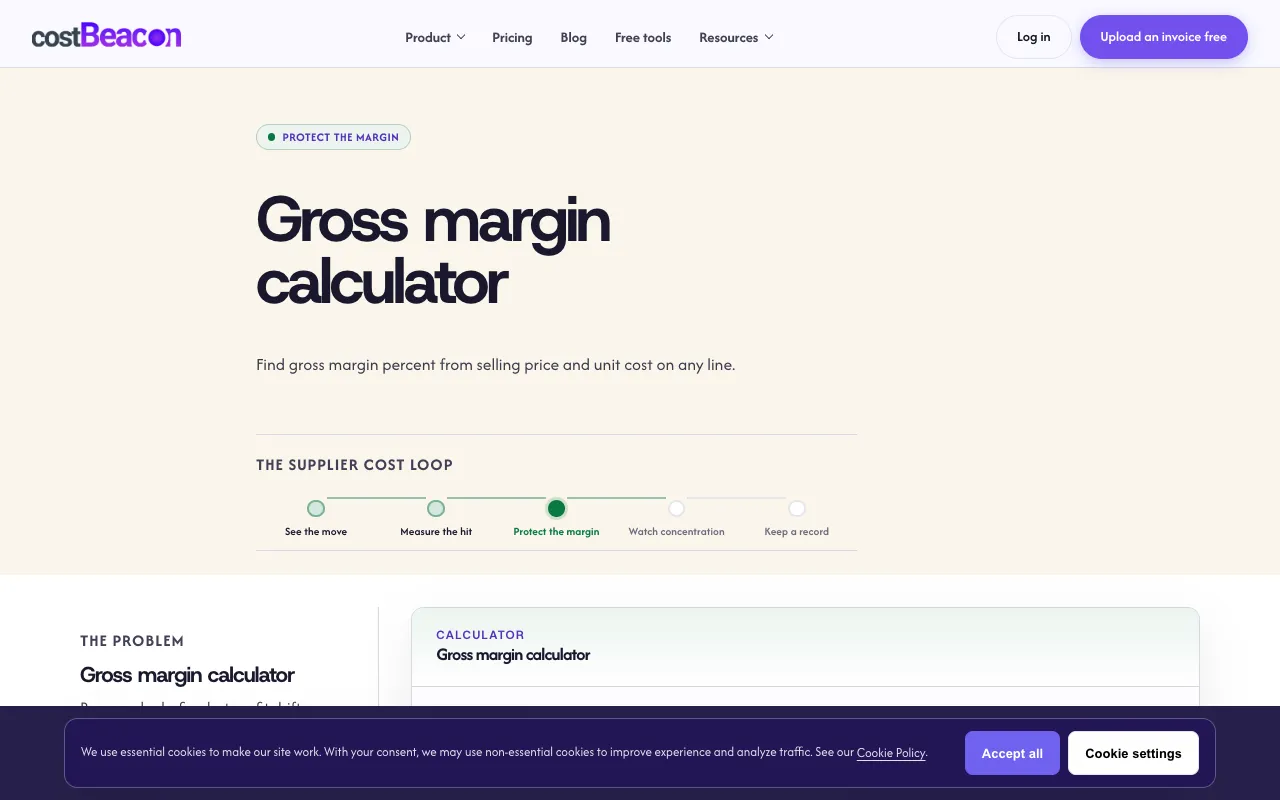
What Gross Margin Calculator does
The Gross Margin Calculator on CostBeacon lets users compute gross margin percentage by entering a selling price and unit cost. The result updates live, and users can compare their margin against industry benchmarks using a built-in comparison chart. The site also provides a markup vs. margin converter and explanations of core concepts like healthy margins and break-even analysis, all without requiring an account or subscription.
How to use the CostBeacon Gross Margin Calculator
- 1
Open the Gross Margin Calculator on CostBeacon
- 2
Enter the selling price and unit cost for a product or service
- 3
View the live-calculated gross margin percentage and markup percentage
- 4
Select an industry from the comparison chart to see how your results stack up against competitors
- 5
Use the markup vs. margin converter if you need to switch between cost-based and selling-price-based percentages
Best for
Small-business operators, restaurant and retail owners, and anyone who needs to quickly assess pricing strategy after cost changes without using complex accounting formulas.
Limitations
- Results are based on user-entered data and may not reflect full business overhead
- Industry comparison chart covers a limited set of sectors
- No unit switching or automated invoice parsing in the calculator itself
Gross Margin Calculator FAQ
- How do I calculate gross margin using this tool?
- Enter your selling price and unit cost into the calculator; the gross margin percentage is computed as (selling price minus unit cost) divided by selling price and updates live.
- Can I compare my margin to industry standards?
- Yes, the tool includes an industry comparison chart where you can select a sector to see how your gross margin results measure up against competitors in that field.
- What is the difference between margin and markup in this calculator?
- Margin is calculated on the selling price, while markup is calculated on the cost; the site provides a separate converter to switch between the two percentages.
- Do I need to create an account to use the Gross Margin Calculator?
- No, the tool is free to use and does not require an account or subscription.
More Gross Margin Calculator tools
Similar tools
Based on shared tags