Supplier Price Change Calculator
Calculate the percentage change when a supplier raises a unit cost, revealing pricing adjustments that often get lost...
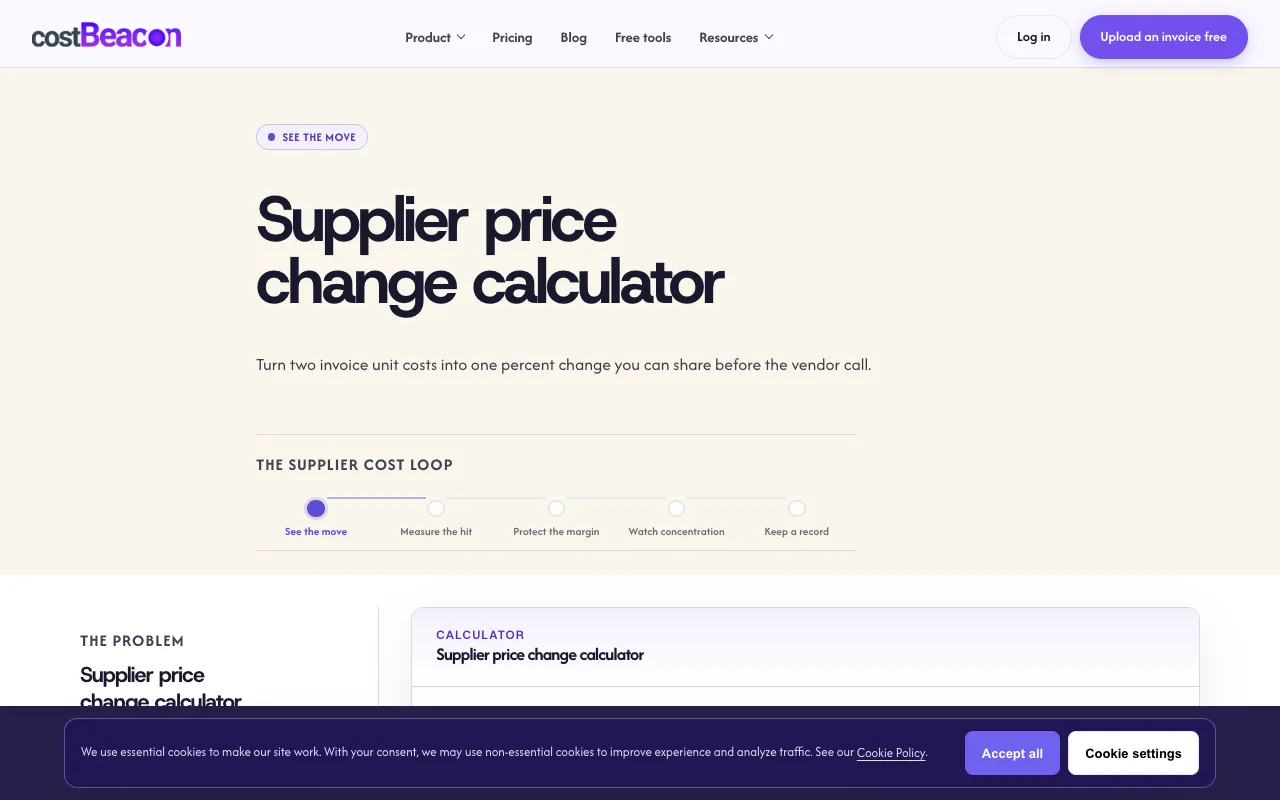
What Supplier Price Change Calculator does
The Supplier Price Change Calculator on CostBeacon helps business operators determine the exact percentage shift between two unit costs from supplier invoices. Users input a previous unit cost and a new unit cost, and the tool instantly displays the calculated percent change, turning individual line-item adjustments into a single figure ready for vendor discussions. The site positions this as a lightweight alternative to accounting software, specifically built for restaurant, retail, and small-business owners who need to track cost creep across detailed invoice items without complex spreadsheets. It also offers a unit cost normalizer for cases where pack sizes differ between invoices, ensuring comparisons are based on per-unit pricing rather than package totals.
How to use the CostBeacon Supplier Price Change Calculator
- 1
Enter the previous unit cost from the prior invoice in the 'Previous unit cost' field
- 2
Enter the new unit cost from the current invoice in the 'New unit cost' field
- 3
View the live-calculated percent change displayed instantly between the two inputs
- 4
Use the 'Clear' button to reset the fields and start a new comparison
- 5
Upload an invoice PDF via CostBeacon's free tool to extract line-item unit costs if needed
Best for
Restaurant, retail, and small-business operators who regularly review invoice line items and need to quickly calculate and communicate supplier price adjustments without accounting software or manual formulas.
Limitations
- Designed for unit-cost comparisons; does not handle bulk invoice processing or automated data entry
- Requires manual entry of both previous and new costs; no integration with accounting platforms
- Percent change is an estimate based on the two values entered; does not account for volume discounts or additional fees
Supplier Price Change Calculator FAQ
- How do I calculate the percentage change between two supplier unit costs?
- The tool uses the standard formula: (new cost minus old cost) divided by old cost, multiplied by 100. Enter both values to see the result instantly.
- What if the supplier changed the pack size between invoices?
- CostBeacon offers a unit cost normalizer tool that adjusts costs to a per-unit basis first, allowing an accurate comparison even when pack sizes differ.
- When should I escalate a price increase to my supplier?
- Escalate when the same SKU moves more than your alert threshold or breaks a quoted unit price, using the percent change as an objective figure for the conversation.
- Can I use this tool without accounting software?
- Yes. The calculator is designed for SMB operators who want to understand pricing adjustments without the complexity of accounting software, relying only on the two unit costs from their invoices.
Similar tools
Based on shared tags