Unit Cost Normalizer
Convert different pack sizes and bulk quantities into comparable per-unit costs when suppliers change packaging or qu...
What Unit Cost Normalizer does
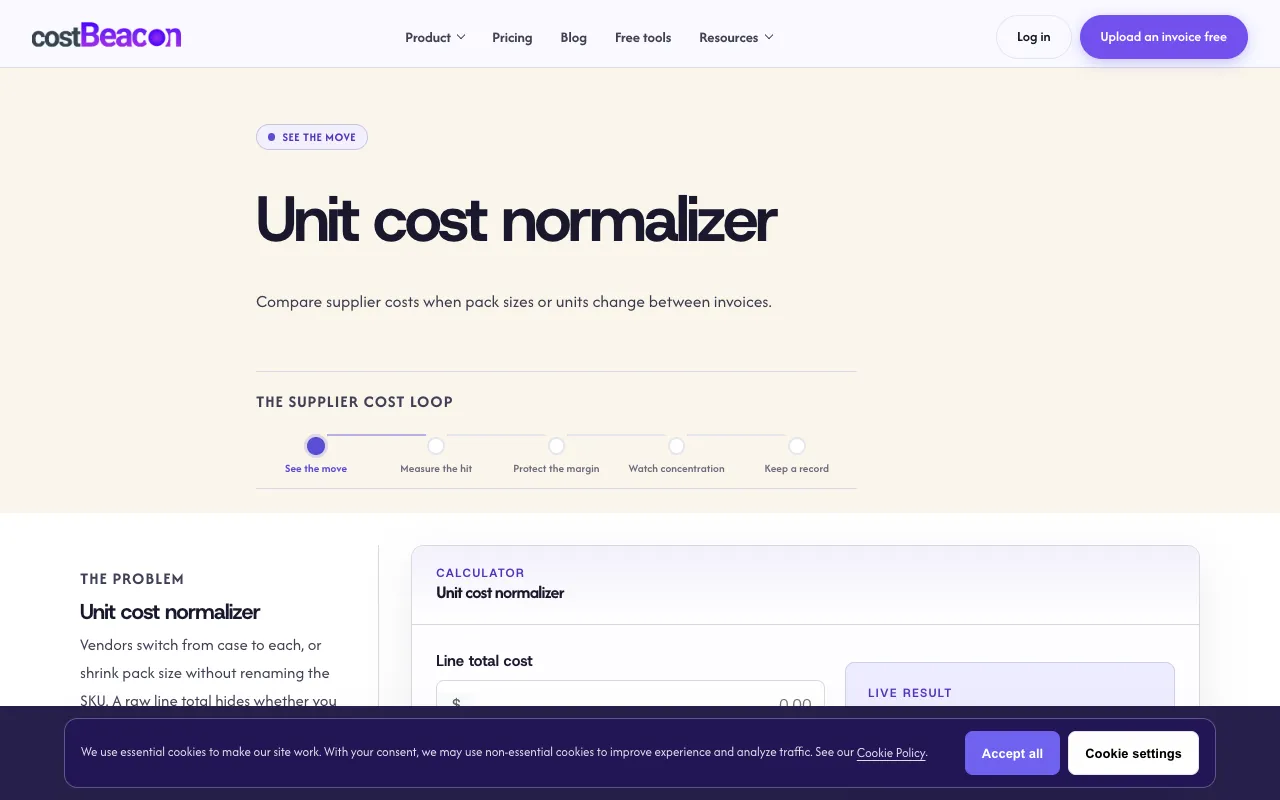
The Unit Cost Normalizer on CostBeacon converts supplier invoices with different pack sizes or bulk quantities into comparable per-unit costs. Users enter a line total cost and the pack size (units) for two invoices, and the tool instantly calculates the per-unit price, revealing whether a price difference reflects a genuine increase or simply a change in packaging. The result supports downstream calculations, helping small-business operators verify supplier pricing before escalating conversations. CostBeacon emphasizes that normalization uses consistent base units—each, pound, or kilogram—so the same product can be fairly compared across invoices regardless of format changes.
How to use the CostBeacon Unit Cost Normalizer
- 1
Enter the line total cost from the first supplier invoice in the cost field
- 2
Input the pack size (units) for that first invoice
- 3
Enter the line total cost from the second supplier invoice in the second cost field
- 4
Input the pack size (units) for that second invoice
- 5
View the live per-unit cost comparison that updates as values change
Best for
Small-business operators and procurement staff who need to determine if supplier price changes are real or merely reflect different pack sizes, enabling confident vendor negotiations.
Limitations
- Requires manual entry of cost and pack size for each invoice
- Normalization depends on user consistency with base units across invoices
- No automatic PDF upload or batch processing in the normalizer itself
Unit Cost Normalizer FAQ
- Can I compare invoices that use different units, like pounds versus kilograms?
- Yes, as long as you use the same unit consistently for both invoices being compared. The tool normalizes based on the pack size you enter, so enter the unit type that reflects your baseline for fair comparison.
- Does the tool automatically pull data from uploaded PDF invoices?
- The Unit Cost Normalizer requires manual entry of cost and pack size. However, CostBeacon offers a separate feature where you can upload supplier PDFs to build a per-unit cost history automatically.
- What counts as pack size for the normalization formula?
- Pack size is whatever base unit you care about—each, pound, kilogram—as long as you apply it consistently to both invoices you are comparing.
- How does normalization help me when a supplier changes packaging?
- Normalization lets you compare the same product across invoices with different pack sizes, revealing whether a price increase is real or simply a result of the new packaging format. This prevents false alarms before you call a vendor.
Similar tools
Based on shared tags