Supplier Cost Tools Suite
Collection of free supplier-cost calculators built for small-business operators tracking pricing changes on invoice l...
What Supplier Cost Tools Suite does
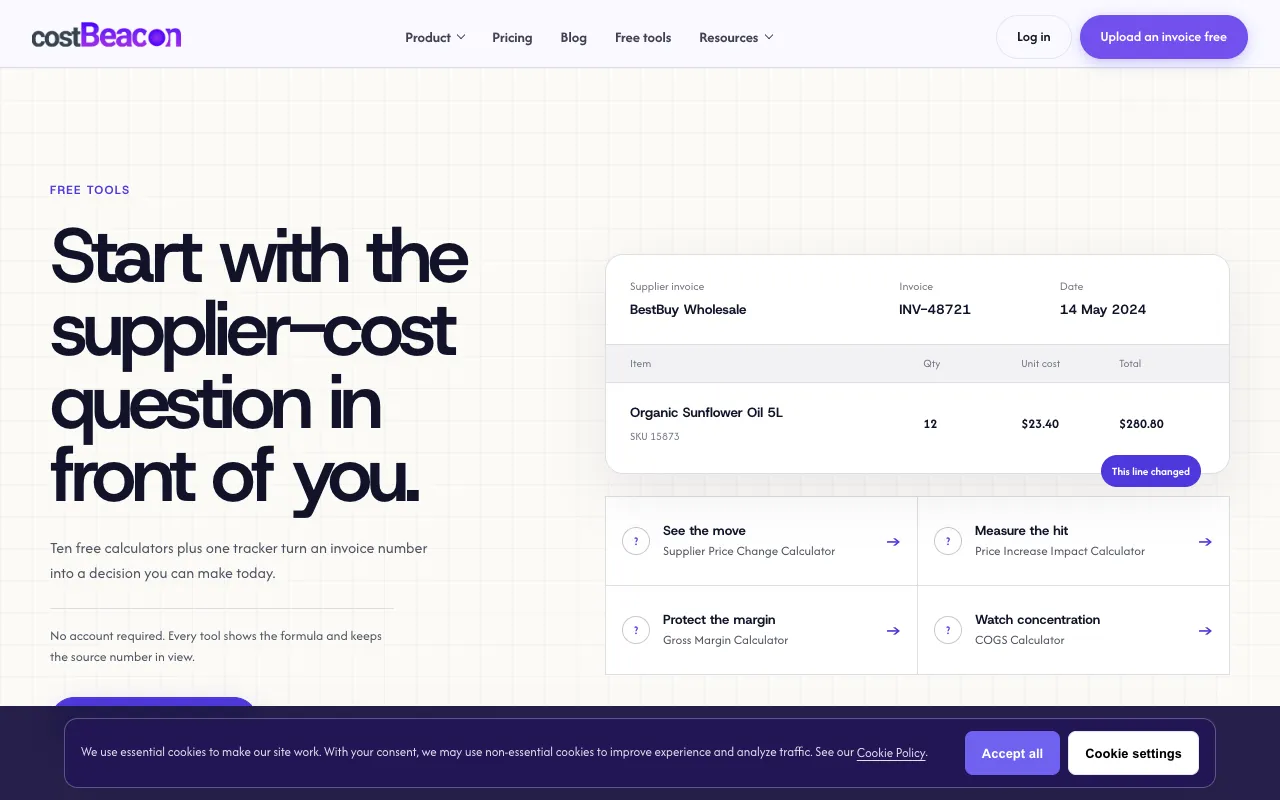
The Supplier Cost Tools Suite at CostBeacon is a set of free, web-based calculators that turn invoice data into actionable pricing decisions for small businesses. Users can calculate the percentage change between old and new supplier unit costs, estimate the dollar impact of a price increase based on monthly volume, analyze how markup adjustments recover margin, and compare unit costs across different packaging sizes. All tools are designed for restaurants, retail stores, and food service operators managing margin pressure from supplier increases. The suite includes a price change tracker that lets users upload invoices and monitor cost creep over time, with every calculator displaying its underlying formula so operators understand the math behind the results.
How to use the CostBeacon Supplier Cost Tools Suite
- 1
Start with the supplier price change calculator and input the old unit cost, new unit cost, and quantity to see the percentage change and dollar impact
- 2
Use the unit cost normalizer to convert line costs across different units—such as case, each, pound, or kilogram—to compare apples-to-apples pricing across suppliers
- 3
Run the price increase impact calculator by entering the unit cost increase and your monthly quantity to determine the total dollar hit to your budget
- 4
Apply the markup recovery calculator with your new supplier cost and desired margin to get a suggested selling price that protects your margin
- 5
Upload an invoice to the cost tracker to record line items, quantities, and totals, then monitor cost changes over time without creating an account
Best for
Small-business operators in restaurants, retail, and food service who need to track supplier price changes on invoice line items and maintain margins without investing in accounting software.
Limitations
- Calculations are based on user-entered numbers and are estimates, not audited financial data
- No unit conversion formulas are provided beyond the normalizer; users must ensure correct input units
- The suite focuses on per-line-item math and does not include full inventory or accounting integration
Supplier Cost Tools Suite FAQ
- Do I need to create an account to use the CostBeacon calculators?
- No account is required. Every calculator is free to use immediately, and you can upload invoices to the tracker without signing up.
- Can these tools help me decide on a new selling price after a supplier increase?
- Yes. The markup recovery and gross margin calculators let you input your new supplier unit cost and desired margin to see a suggested selling price that maintains your target profit.
- How do I compare unit costs when suppliers quote different packaging sizes?
- Use the unit cost normalizer to convert each supplier's price to a common unit—such as cost per pound or cost per each—so you can compare the true per-unit expense across different case sizes or packaging formats.
- What if I want to track how my supplier costs change month to month?
- Upload each invoice to the cost tracker. The tool records the line-item details and totals, letting you spot pricing trends and cost creep over time without needing accounting software.
Similar tools
Based on shared tags