01

Calculates basic arithmetic operations including addition, subtraction, multiplication, and division using a simple browser-based interface. Users input numbers and select operations to perform calculations directly in their web browser without needing additional software. Helps users quickly perform mathematical tasks for educational purposes, financial planning, scientific research, or daily...
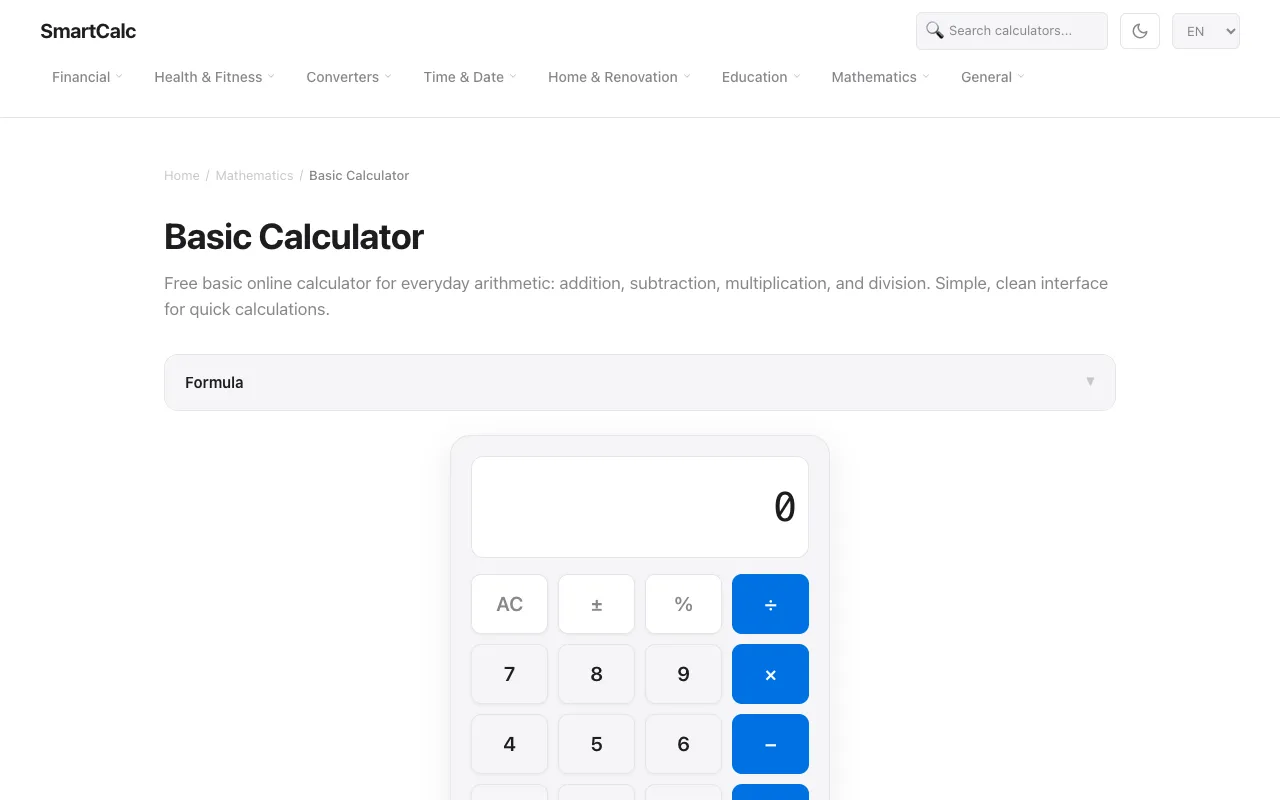
Free basic online calculator for everyday arithmetic: addition, subtraction, multiplication, and division. Simple, cl...
Side by side
| Tool | Best for | Strengths | Limitations |
|---|---|---|---|
| PineTools pinetools.com | Quick, no-login calculations |
|
|
| SmartCalc smartcalc.top | Learning calculations with examples |
|
|
Buyer's guide
Pick a tool based on whether you need speed or guidance. If you just need to add, subtract, multiply, or divide two numbers right now, PineTools opens instantly with no steps. If you are trying to figure out percentages, tips, or splitting a bill and want to see how the calculator handles it, SmartCalc walks you through examples so you learn the sequence of button presses.
Questions