39 tools
Captures a styled screenshot of formatted JSON for sharing in docs or social posts. Users can paste their JSON code into the tool, which then renders it visually with syntax highlighting and formatting. This makes complex data easier to understand and share across platforms. Developers, technical writers, and anyone who needs to communicate JSON-based information will find this tool useful. It aids in creating clear visual representations of JSON data for presentations, documentation, or social media posts without requiring manual styling.
Converts JSON documents into plain text, simplifying their structure for easier searching and comparison. Users can upload JSON files or paste raw JSON content, which is then flattened into a single line of text. Ideal for developers needing to quickly compare JSON data or prepare it for integration with other tools that don't support native JSON formats. Developers, data analysts, and anyone working with complex JSON structures will find this tool invaluable. It saves time in manual conversion processes and enhances usability when integrating JSON data into systems that only accept plain text inputs.
Pulls a deduplicated list of all keys from any JSON document you provide, simplifying complex data structures for analysis. This utility processes the input JSON and generates a clean, comprehensive list containing every unique key found within the entire file. By isolating these keys, developers can quickly map out the underlying schema and understand the complete field set available in the data without manual parsing or writing extensive code. Developers working with structured data benefit significantly from this tool for efficient development workflows. It enables quicker data insights and facilitates easier preparation for further manipulation or integration into other systems. Anyone needing to validate a JSON structure, write robust parsers, or simply understand all potential fields within a dataset can use this service to streamline their data handling processes.
Extracts all values from a JSON document into a flat list, making it easier to view and analyze data. Simply paste your JSON content into the tool, and it processes to extract each value, organizing them in a structured format. Developers, data analysts, and anyone working with JSON data will find this helpful for debugging, data validation, or simply getting an overview of the values within complex JSON structures.
Flattens nested JSON arrays to a single flat array, simplifying complex data structures for easier processing or analysis. Users input their JSON data, and the tool recursively extracts all elements into a simple array format. Developers and data analysts frequently use this tool to preprocess JSON data for applications requiring a more straightforward structure. It helps in reducing complexity, speeding up data manipulation tasks, and making it compatible with various tools that do not support deeply nested structures.
Flattens nested JSON objects into single-level objects with dotted keys, simplifying complex data structures for easier manipulation or processing. Ideal for developers working with large, deeply nested JSON data, this tool automates the process of flattening, making it accessible to both beginners and experienced users alike. Developers use Flatten JSON Object to streamline their workflows by reducing the complexity of data handling in applications. It's particularly useful for those dealing with APIs that return complex nested structures or when preparing data for databases or other systems that require flat structures.
Rewrites string values in JSON using JavaScript escape sequences for obfuscation. Users can input JSON data, and the tool will automatically convert all string values to be safe for embedding within JavaScript code, making them harder to read without decoding. This is particularly useful for developers working on web applications who need to include JSON data in script tags or pass it through JavaScript functions. Developers would use this tool when they need to embed sensitive information into client-side scripts without exposing the data directly. By obfuscating string values, they can prevent prying eyes from easily reading confidential information such as API keys, passwords, or personal data, enhancing security on their web applications.
Minifies, renames keys, and strips whitespace from JSON documents to create more compact versions of data files. This online utility processes structured JSON content by optimizing its format for storage and transmission. The tool systematically reduces file size while maintaining all original data integrity and structure, resulting in a clean, optimized output ready for integration into web applications or databases. Developers and technical users working with large amounts of JSON data benefit from this optimization capability. By making the files significantly smaller and more difficult to read, it can help improve performance metrics when transferring or parsing data across networks. It provides an efficient way to prepare substantial JSON datasets without needing specialized local software installations.
Sanitizes JSON data by allowing users to remove specified keys or values from an uploaded document. The tool provides an interface where users input their raw JSON structure, designate which elements need anonymization, and then process the data. After specifying the censorship rules, the platform generates and allows download of a sanitized version of the original file, ensuring sensitive information is removed while maintaining the overall JSON format integrity. Developers use this utility when they must prepare structured data for sharing or testing purposes. It is particularly useful for anonymizing datasets that contain private or sensitive information before storage in non-secure environments. By systematically censoring identifiable fields, developers can safely demonstrate functionality or share samples without compromising user privacy or violating compliance standards.
Displays a structural analysis of a JSON document, showing depth, key counts, and type distributions. Helps users understand complex JSON data by breaking it down into easily digestible parts. Ideal for developers working with large or deeply nested JSON structures, making debugging and documentation easier.
Converts JSON into Java .properties file format with dotted key paths. Users can input JSON data, and the tool processes it to generate equivalent properties files, making it easier for developers to integrate external configurations in their Java applications. Developers working on Java projects that require external configuration management would use this tool to convert JSON-based configuration files (commonly used in web services or API responses) into .properties files. This conversion facilitates better readability and integration of settings within Java applications, ensuring consistency and ease in accessing configuration parameters throughout the codebase.
Converts Java .properties files back into nested JSON using an online tool available at https://onlinetools.com/json/convert-properties-to-json. This utility facilitates the transformation of key-value pairs found in .properties files into a structured JSON format, which can be particularly useful for developers and data analysts needing to interchange or use configuration data in web applications. Users who work with Java-based applications that utilize .properties files for configurations often require a way to convert these files into more versatile formats like JSON. This tool provides an efficient method for performing this conversion directly from their browser, saving time and effort in manually translating the data.
Validates and reformats JSON documents, surfacing syntax errors with line and column information. Users can input or paste their JSON data into the tool's interface, which then checks for any formatting issues or syntactic errors. If problems are found, the tool highlights them in real-time, providing precise location details to aid in correcting the data. Developers, API users, and data analysts would benefit from this tool, as it ensures that JSON files adhere to correct syntax, enhancing data integrity and compatibility with various applications and systems that rely on JSON.
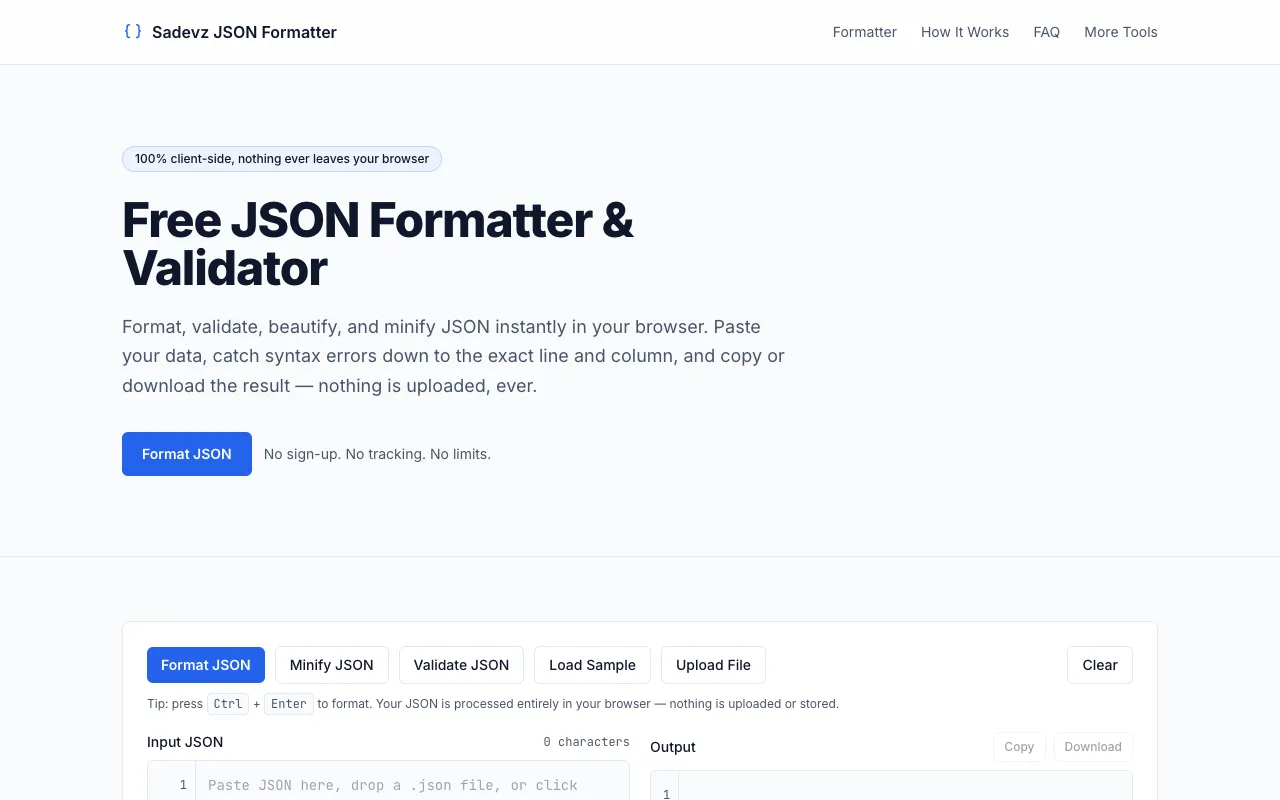
JSON Formatter & Validator is a free browser-based tool designed for developers who need to quickly format and validate JSON data. Paste any JSON code into the tool to instantly beautify it with proper indentation and syntax highlighting. The tool detects and displays JSON formatting errors, making it easy to spot and fix issues in your data structures. All processing happens directly in your browser, ensuring your data remains private and no account signup is required.
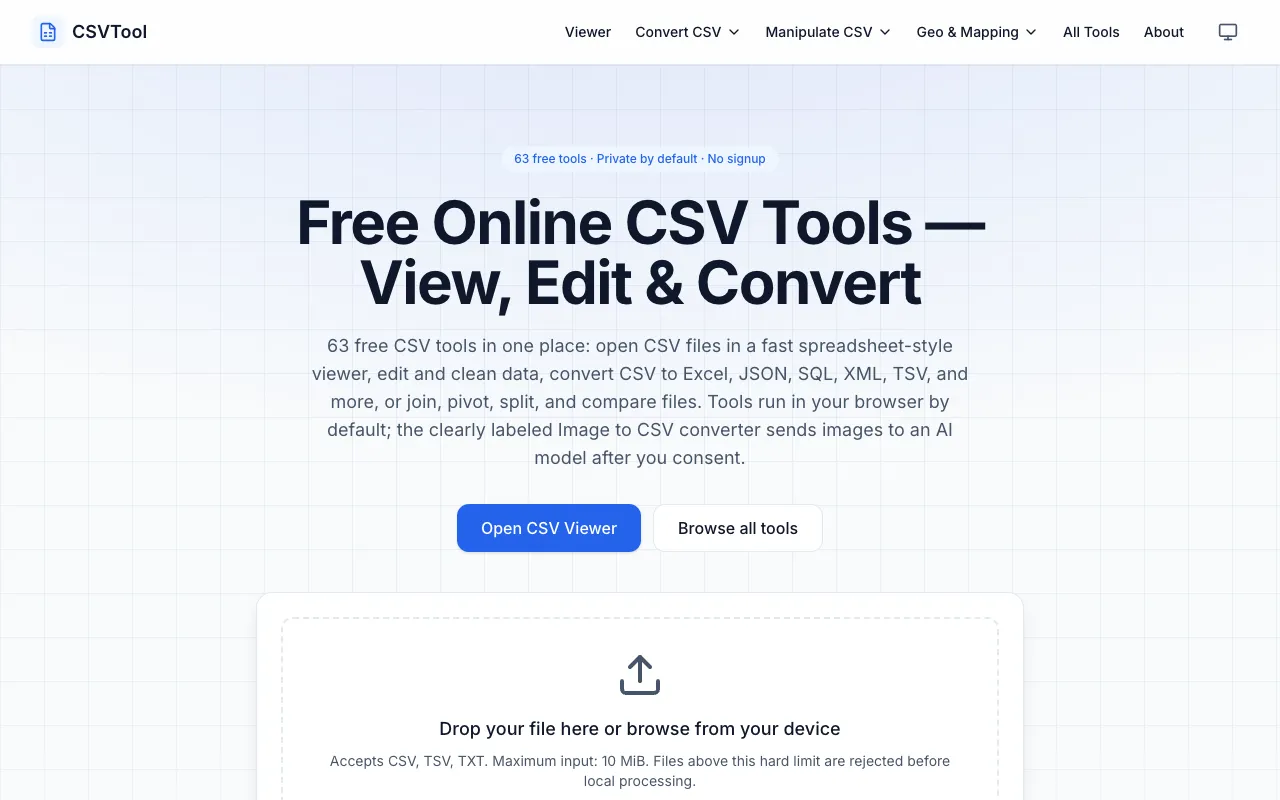
CSVTool is a comprehensive, browser-based suite of 63 free utilities designed for working with CSV files. It provides essential tools including a CSV viewer, editor, and converters that transform CSV data into multiple formats including Excel, JSON, and SQL. Beyond basic conversion, the suite includes advanced data manipulation capabilities such as joining multiple files, pivoting data, splitting records, and comparing datasets. All processing happens entirely within your browser with complete privacy—no account signup is required and your data never leaves your device. The extensive collection covers the entire workflow of CSV operations, from simple viewing and editing to complex transformations and comparative analysis.