QBO File Converter
Ledger File Lab is a free browser-based converter that reads QuickBooks Web Connect (.qbo) files directly in your bro...
What QBO File Converter does
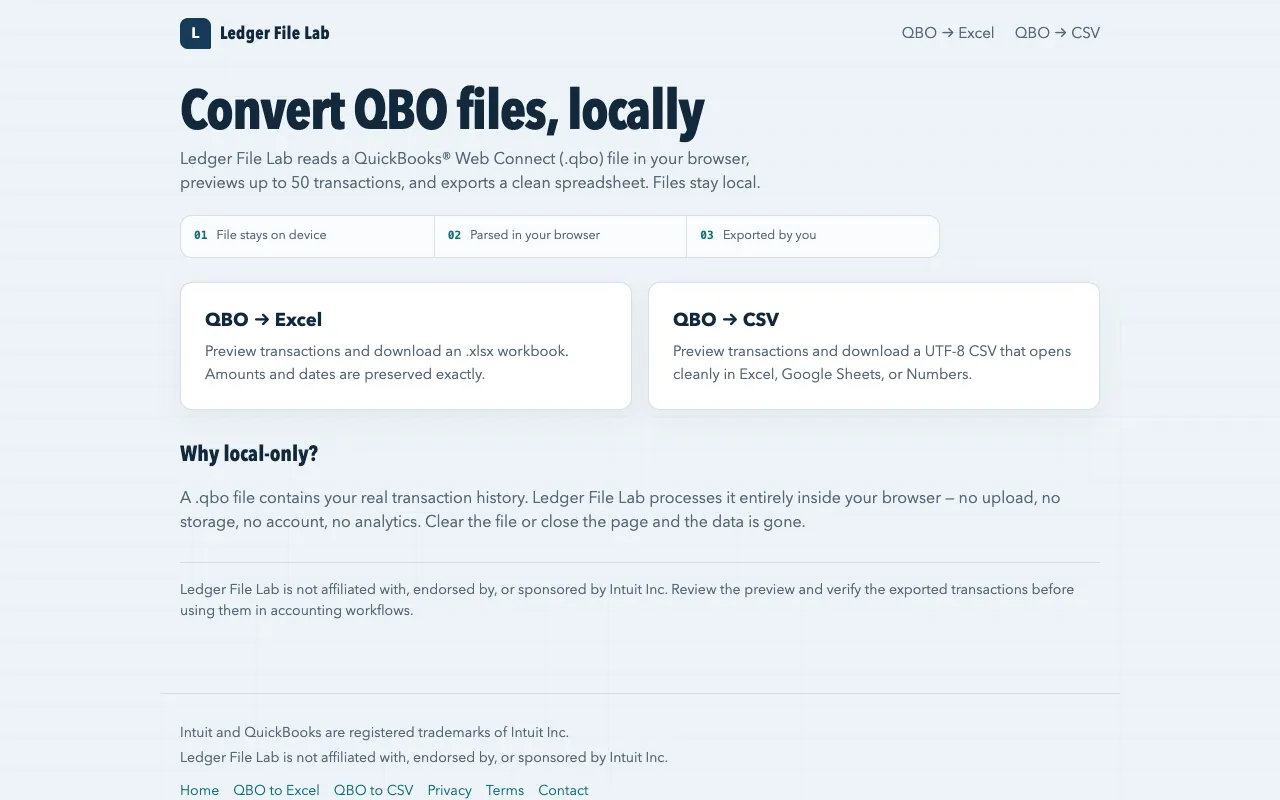
Ledger File Lab is a free browser-based converter that reads QuickBooks Web Connect (.qbo) files directly in your browser without requiring file upload or account creation. The tool automatically previews up to 50 transactions from your selected QBO file, allowing you to verify the data before proceeding with export. You can export the transactions to either Microsoft Excel (.xlsx) or UTF-8 CSV format, making it convenient to import your accounting data into spreadsheet applications or other compatible software. All file processing occurs locally within your browser, ensuring that your financial data never leaves your device.
How to use the Ledger File Lab QBO File Converter
- 1
Open the Ledger File Lab website and select your .qbo file from your device
- 2
Preview up to 50 transactions in the browser interface to verify amounts, dates, and payees
- 3
Choose to export the verified transactions to either .xlsx or UTF-8 CSV format
- 4
Download the spreadsheet file and import it into your preferred accounting or spreadsheet application
Best for
Individuals and small business owners who need to convert QuickBooks Web Connect files to spreadsheet formats without uploading sensitive financial data to external servers.
Limitations
- Previews only the first 50 transactions from each QBO file
- No batch processing for multiple QBO files simultaneously
- Exported data requires manual review before integration into accounting workflows
QBO File Converter FAQ
- Is my QBO file uploaded to a server or stored anywhere?
- No, Ledger File Lab processes all .qbo files entirely within your browser. The file stays on your device and is not uploaded, stored, or retained by the site.
- Can I convert QBO files larger than 50 transactions?
- The tool previews up to 50 transactions for verification, but you can still export all transactions from the file. The preview limit is for review purposes only.
- What format should I choose between Excel and CSV?
- Choose .xlsx if you need a formatted spreadsheet with multiple columns and rows. Choose UTF-8 CSV if you plan to import the data into spreadsheet applications like Excel, Google Sheets, or Numbers.
- Do I need to create an account to use Ledger File Lab?
- No account creation or registration is required. The tool is free to use directly in your browser without signing up.
Similar tools
Based on shared tags