01

01
Inventive HQ
inventivehq.com
Compare text, code, and config files side by side with syntax highlighting. See additions, deletions, and changes ins...
Compares text, code, or configuration files side by side to highlight differences. Users upload their files, and the tool automatically identifies changes, displaying them in a clear visual format. Developers, system administrators, and anyone working with multiple versions of documents will find this tool invaluable for spotting discrepancies, merging code, and managing configurations...
Compare text, code, and config files side by side with syntax highlighting. See additions, deletions, and changes ins...

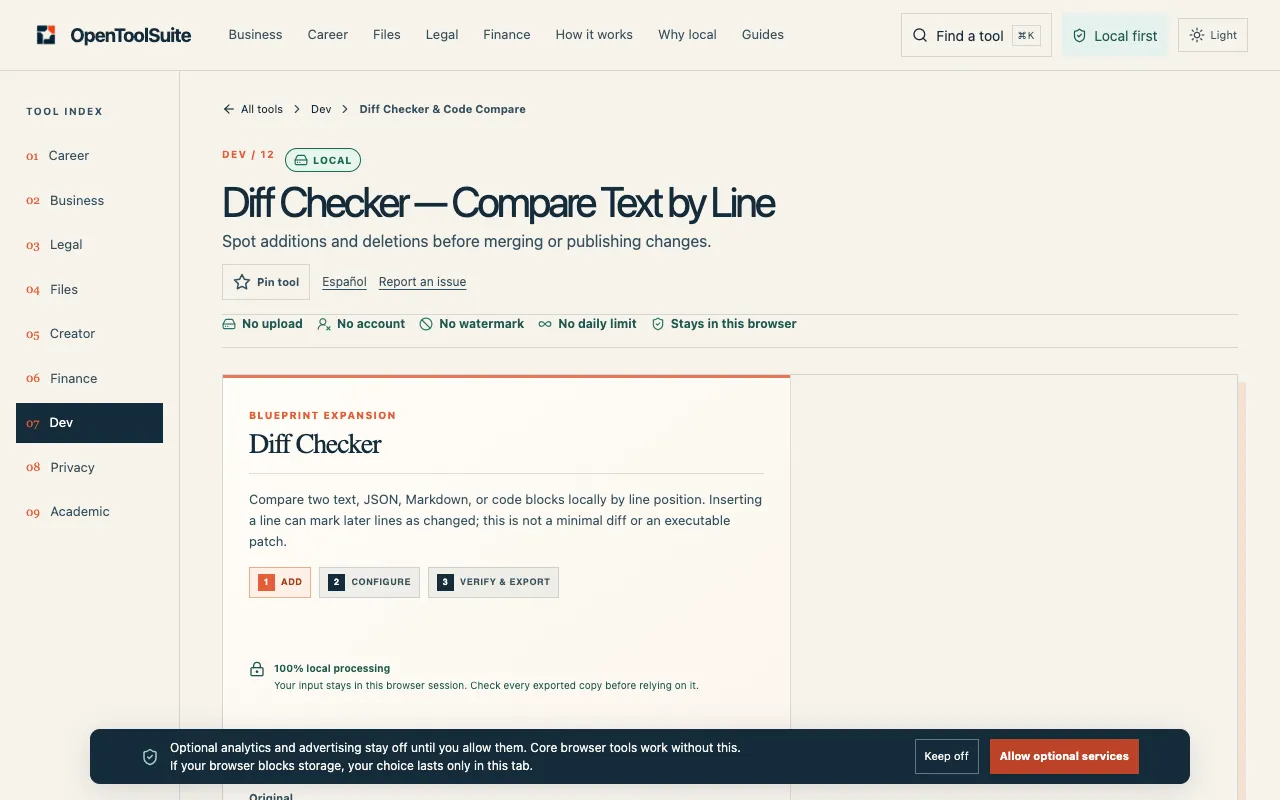
Compare two text or code versions locally by line position. Review spaces and value changes, copy the result or downl...
Side by side
| Tool | Best for | Strengths | Limitations |
|---|---|---|---|
| Inventive HQ inventivehq.com | Developers needing syntax-aware diffs |
|
|
| DevBolt devbolt.dev | Privacy-conscious text comparison |
|
|
| OpenToolSuite opentoolsuite.com | Local line-by-line comparison without uploads |
|
|
Buyer's guide
When picking a diff checker, think about whether you are comparing code, config files, or plain text. If you are working with programming languages, syntax highlighting matters because it groups changes by logical structure rather than just raw characters. If privacy is a concern—you are pasting sensitive config or code—choose a tool that processes everything in your browser, like DevBolt or OpenToolSuite, so nothing leaves your device. If you need to merge changes or see the big picture at a glance, a side-by-side view with clear addition and deletion markers is more useful than an inline view.
Questions