Text Cleaner
CleanText inspects and removes hidden Unicode characters and HTML metadata tags from pasted text or uploaded files. I...
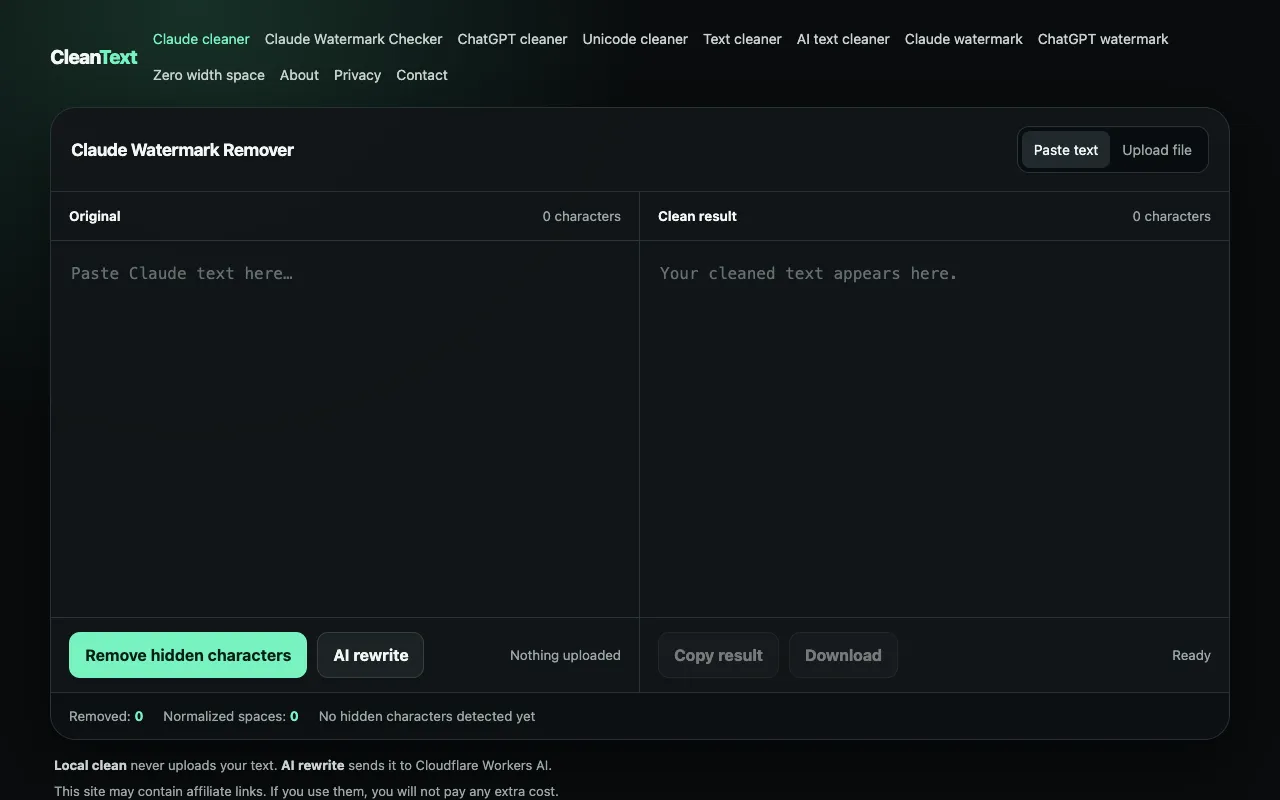
What Text Cleaner does
Text Cleaner is a browser-based tool that removes hidden Unicode characters and HTML metadata tags from pasted text or uploaded files. It normalizes unusual spacing patterns and fixes common formatting issues that arise when copying content across different sources, applications, or web pages. The result is clean text ready for spreadsheets, programming, or publication, with all processing happening locally in the user's browser without requiring an account or login.
How to use the CleanText Text Cleaner
- 1
Paste or type text into the tool's input area
- 2
Select desired cleaning options such as removing hidden characters or normalizing spaces
- 3
Click the processing button to apply the transformations
- 4
Copy the cleaned result or download the processed file
Best for
Writers, developers, and data handlers who frequently copy text from websites, documents, or code and need to eliminate invisible formatting debris that could cause display issues, encoding problems, or data corruption.
Limitations
- Processing occurs entirely within the browser, limiting support for very large files
- May not handle all specialized character sets or encoding scenarios
- Results depend on the specific hidden characters present in the source text
Text Cleaner FAQ
- Can Text Cleaner handle files uploaded from my computer?
- Yes, the tool supports uploading text files in formats such as TXT, MD, CSV, JSON, HTML, or XML directly from your computer, with all processing happening in your browser without uploading to a server.
- Will Text Cleaner remove all invisible characters from my text?
- Text Cleaner inspects and removes hidden Unicode characters and HTML metadata tags, normalizing unusual spacing patterns. However, the extent of removal depends on the specific characters present in your source text.
- Do I need to create an account to use Text Cleaner?
- No account or login is required. All text processing happens entirely in your browser, ensuring your content remains private and secure.
- What types of formatting issues can Text Cleaner fix?
- The tool can fix common formatting issues that arise when copying content across different sources, applications, or web pages, including unusual spacing patterns and hidden formatting debris that could cause data corruption or display issues.
More Text Cleaner tools
Similar tools
Based on shared tags