Text Cleaner
Find, replace, reformat, trim, and slug copied text locally. Keep the original until the cleaned version works in the...
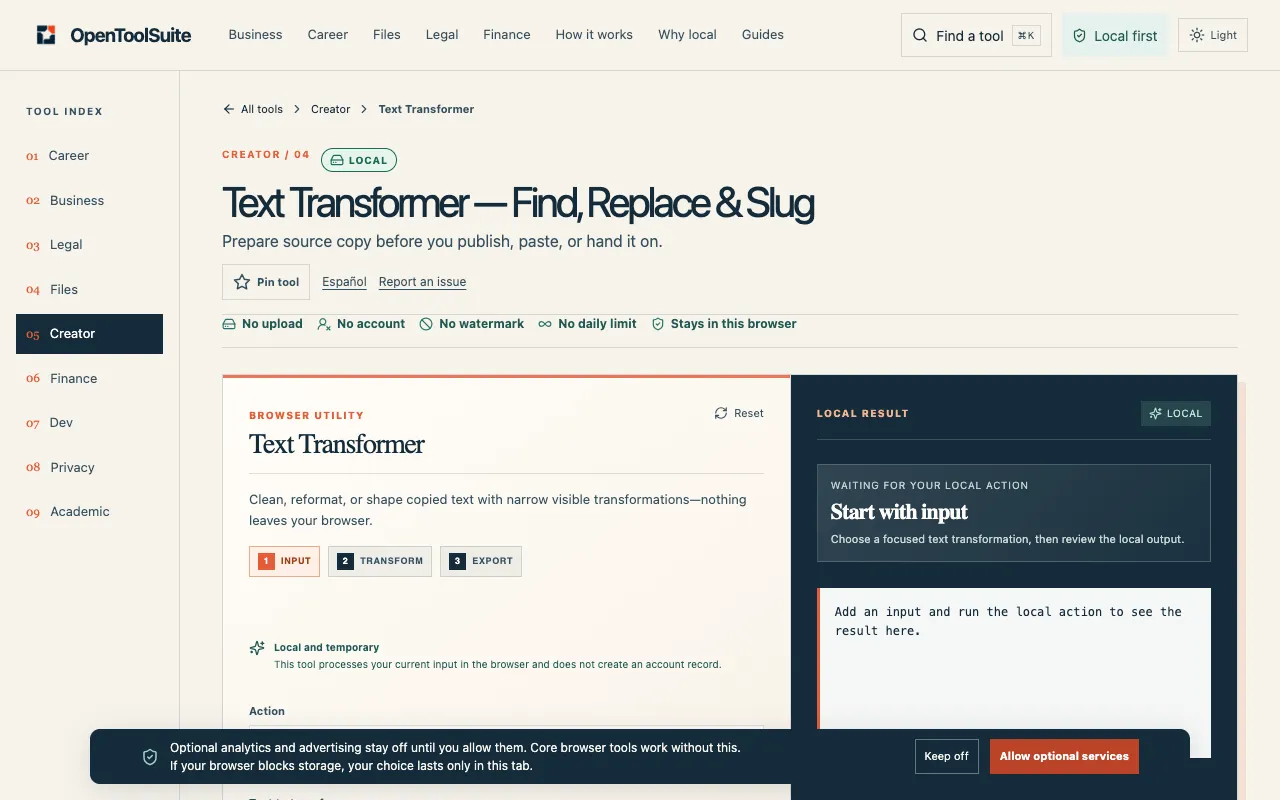
What Text Cleaner does
Text Cleaner is a browser-based text transformer that helps users tidy up raw strings by removing unnecessary characters, normalizing whitespace, and reformatting content for readability. By pasting or typing text into the interface, users can trim spaces, change case, replace literal characters, and generate ASCII slugs, with the original text preserved until the cleaned version is verified and downloaded. The tool focuses on mechanical transformations rather than content analysis, making it suitable for quick data preparation without altering the source until the user is satisfied.
How to use the OpenToolSuite Text Cleaner
- 1
Paste or type the text you want to clean into the input field
- 2
Choose one action from the available options such as Find and Replace, Trim whitespace, or Convert to ASCII slug
- 3
Review the transformed output displayed alongside the original text
- 4
Download or copy the cleaned result only after confirming it meets your needs
- 5
Keep the original text until the cleaned version works in your next document or field
Best for
Writers, developers, and data preparers who need to quickly normalize prose, remove excess whitespace, or replace specific literal characters without altering the source text until the result is verified.
Limitations
- Each operation has a limited scope; collapse acts on ordinary spaces and tabs only
- Does not remove all invisible Unicode characters or HTML metadata
- Mechanical transformer, not an authorship or plagiarism service
Text Cleaner FAQ
- Does a blank Find field insert replacement text everywhere?
- No. A blank search leaves the input unchanged, so the original text is preserved when Find is empty.
- Can this tool remove all invisible Unicode characters?
- No. Each operation has a limited scope; the whitespace collapse function acts only on ordinary spaces and tabs, not all hidden Unicode.
- Does cleaning text remove plagiarism or prove authorship?
- No. This is a mechanical text transformer, not an authorship or plagiarism service, so it cannot verify originality or credit.
- Can I use regular expressions for Find and Replace?
- No. Find and replace uses literal, case-sensitive matches; regular expressions are not interpreted.
More Text Cleaner tools
Similar tools
Based on shared tags