Font Generator
1000 Font Generator is a free Unicode font converter that transforms plain text into various decorative styles for so...
What Font Generator does
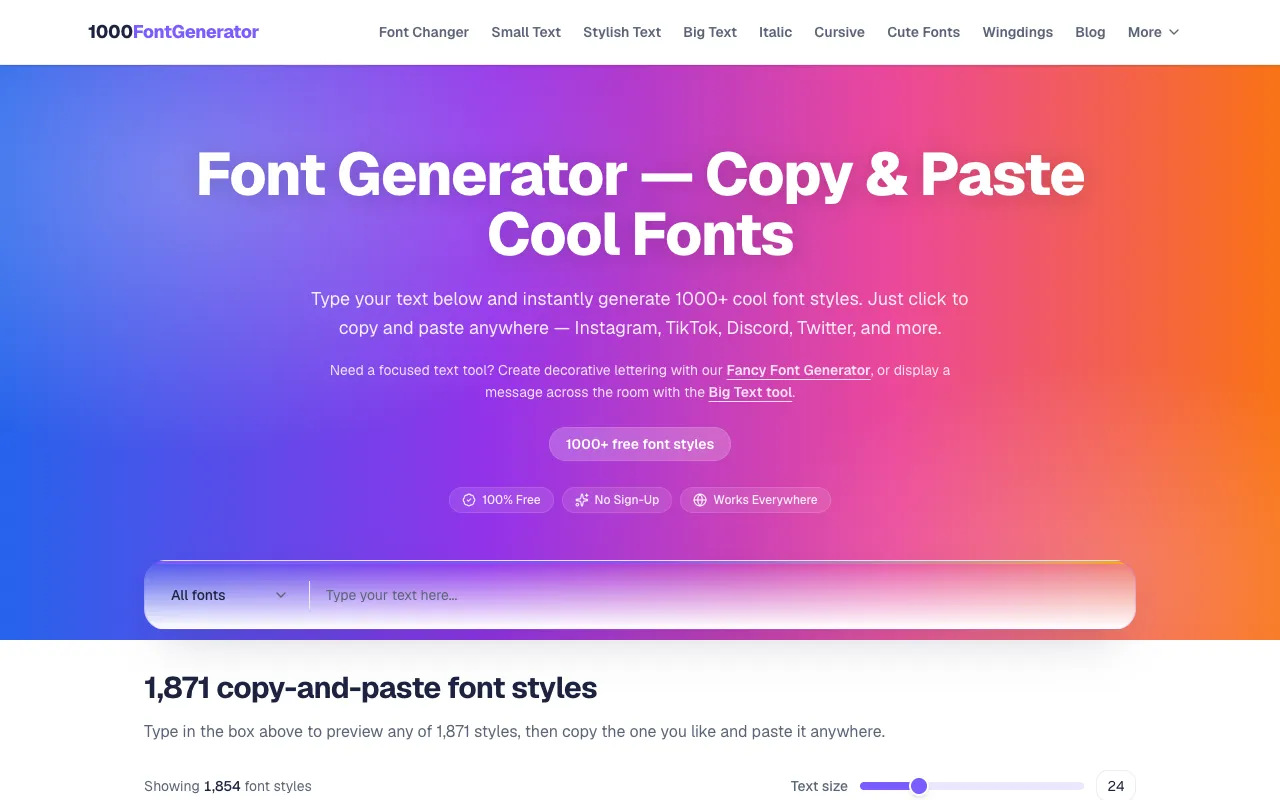
The Free Tools Directory catalogs 1000 Font Generator, a free Unicode font converter that transforms plain text into over 1,871 decorative styles. Users type or paste their text into the input box and instantly preview styles ranging from cursive and gothic to bubble and vaporwave. The output is pure Unicode text that can be copied and pasted into social media bios, captions, usernames, or messages without needing to download or install any software. The site emphasizes accessibility, requiring no signup and working directly in the browser.
How to use the 1000 Font Generator Font Generator
- 1
Open 1000 Font Generator and type or paste your desired text into the input box
- 2
Browse the list of available font styles to preview how your text will appear
- 3
Select the style you like by clicking the "Copy font style" button next to it
- 4
Paste the copied Unicode text anywhere that supports character rendering
Best for
Social media users, content creators, and anyone needing quick, stylized text for bios, captions, or usernames without installing software or paying for fonts.
Limitations
- Output is Unicode text, not downloadable font files
- Some styles may not render correctly on all devices or platforms
- Character limits may apply depending on the target platform
Font Generator FAQ
- Do I need to create an account to use 1000 Font Generator?
- No, the tool requires no signup, download, or installation—simply paste your text and select a style to copy the result.
- Can I download the generated fonts as TTF or OTF files?
- No, 1000 Font Generator produces Unicode text that can be copied and pasted; it does not export downloadable font files.
- Will the fancy text work on Instagram and TikTok?
- Yes, the generated Unicode styles are supported on most platforms that accept custom characters, including Instagram, TikTok, Twitter, and Facebook for bios and captions.
- What types of font styles are available?
- The generator offers over 1,871 styles including cursive, bold, gothic, bubble, vaporwave, tiny text, and various decorative variations for social media and messaging.
More Font Generator tools
Similar tools
Based on shared tags