Video Converter
Free online video converter for MP4, MOV, MKV, AVI, WebM, WMV, FLV, MPEG and more. Convert to MP4, WebM, MOV, MKV, AV...
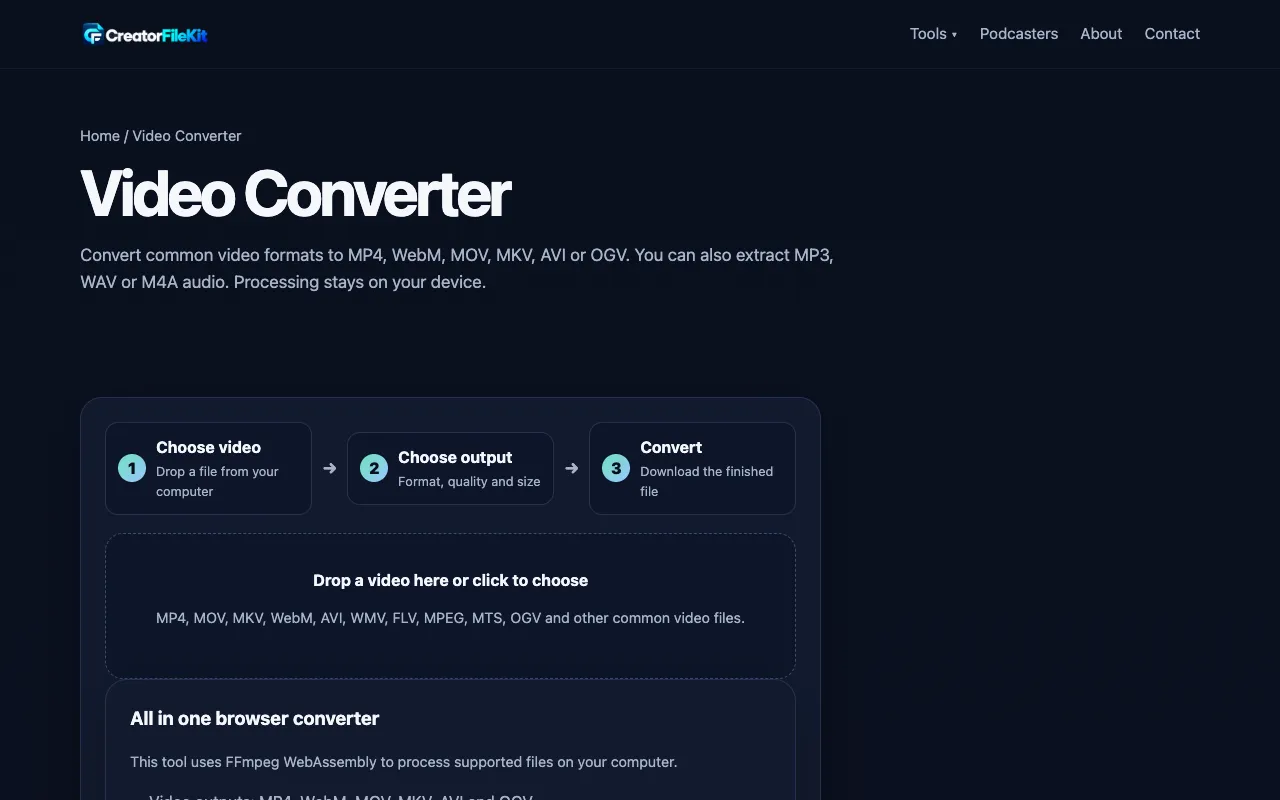
What Video Converter does
Video Converter by CreatorFileKit is a cloud-based tool that transforms video files between common formats such as MP4, MOV, AVI, and WebM. Users upload a video, select a target format and quality preset, and the service handles the transcoding remotely, allowing quick processing even for large files without consuming local device resources. The platform also supports audio extraction, letting users pull MP3, WAV, or M4A tracks from their videos. Because the conversion occurs in the cloud, the source file remains on the user's device throughout the process, addressing common privacy concerns. The service supports a wide range of input and output formats, making it versatile for both casual sharing and professional workflow needs.
How to use the CreatorFileKit Video Converter
- 1
Drop or select your source video file from your computer
- 2
Choose the desired output format, quality level, resolution, and audio settings
- 3
Click the Convert button to start the cloud transcoding process
- 4
Download the finished file once conversion is complete
Best for
This option suits creators and editors who need a fast, privacy-conscious way to reformat videos or extract audio without installing software or uploading files to third-party servers.
Limitations
- Processing speed depends on file size and server load
- Advanced features like trimming require opening advanced settings
- Free tier may have file size or queue limitations not specified in the material
Video Converter FAQ
- Can I convert videos larger than 1GB using this tool?
- The material does not specify file size limits, but the service processes videos in the cloud, so larger files may take longer to convert depending on server load.
- Does the converted video retain the original audio track?
- Yes, the tool offers an option to 'Keep original' audio, and users can also extract audio separately as MP3, WAV, or M4A tracks.
- Is my video file stored on CreatorFileKit's servers after conversion?
- No, the material states that processing stays on your device and your source video stays on you, meaning files are not retained on the platform's servers.
- What is the best output format for social media platforms?
- MP4 is recommended as the best default for most people, phones, web, social platforms, and editors according to the tool's format guide.
More Video Converter tools
Similar tools
Based on shared tags